
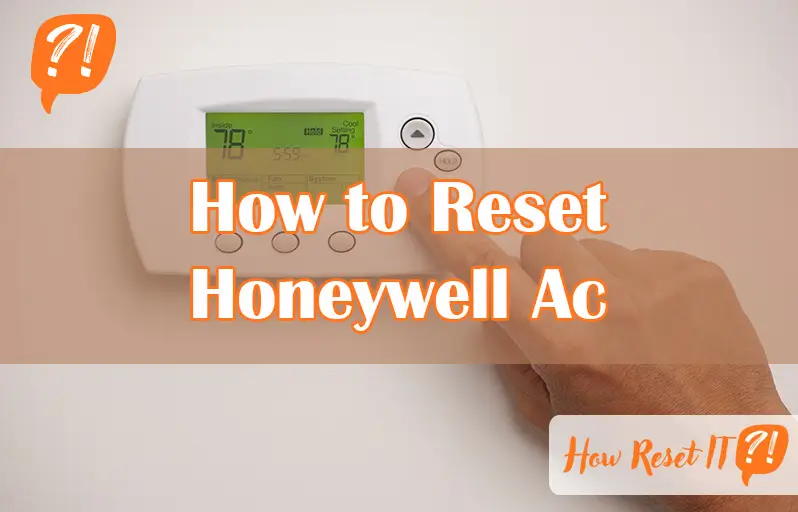
Is your Honeywell AC acting up and leaving you sweating indoors? Don’t worry—you’re not alone, and fixing it might be simpler than you think.
Knowing how to reset your Honeywell AC can often solve common issues quickly, saving you time and the hassle of calling a technician. In this guide, you’ll discover easy-to-follow steps that anyone can do to get your cooling system back on track.
Ready to regain control of your comfort? Let’s dive into how you can reset your Honeywell AC and breathe easy again.
Common Ac Issues
Common AC issues can stop your Honeywell AC from working properly. Knowing these problems helps in quick troubleshooting. Many problems are simple and easy to fix at home. This saves time and money before calling a technician.
Here are some common issues to check if your AC is not cooling well or not turning on.
Thermostat Problems
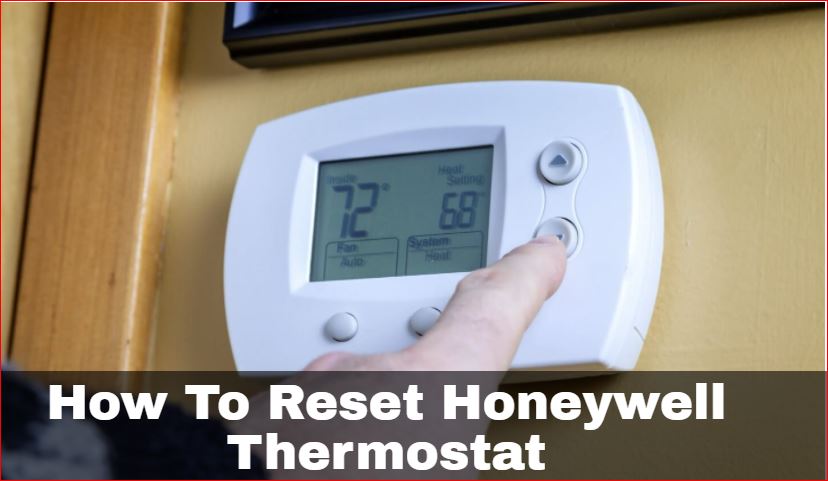
Thermostat issues often cause AC failures. Dead batteries can make the thermostat unresponsive. Check if the thermostat is set to “Cool” mode with a temperature lower than room temperature. Dust or dirt on the display may affect controls. Try cleaning the screen gently. Sometimes, rebooting the thermostat by turning it off and on fixes minor glitches.
Power Supply Checks
Power problems stop the AC from running. Check your home’s circuit breaker for the HVAC system. Flip the breaker off and on to reset it. Loose or damaged wiring can also cause power loss. Make sure all connections are secure. If you see any tripped breakers or blown fuses, reset or replace them carefully.
Airflow Blockages
Blocked airflow reduces cooling efficiency and causes the AC to stop. Dirty or clogged air filters are common culprits. Replace or clean filters regularly. Check vents and registers for any blockages like furniture or dust buildup. The furnace or air handler door must be closed tightly to maintain airflow. Clearing obstructions helps the AC work smoothly.
Quick Thermostat Fixes
Quick thermostat fixes can solve many common Honeywell AC issues fast. These simple steps often restore normal function without the need for a full reset. Try these tips to get your thermostat working again and keep your home comfortable.
Replace Batteries
Weak or dead batteries cause unresponsive thermostats. Open the battery compartment and insert fresh batteries. Use the correct type recommended by Honeywell. This simple fix often restores full thermostat function immediately.
Adjust Settings
Check the thermostat mode to ensure it is set to “Cool.” Lower the set temperature below the current room temperature. This tells the AC to start cooling. Incorrect settings can stop your system from running properly.
Clean The Display
Dust and dirt on the screen can block touch sensitivity. Use a soft, dry cloth to gently wipe the display. Avoid harsh chemicals or water. A clean screen improves thermostat response and helps avoid errors.
Reboot The Thermostat
Turn off the thermostat completely. Wait two to three minutes before turning it back on. This resets the device and clears minor glitches. Rebooting often fixes issues without complicated steps.
Power And Circuit Checks
Power and circuit checks are important steps when resetting your Honeywell AC. These checks ensure the unit receives proper electricity and can operate safely. Faulty power supply or wiring can prevent the AC from working correctly. Taking time to verify these components helps avoid further damage and restores normal function quickly.
Reset Circuit Breaker
Locate your home’s breaker box. Find the breaker labeled for the HVAC system or AC unit. Flip the breaker to the “off” position. Wait about 30 seconds. Flip the breaker back to “on.” This reset can clear minor electrical issues and restore power to the AC. If the breaker trips again, it may signal a more serious electrical problem.
Inspect Wiring Connections
Turn off the power to the AC unit before inspecting wiring. Check the wires connected to the thermostat and AC unit for looseness or damage. Tighten any loose connections carefully. Look for signs of corrosion or fraying. Damaged wires can cause the AC to malfunction or not turn on. If unsure, consult a professional electrician to avoid risks.
Air Filter And Drain Line
The air filter and drain line play key roles in your Honeywell AC’s performance. A dirty air filter blocks airflow, making the system work harder. This can cause overheating and shutdowns. Keeping the air filter clean or replacing it regularly helps maintain good airflow and cool air circulation.
The condensate drain line removes moisture from the AC. Over time, it can get clogged with dirt or algae. A blocked drain line can cause water leaks and damage. Clearing the drain line ensures proper drainage and prevents water buildup inside the unit.
Clean Or Replace Air Filter
Turn off the AC before starting. Locate the air filter, usually behind the front panel. Remove the filter carefully. Check for dust, dirt, and debris. If the filter looks clogged, clean it with water or replace it with a new one. Let the filter dry completely before reinstalling. A clean filter improves airflow and helps your AC run smoothly.
Clear Condensate Line
Find the condensate drain line near the indoor unit. Use a wet/dry vacuum to suck out any blockage from the drain’s end. You can also flush the line with a mixture of water and vinegar to remove algae buildup. Make sure the drain line is clear and water flows freely. Clearing the drain line prevents leaks and keeps your AC running efficiently.
Furnace And Air Handler Tips
The furnace and air handler play crucial roles in your Honeywell AC system. Proper care ensures smooth operation and helps avoid common issues. Follow these simple tips to keep these components in good shape and improve your AC’s reset process.
Secure Furnace Door
Check that the furnace door is firmly closed. A loose door can stop the system from working. It may trigger safety switches that prevent the AC from running. Make sure the door fits well and latches properly. This simple step can save time and avoid unnecessary repairs.
Check Fan Or Blower Settings
Verify the fan or blower settings on your thermostat or air handler. The fan should be set to “Auto” or “On” depending on your needs. Incorrect settings can cause poor airflow or system shutdown. Adjusting these controls helps maintain good air circulation and supports a successful reset of your Honeywell AC.
Advanced Troubleshooting
Advanced troubleshooting helps solve deeper issues with your Honeywell AC. Basic fixes might not work for complex problems. This section guides you through detailed steps to reset your system safely. Follow each step carefully to avoid damage or safety risks.
Inspect Thermostat Wiring
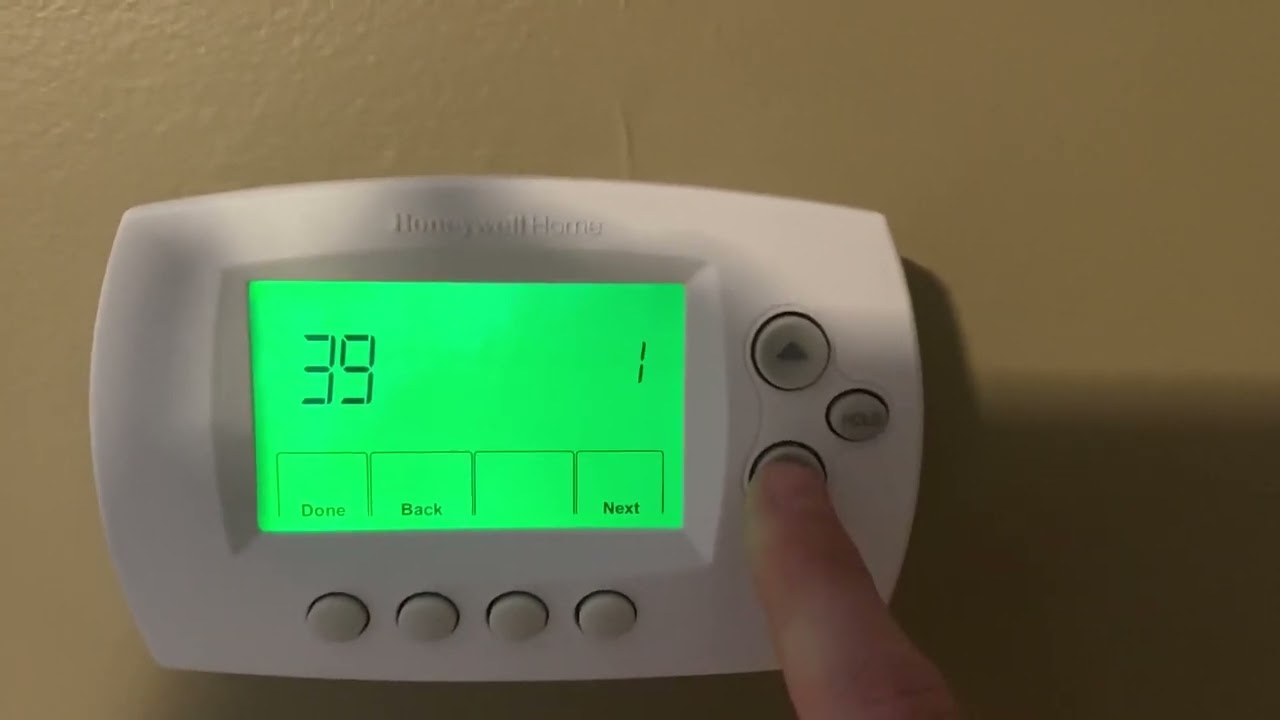
Loose or damaged wires can cause your AC to malfunction. Turn off power to the unit before checking the wiring. Remove the thermostat cover gently to access the wires. Look for disconnected, frayed, or burnt wires. Secure any loose connections firmly. Replace damaged wires if needed. After inspection, restore power and test the system. Proper wiring ensures accurate temperature readings and smooth operation.
Check For Safety Switch Triggers
Safety switches prevent damage and hazards by stopping the AC. These switches may trip due to water leaks or overheating. Locate the safety switches near the air handler or condensate drain. Inspect for any visible water or debris blocking the drain line. Clear blockages to reset the switch. Press the reset button on the switch if available. If the switch keeps tripping, call a professional technician. Resetting safety switches restores normal AC function safely.

Frequently Asked Questions
Why Is My Honeywell Home Ac Not Working?
Check thermostat batteries and settings, ensure “Cool” mode is on with a lower temperature. Inspect circuit breaker and clean air filter. Verify furnace door is closed and condensate line is clear. Examine thermostat wiring for loose connections. Call a professional if problems persist or for electrical issues.
How Do I Hard Reset My Thermostat?
To hard reset your thermostat, turn off the power at the circuit breaker. Wait 30 seconds, then switch it back on. Press and hold the reset button on the thermostat for 5-10 seconds until it restarts. This restores factory settings and clears errors.
How To Factory Reset Honeywell Device?
To factory reset a Honeywell device, press and hold the reset button for 5-10 seconds. Release when the display resets. Alternatively, access settings, select “Reset,” and confirm to restore factory defaults.
How Do I Reset The Code On A Honeywell?
To reset the code on a Honeywell thermostat, press and hold the reset button or remove batteries briefly. Refer to your model’s manual for specific steps.
How Do I Reset My Honeywell Ac Thermostat?
Turn off the thermostat, wait 30 seconds, then turn it back on to reset the system.
Conclusion
Resetting your Honeywell AC can often solve common cooling problems quickly. Start with simple steps like replacing batteries and checking settings. Keep filters clean and inspect the condensate line to avoid shutdowns. If issues continue, carefully check wiring or call a professional.
Regular maintenance helps your AC run smoothly and last longer. Taking these steps ensures your home stays comfortable, especially during hot days. Don’t wait—act early to keep your Honeywell AC working well.