

Is your Buick Encore screen frozen, unresponsive, or acting up right when you need it most? You’re not alone.
Many Buick Encore owners face these frustrating infotainment glitches that disrupt your driving experience. But don’t worry—resetting your Buick Encore screen is often a quick and simple fix that you can do yourself. In this guide, you’ll learn easy, step-by-step methods to reset your screen safely and effectively, whether it’s a soft reboot or a deeper factory reset.
Stick with us, and you’ll have your screen running smoothly again in no time, so you can get back to enjoying your drive without distraction.
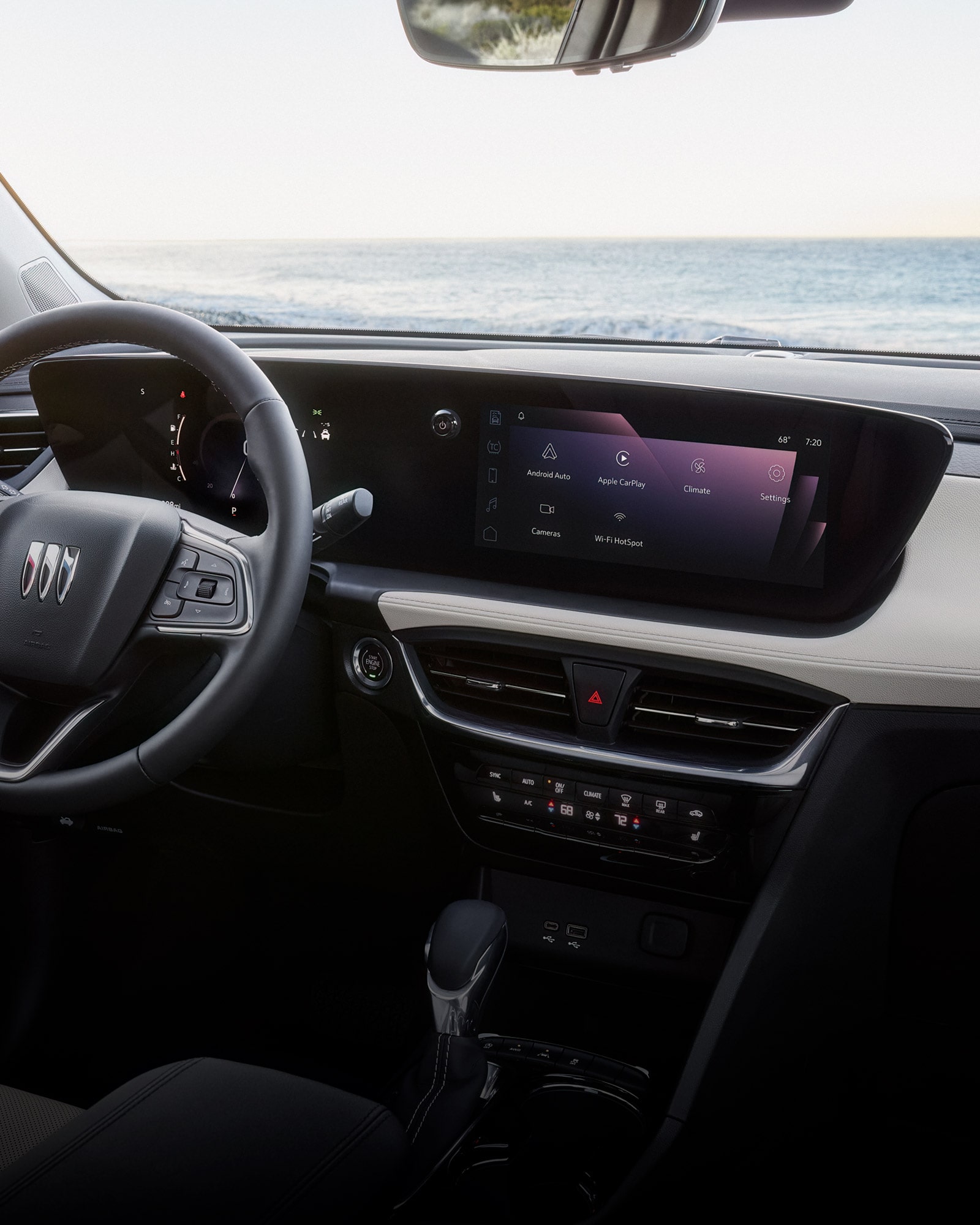
Common Screen Issues
The Buick Encore screen may face issues that stop it from working properly. Understanding common screen problems helps in quick fixes. These problems usually relate to the software or hardware parts of the system. Knowing the cause makes it easier to reset or repair the screen.
Software Glitches
Software glitches often cause the screen to freeze or lag. These happen when the system software crashes or stops responding. A soft reset usually clears these glitches without losing your data. Sometimes, updating the software helps prevent these problems.
Fuse Problems
A blown fuse can cut power to the screen. The screen might not turn on or work intermittently. Checking the fuse box and replacing any blown fuse can restore screen function. Fuse issues are common and easy to fix.
Wiring Concerns
Loose or damaged wires can stop the screen from working. Vibrations and wear can cause wires to disconnect. Inspecting the wiring and fixing any damage can solve the problem. Wiring issues need careful handling to avoid further damage.
Battery Issues
A weak or dead battery can affect the screen’s power supply. The screen may flicker or fail to start. Ensuring the battery is fully charged and in good condition supports the screen’s performance. Battery problems also affect other vehicle electronics.
Soft Reset Steps
Soft reset steps help fix common problems on the Buick Encore screen. They clear minor glitches without erasing saved data. This quick process often restores normal function and responsiveness.
Perform these resets while the vehicle is parked. It keeps you safe and prevents distractions. The following methods show easy ways to soft reset your infotainment system.
Using Hang-up Button
Press and hold the hang-up phone button on the steering wheel. Keep it pressed for about 10 seconds. The screen will turn black and then restart. Release the button once the display reboots. This method refreshes the system without affecting settings.
Button Combinations
Locate the volume knob and the seek right button on the dashboard. Press and hold both buttons at the same time. Hold them for 10 to 15 seconds until the screen goes dark. The system will reboot shortly after. This button combo works for many Buick models.
Infotainment Reboot Video
Watching a video guide can help you perform the reset correctly. It shows step-by-step instructions and timing. Search for “Buick Encore infotainment soft reset” on YouTube. Visual aids can improve understanding and confidence when resetting the screen.
Fuse Check And Replacement
Checking and replacing a fuse is a simple step to fix issues with your Buick Encore screen. A blown fuse can stop the screen from working properly. This section guides you through finding the fuse box and handling the fuse carefully. Follow these steps to ensure your screen gets power again and works smoothly.
Locating Fuse Box
The fuse box in a Buick Encore is usually under the dashboard on the driver’s side. Open the driver’s door and look below the steering wheel area. Sometimes, the fuse box is inside the engine compartment near the battery. Check your owner’s manual for the exact fuse box location. Identifying the right fuse box helps you find the correct fuse for the screen.
Removing And Reinstalling Fuse
Turn off the vehicle before handling any fuses. Use a fuse puller or needle-nose pliers to remove the fuse carefully. Check the fuse for a broken wire or dark spots, signs it is blown. Replace it with a fuse of the same rating to avoid damage. Push the new fuse firmly into the slot and ensure it fits well. After reinstalling, start the car and check if the screen works properly.
Battery Inspection
Before resetting your Buick Encore screen, inspect the battery. A weak or loose battery can cause screen issues. Ensuring the battery is healthy helps prevent future problems. This step saves time and avoids unnecessary resets.
Check the battery condition and connections carefully. Both affect the infotainment system’s performance and stability.
Testing Battery Health
Start by checking the battery voltage with a multimeter. A healthy battery should read about 12.6 volts when the car is off. If the voltage is below 12.4 volts, the battery may be weak or dying. Low voltage causes power drops that can freeze the screen.
Look for signs of corrosion on battery terminals. Corrosion can block power flow and cause screen malfunctions. Clean the terminals with a wire brush if needed. Testing battery health gives insight into screen issues.
Securing Connections
Loose or dirty battery cables can disrupt power to the screen. Check both positive and negative terminals for tightness. Tighten any loose connections using a wrench. Ensure cables are free of dirt and corrosion.
Secure connections ensure steady power supply. This prevents the screen from shutting down or freezing during use. Properly connected batteries improve overall vehicle electronics.
Hard Reset Options
Hard reset options provide a deeper fix for your Buick Encore screen issues. They help when soft resets fail to solve freezing or unresponsive displays. These methods involve cutting power to the system or checking physical connections. Take care to perform these steps safely and with the vehicle parked.
Battery Disconnect Procedure
Start by turning off your Buick Encore and removing the key. Open the hood and locate the car battery. Use a wrench to loosen the negative terminal clamp. Carefully remove the clamp and wait for about 10 minutes. This allows the system to fully power down and reset.
Reconnect the negative terminal clamp and tighten it securely. Close the hood and start your vehicle. Check if the screen powers on and responds correctly. This hard reset clears temporary faults in the infotainment system.
Inspecting Wiring Harness
Inspect the wiring harness behind the screen for loose or damaged connections. Remove the dashboard panel carefully using the right tools. Check each wire connector for tightness and signs of wear or corrosion. Secure any loose plugs and clean dirty contacts with electronic cleaner.
Reinstall the panel and test the screen again. Damaged wiring can cause intermittent screen problems or no display at all. Fixing these connections often restores normal function without further resets.
Factory Reset Guide
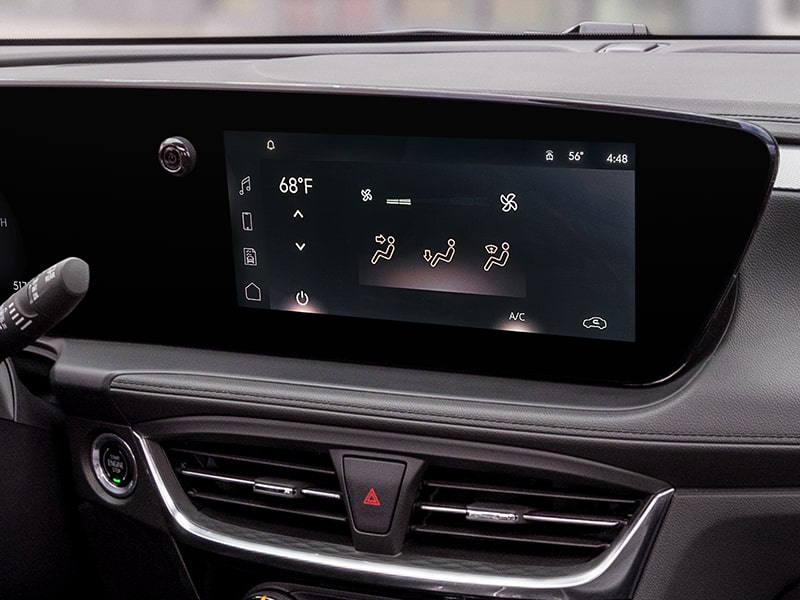
The factory reset option restores your Buick Encore screen to its original settings. This process deletes all customizations and saved data. Use it only if other reset methods do not fix the problem. Performing a factory reset can resolve persistent software issues and glitches. Make sure your vehicle is parked before starting the reset.
Follow the steps below carefully to complete the factory reset safely and correctly.
Accessing Settings Menu
Turn on your Buick Encore’s infotainment system. On the home screen, locate the “Settings” icon. Tap the icon to open the settings menu. Scroll through the options until you find “System” or “General.” Select this option to enter system settings. Look for “Factory Reset” or “Erase All Data” within this menu.
Erasing All Data
Choose “Factory Reset” or “Erase All Data.” A warning message will appear on the screen. Confirm that you want to proceed by selecting “Yes” or “Confirm.” The system will begin erasing all personal data and settings. Wait for the process to finish without turning off the vehicle. After completion, the screen will restart with original factory settings.
Software Updates
Keeping your Buick Encore screen updated with the latest software improves performance and fixes bugs. Software updates can resolve many issues that cause the screen to freeze or lag. Regular updates ensure smooth operation and new features.
Updating the software is a straightforward process you can do yourself. The vehicle must be parked during updates for safety. Follow the steps carefully to avoid interruptions that may cause errors.
Checking For Updates
Turn on your Buick Encore’s infotainment system. Navigate to the settings menu on the touchscreen. Look for the “System” or “Software Update” option. Select it to check if a new update is available. The system will search for updates over Wi-Fi or a USB device. If connected to Wi-Fi, ensure the signal is strong to avoid interruptions. You can also check updates on the Buick website and download them to a USB drive.
Installing New Software
After confirming an update is available, begin the installation process. Follow the on-screen instructions carefully. Do not turn off the vehicle or remove the USB drive during installation. The screen may restart several times as the new software installs. Wait until the process completes fully before using the system. After installation, your screen should work more smoothly and respond better. Regular software updates help keep your Buick Encore’s screen running at its best.
When To Get Professional Help
Knowing when to get professional help for your Buick Encore screen saves time and avoids damage. Some problems need expert skills to fix properly. Recognizing these signs ensures your vehicle stays safe and functional.
Persistent Screen Problems
If your screen keeps freezing or not responding after resets, it signals a deeper issue. Software glitches or hardware faults may cause these persistent problems. Professionals can diagnose and repair these issues accurately.
Uncomfortable With Resets
Some resets involve steps that may confuse or worry you. Factory resets erase all settings and paired devices. Disconnecting the battery needs caution to avoid other problems. Letting a technician handle these tasks reduces risks.
Complex Wiring Or Module Issues
Screen problems sometimes come from wiring or control module faults. These issues require special tools and knowledge to fix. Attempting repairs without experience can cause more damage. Professionals have the right equipment to manage complex electrical repairs safely.

Frequently Asked Questions
How Do I Reset My Buick Encore Screen?
To reset your Buick Encore screen, press and hold the power and volume buttons simultaneously for 10 seconds. This soft reset usually fixes freezing or lagging issues. If problems persist, perform a factory reset via Settings > System > Factory Reset.
Always reset while parked for safety.
How To Reset Car Display Screen?
Press and hold the power or volume button for 10-15 seconds to soft reset the car display screen. For persistent issues, perform a factory reset via Settings > System > Factory Reset. Disconnect the battery for a hard reset only if necessary.
Why Is My Buick Encore Screen Not Working?
Your Buick Encore screen may fail due to software glitches, blown fuses, loose wiring, or a weak battery. Try a soft reset by holding the hang-up button. Check and replace infotainment fuses. Inspect wiring connections. If problems persist, disconnect the battery or seek professional help.
How To Reset Gm Screen?
To reset a GM screen, press and hold the power and volume buttons simultaneously for 10 seconds. For persistent issues, perform a factory reset via Settings > System > Factory Reset. If problems continue, disconnect the car battery for a few minutes or seek professional help.
How Do I Reset The Buick Encore Screen Quickly?
Press and hold the power button for 10 seconds to perform a soft reset.
Conclusion
Resetting your Buick Encore screen can solve most common issues quickly. Start with a soft reset to fix freezes or lags without losing data. If problems continue, try a factory reset but remember it erases all settings. Disconnecting the battery is a last step and needs care.
Always perform resets when the car is parked for safety. If the screen still malfunctions, seek professional help. Taking these steps keeps your infotainment system running smoothly and saves you time. Stay patient and follow the instructions carefully for best results.