
Is your Carrier air conditioner acting up or refusing to turn on? You don’t have to call a technician just yet.
Resetting your Carrier aircon can often solve many common issues quickly and easily. In this guide, you’ll learn simple, step-by-step methods to reset your unit—whether it has a reset button or requires a hard reset. By following these straightforward tips, you’ll get your AC running smoothly again and enjoy cool comfort without delay.
Keep reading to discover how to reset your Carrier air conditioner and take control of your home’s climate today.
Locate The Reset Button
Locating the reset button is the first step to reset your Carrier air conditioner. This button helps restart the system and fix minor issues. It can be found on either the indoor or outdoor unit. Knowing where to find it saves time and effort. Follow the simple guide below to locate the reset button quickly.
Indoor Unit Location
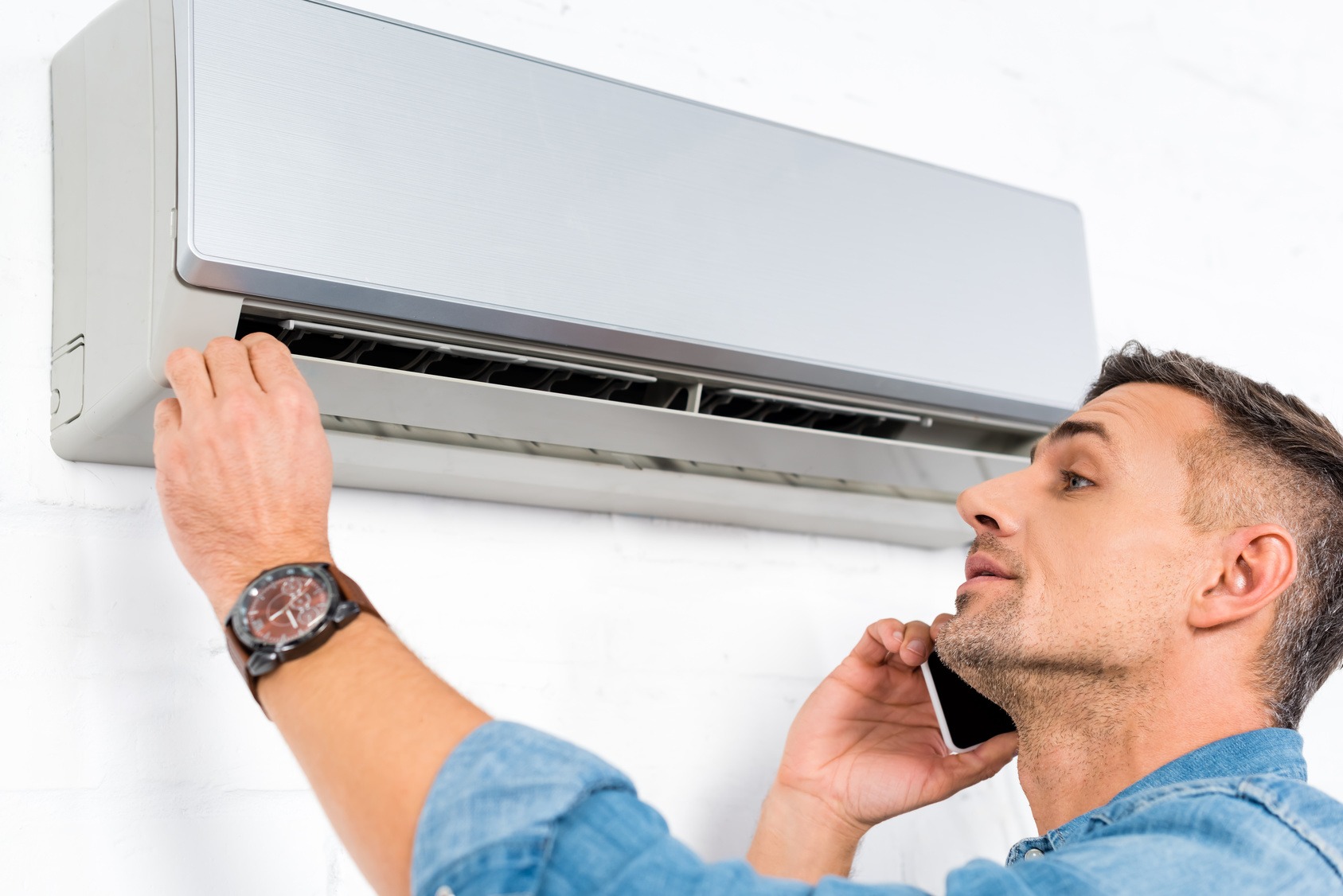
The indoor unit is usually mounted on a wall inside your home. It often looks like a slim box with vents. Check near the front panel or inside the access panel. Sometimes the reset button is hidden behind a small cover. Use a flashlight to see clearly if needed.
Outdoor Unit Location
The outdoor unit sits outside your home, often near the house wall. It is a larger box with metal grilles and a fan inside. Look around the sides or bottom of this unit. The reset button may be near the electrical panel or control box. Ensure power is off before touching anything.
Identifying The Reset Button
The reset button is usually small and round. It might be red, black, or white in color. Sometimes it is labeled as “Reset” or “Restart.” Press the button firmly but gently. Hold it for a few seconds to trigger the reset process. Avoid using sharp objects to press it to prevent damage.

Power Off The System
Powering off your Carrier air conditioner is the first step in the reset process. It helps protect the system and clears minor faults. Follow these steps carefully to ensure a safe and effective shutdown.
Turn Off Thermostat
Begin by switching off the thermostat. This stops the air conditioner from running. Locate the thermostat control panel. Set the mode to “Off” or lower the temperature below the current room temperature. This action prevents the system from turning back on during the reset.
Switch Off Circuit Breaker
Next, turn off the circuit breaker for the air conditioning unit. Find your home’s electrical panel. Locate the breaker labeled for the Carrier air conditioner. Flip the breaker switch to the “Off” position. This cuts all power to the AC unit, allowing the system to fully reset.
Perform The Reset
Performing a reset on your Carrier air conditioner can fix many common issues. This process helps the system clear errors and restart fresh. The reset is simple and quick. It requires locating the reset button and pressing it correctly. Follow these steps carefully to ensure a proper reset.
Pressing The Reset Button
First, find the reset button on your Carrier aircon. It is usually near the outdoor unit or inside the indoor unit panel. The button may be small and slightly recessed. Use a pointed object like a pen tip to press it gently.
Press the button firmly but do not force it. A soft click usually means the reset has started. This step triggers the air conditioner’s system to reboot and clear minor faults.
Hold Duration And Release
Hold the reset button for about 5 seconds. This time allows the system to register the reset command. After holding, release the button slowly.
Wait for the air conditioner to turn off and then back on by itself. This shows the reset is complete. If your unit does not restart, try the process once more. Resetting often solves problems like unit not cooling or error codes.
Hard Reset Method
The hard reset method is a reliable way to fix Carrier air conditioners. It clears any errors and restarts the system fully. This process involves cutting off power and then restoring it after some time. It helps resolve many common issues like unresponsiveness or faulty sensors.
Follow the steps carefully to avoid any damage to your unit. The key part is to ensure the AC is completely powered off before turning it back on.
Turn Off Ac Breaker
Locate the breaker panel in your home. Find the breaker switch labeled for your Carrier AC unit. Flip the switch to the OFF position. This cuts off all electricity to the air conditioner. Do not just use the remote or power button on the unit.
Turning off the breaker ensures the system resets fully by losing all power supply. Avoid touching any wires inside the panel for safety reasons.
Wait Time Before Powering On
After turning off the breaker, wait at least 60 minutes. This wait allows the internal components to cool down and reset. Some recommend even longer wait times for stubborn issues. Do not rush to turn the breaker back on too soon.
After the wait, flip the breaker switch back to ON. Your Carrier air conditioner will power up and run a fresh start. Check if the problem is solved and the unit works normally.
Reset Without A Reset Button
After resetting your Carrier air conditioner, some issues might still persist. Troubleshooting these problems ensures your unit works efficiently and cools your space properly. Follow these steps to identify common issues and fix them quickly.
Check Air Filters
Dirty air filters block airflow and reduce cooling. Remove the filters and inspect them closely. If they look dusty or clogged, clean them with water or replace them. Clean filters improve air quality and help the AC run smoothly. Check filters every month during heavy use.
Inspect Evaporator Coils
Evaporator coils absorb heat from the air. Dust or ice buildup on coils lowers cooling efficiency. Turn off the unit and open the front panel. Look for dirt or frost on the coils. Use a soft brush or coil cleaner to remove dirt. If you see ice, let the unit thaw before restarting.
Verify Thermostat Settings
Incorrect thermostat settings can stop the AC from cooling. Check if the thermostat is set to “cool” mode. Confirm the temperature is lower than the room temperature. Replace batteries if the display is dim or unresponsive. Proper thermostat settings help maintain a comfortable room temperature.
Resetting Carrier Ac Remote
Resetting your Carrier air conditioner can solve many common problems. Yet, some issues need expert care. Knowing when to call a professional helps avoid damage and costly repairs. Certain signs show that a technician’s skill is necessary for safe and effective fixes.
Persistent Issues
Simple resets fix minor glitches quickly. If problems continue after several resets, it shows a deeper fault. Constant shutting off, poor cooling, or strange noises need expert diagnosis. Persistent issues may harm your system if ignored too long.
Electrical Concerns
Electrical faults can be dangerous. Flickering power, tripped breakers, or burning smells mean you should stop using the unit. Professionals have tools and knowledge to handle electrical parts safely. They prevent shocks, fires, and further damage.
Component Failures
Broken parts like compressors, fans, or sensors require special skills to fix. These components control how your AC works. Repairing or replacing them needs professional tools and training. Attempting this yourself risks making the problem worse.
Frequently Asked Questions
How Do I Reset A Carrier Air Conditioner Unit?
Turn off power at the thermostat and circuit breaker. Wait five minutes. Locate and press the reset button near the outdoor unit. Restore power and test the AC.
How To Reset Carrier Window Ac Without Reset Button?
Turn off the AC breaker to cut power completely. Wait at least one hour before restoring power. This hard reset clears system errors without a reset button.
How To Do A Carrier Reset?
To reset a Carrier unit, turn off power at the thermostat and breaker. Press and hold the reset button near the control panel. Wait five minutes, then restore power to complete the reset.
How Do You Manually Reset An Air Conditioner?
To manually reset an air conditioner, turn off power at the thermostat and circuit breaker. Wait five minutes, then press the reset button near the outdoor unit or control panel. Restore power and test the unit. This process helps clear minor system errors and restarts the AC.
How Do I Reset A Carrier Air Conditioner Unit?
Locate the reset button near the outdoor or indoor unit and press it to restart the system.
Conclusion
Resetting your Carrier air conditioner helps fix many common issues. Start by turning off the power completely. Find and press the reset button if your model has one. Wait a few minutes before turning the unit back on. This simple process often restores normal function quickly.
Regular resets can keep your AC running smoothly. Remember to follow safety steps to avoid damage. If problems continue, contact a professional for help. Taking these steps saves time and effort in maintaining comfort.