
Is your garage door keypad acting up or did you forget your access code? Resetting your garage door opener keypad might seem tricky, but it’s easier than you think.
Whether you want to change your PIN for better security or simply fix a glitch, this guide will walk you through every step clearly and quickly. You’ll learn how to reset your keypad so it works perfectly again—no confusing jargon, no wasted time.
Keep reading, and you’ll have your garage door keypad running smoothly in no time.
Locate The Learn Button
Locating the Learn button is the first step to reset your garage door keypad. This button connects the keypad to the opener. It allows you to program a new pin or erase old codes. Knowing where it is helps you control your garage door easily. Follow these simple steps to find the Learn button quickly.
Find The Motor Unit
The Learn button is on the motor unit of your garage door opener. This unit is usually mounted on the ceiling inside your garage. It is the main device that moves your garage door up and down. Look for a box-shaped device near the center of your garage ceiling. Use a ladder for better reach and safety.
Identify The Learn Button
Open the light cover on the motor unit. The Learn button is often a small square or round button. It may be yellow, purple, red, orange, or green. The button is usually near the antenna wire or the light bulb socket. Look closely for a label that says “Learn” or “Program.” Pressing this button activates programming mode for your keypad.
Activate Learn Mode
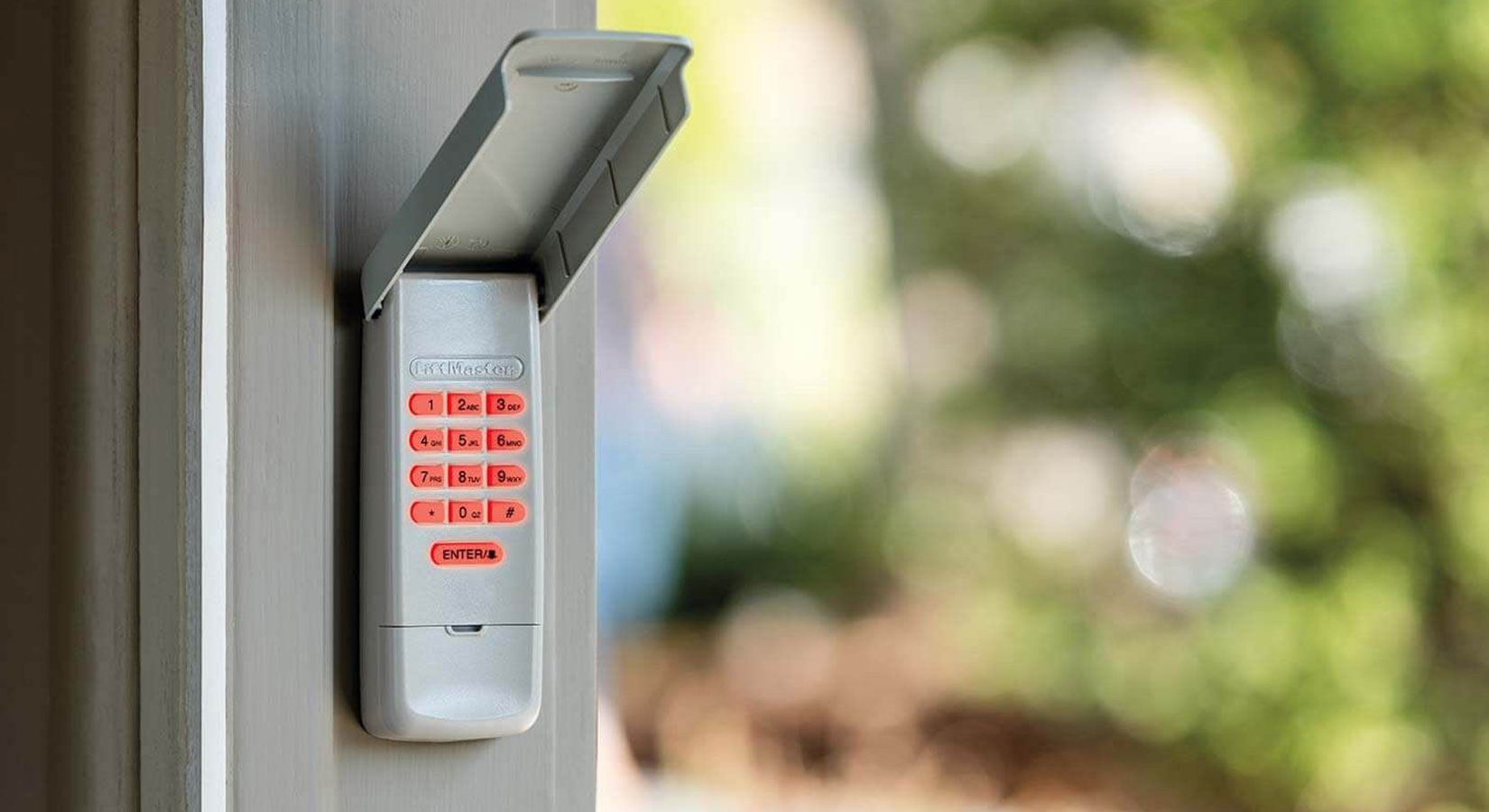
Activating the learn mode is the first step to reset your garage door keypad. This mode allows the garage door opener to accept new programming commands. You must access the motor unit on the ceiling of your garage to begin. The learn mode prepares the system for a new code input from your keypad.
Follow simple steps to enter this mode safely and correctly. Activating learn mode triggers the system to listen for your keypad’s new code. It uses a small button called the Learn button. This button is usually behind the light cover on the motor unit.
Press And Release Learn Button
Locate the Learn button on your garage door opener motor unit. It is often a small, colored button. Press this button once and release it immediately. Do not hold the button down. Pressing it activates the learn mode on the opener.
This action signals the system to accept a new keypad code. After pressing, the opener is ready to receive commands from your keypad. You have about 30 seconds to complete the next step.
Confirm Led Indicator
Watch for the LED light near the Learn button. The light will turn on or blink once you press the button. This indicates the opener is in learn mode.
The LED confirms your garage door opener is ready to program the keypad. If the light does not turn on, press the Learn button again. The light should stay on for a short time, showing the system is waiting for your keypad signal.
Enter New Pin Code
Entering a new PIN code on your garage door keypad is a simple yet important step. It ensures only you and trusted people can access your garage. Resetting the code often improves your security. The process involves choosing a new code and confirming it correctly. Follow the steps carefully for a smooth update.
Set Your Desired Code
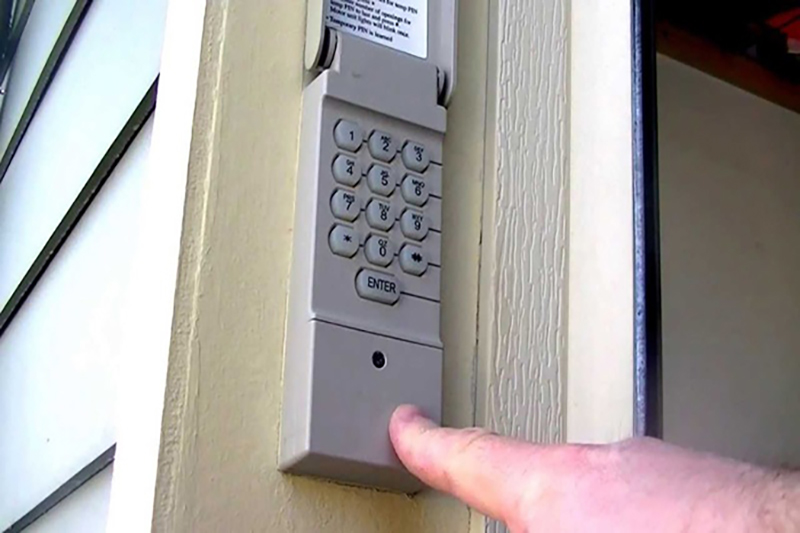
Start by pressing the keypad’s reset or program button. This activates the code entry mode. Choose a PIN that is easy for you to remember. Use four to six digits, depending on your keypad model. Avoid simple sequences like “1234” or “0000.” Enter your chosen code slowly and clearly. This reduces errors and ensures the keypad records it properly.
Confirm Code Entry
After entering the new code, press the “Enter” or “Lock” button on your keypad. This confirms the new PIN and saves it. Some models may require pressing a star () or checkmark button instead. Listen for a beep or watch for a blinking light as confirmation. Test the new code by locking and unlocking the garage door. If it does not work, repeat the process from the beginning.

Confirm Programming
Confirming programming is the final step to reset your garage door keypad. It ensures the new code is saved correctly. Without this confirmation, the keypad will not work with the garage door opener.
Follow the instructions carefully to avoid reprogramming issues. This step activates the new code for your security and convenience.
Press Enter Or Equivalent Key
After entering your new PIN, press the Enter key on the keypad. Some models use a star () or down arrow key instead. This key sends the code to the garage door opener. Make sure to press it firmly and hold for a second if needed.
Watch For Door Opener Response
Look at your garage door opener to see if it reacts. It might beep, flash a light, or the door may move slightly. These signals confirm your code is accepted. If no response occurs, repeat the process or check the keypad battery.
Test The Keypad
Testing the keypad after resetting ensures it works properly. This step confirms your new code operates the garage door smoothly. Without testing, you might face access problems or security risks. Follow the steps below to verify and troubleshoot your keypad effectively.
Verify Code Functionality
Enter the new code you programmed into the keypad. Press the enter or unlock button next. Observe if the garage door opens or closes. Try the code multiple times to confirm consistency. Ensure no delays or errors occur during operation. This check guarantees the keypad accepts and sends the correct signal.
Troubleshoot Common Issues
Keypad not responding? First, check the batteries and replace if low. Clean the keypad surface to remove dirt or debris. Confirm the keypad is within range of the garage door opener. Reset the keypad again if the code fails repeatedly. Consult the manual for specific error lights or beeps. These steps solve most common keypad problems.
Clear Existing Codes
Clearing existing codes from your garage door keypad is an important step before setting new ones. This ensures old codes no longer grant access. Removing all stored codes improves your garage security. Follow simple steps to erase all codes safely. Some brands may have specific methods, so knowing your model helps.
Erase All Codes Procedure
Locate the “Learn” button on your garage door opener motor. It is usually under the light cover on the ceiling unit.
Press and hold the “Learn” button for about 6 seconds. The LED light will turn off, signaling all codes are erased.
Release the button. Now the keypad is cleared of all previous codes. You can program new codes from scratch.
Brand-specific Instructions
Chamberlain and LiftMaster models often use the same reset method. Hold the “Learn” button until the light goes out.
Genie openers may require pressing the “Learn” button twice quickly. The indicator light will flash to confirm code clearance.
For Craftsman keypads, remove batteries, press the “Learn” button, then reinsert batteries while holding the button.
Always check your user manual for exact steps. Brands may vary in how to clear codes.
Replace Keypad Batteries
Replacing the batteries in your garage door keypad is often the first step to fix any issues. A weak or dead battery can cause the keypad to stop working properly. This section explains how to replace the batteries safely and correctly.
Open Battery Cover
Find the battery cover on the back or bottom of the keypad. It usually slides or snaps open. Use your fingers or a small tool to gently open the cover. Avoid using too much force to prevent damage.
Once open, you will see the old batteries inside. Remove them carefully. Keep the cover and screws (if any) safe for reassembly.
Use Correct Battery Type
Check the type of battery your keypad needs. Most use small batteries like AAA, AA, or button cells. The correct battery type is often written inside the battery compartment or in the manual.
Use fresh batteries of the exact type for the best performance. Insert them with the right polarity, matching the + and – signs. Close the battery cover securely after replacing the batteries.
Tips For Smooth Reset
Resetting your garage door keypad can seem tricky, but a smooth reset is possible. Following some simple tips helps avoid errors and saves time. Patience and proper steps make the process easier and more effective.
Timing And Patience
Take your time during the reset process. Rushing can cause mistakes and may require starting over. Press buttons slowly and clearly. Wait for any lights or sounds before moving to the next step. A calm approach helps the keypad respond correctly.
Allow the keypad to reset fully. Sometimes it takes a few seconds to process commands. Do not press multiple buttons at once. One step at a time leads to a successful reset.
Consult Manufacturer Manual
Each garage door keypad has unique reset instructions. The manufacturer manual gives exact steps for your model. Look for the reset or programming section in the manual. Follow the guide closely to avoid confusion.
If you lost the manual, check the manufacturer’s website. Many companies offer downloadable copies. Using the right instructions ensures your keypad resets properly and safely.
Frequently Asked Questions
How Do I Reprogram My Keypad For My Garage Door Opener?
Locate the “Learn” button on your garage door motor unit. Press and release it to activate programming mode. Enter your new code on the keypad, then press “Enter” or the designated key. Wait for confirmation, such as blinking lights or a click.
Test the keypad to ensure it works.
How Do I Clear My Garage Door Opener Keypad?
To clear your garage door opener keypad, press and hold the “Learn” button on the motor unit until the LED turns off. This erases all programmed codes. Then, reprogram your desired codes following the manufacturer’s instructions.
How Do I Reprogram My Garage Door Opener Keypad Clicker?
Locate the “Learn” button on the garage door motor unit. Press it briefly until the LED lights. Enter your new code on the keypad and press “Enter. ” The opener light will blink, confirming the code. Test the keypad to ensure it works properly.
How Do I Reset The Code On A Garage Door Opener?
Locate the “Learn” button on the garage door motor unit. Press and release it to activate programming mode. Enter your new code on the keypad and press “Enter. ” The opener’s light will confirm the reset. Test the keypad to ensure the new code works correctly.
How Do I Reset My Garage Door Keypad Code?
Press the “Learn” button on the opener, then enter a new code on the keypad and press “Enter. “
Conclusion
Resetting your garage door keypad is simple with clear steps. Locate the learn button on the motor unit carefully. Press it and enter your new code on the keypad. Confirm the code and watch for the light signal. Always test the keypad to ensure it works correctly.
Follow these steps patiently for smooth reprogramming. This way, you keep your garage secure and accessible.