
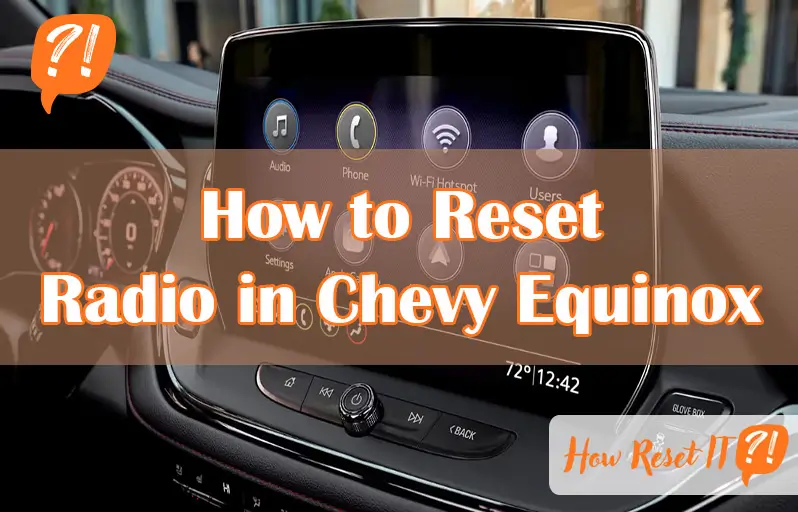
Is your Chevy Equinox radio acting up—freezing, unresponsive, or showing error messages? You’re not alone, and fixing it might be easier than you think.
Whether your radio won’t connect to Bluetooth, keeps locking, or just won’t turn on, knowing how to reset it can save you a trip to the mechanic and get your music and calls back on track quickly. In this guide, you’ll discover simple, step-by-step methods to reset your Chevy Equinox radio safely and effectively.
Stick with me, and you’ll have your infotainment system running smoothly again in no time.

Soft Reset
The soft reset is a simple way to fix radio problems in your Chevy Equinox. It helps clear small glitches without affecting your saved settings. Use this method first if your radio freezes or acts strange.
This reset takes only a few seconds and often restores normal function. It does not erase stations or Bluetooth connections. Follow the steps below based on your model year for the best results.
Quick Fix For Glitches
A soft reset quickly solves freezing, unresponsiveness, or sound issues. It refreshes the radio system without deleting your data. This method is safe and easy for daily use.
Steps For New Models
- Press and hold the power button for 10 seconds.
- Wait for the screen to go black and then restart.
- Release the button once the Chevy logo appears.
- Check if the radio works normally again.
Steps For Older Models
- Turn the ignition to the “On” position without starting the engine.
- Press and hold the volume and seek buttons together for about 10 seconds.
- The radio screen will turn off and then reboot.
- Release the buttons and wait for the radio to respond.
Factory Reset
Performing a factory reset on your Chevy Equinox radio restores the system to its original settings. This step deletes all custom preferences and stored data. It can solve persistent issues that other resets do not fix. Use the factory reset carefully because it removes saved information.
When To Use Factory Reset
Choose factory reset when the radio does not respond to soft resets. It helps if the system freezes or shows errors repeatedly. Use it if Bluetooth or audio problems continue. Factory reset is a last option before seeking professional help.
Accessing Reset Option
Turn on your Chevy Equinox radio and open the main menu. Find the “Settings” or “System” tab on the touchscreen. Scroll to locate “Factory Reset,” “Restore Defaults,” or “Erase All Data.” Select the option and follow on-screen instructions to confirm the reset.
What Gets Erased
The factory reset removes all saved stations, paired Bluetooth devices, and custom settings. Your radio returns to the state it was in when new. You must re-enter all preferences and reconnect devices after the reset. Keep this in mind before starting the process.
Hard Reset
The hard reset method offers a deep restart for the Chevy Equinox radio system. This reset type solves severe glitches that soft resets cannot fix. It involves disconnecting the vehicle’s battery to clear all stored electrical charges.
Performing a hard reset can help resolve persistent freezing, no sound, or unresponsive screens. It fully powers down the radio and the infotainment system. This allows the system to reboot cleanly upon reconnection.
Battery Disconnect Method
First, ensure the vehicle is parked safely and turned off. Open the hood and locate the battery. Use a wrench to loosen the negative battery cable clamp. Remove the negative cable from the battery terminal carefully.
Wait for about 15 minutes to let all electrical charge drain. This pause helps clear temporary memory in the radio system. After waiting, reconnect the negative cable tightly back to the battery terminal.
Close the hood and start the car. The radio system will begin a full reboot. Check the radio for normal operation and restored functions.
Step-by-step Guide
- Park your Chevy Equinox and turn off the ignition.
- Open the hood and find the battery.
- Use a wrench to loosen the negative (-) battery cable clamp.
- Remove the negative cable from the battery terminal.
- Wait at least 15 minutes to drain all power.
- Reconnect the negative battery cable and tighten the clamp.
- Close the hood securely.
- Start the vehicle and test the radio system.

Unlocking Locked Radio
Sometimes, your Chevy Equinox radio may display a “LOCKED” message. This happens as a security feature to prevent theft. The radio will stop working until the correct security code is entered. Unlocking the radio requires a few simple steps. This guide explains why the radio shows “LOCKED,” how to get the security code, and how to enter it correctly.
Why Radio Shows Locked
The radio locks itself after losing power. This often occurs if the battery was disconnected or replaced. The lock keeps the radio safe from unauthorized use. Without the security code, the radio will stay locked. The message “LOCKED” or “CODE” appears on the display. This tells you the radio needs the correct code to start working again.
Getting The Security Code
The security code is unique to your radio. You can find it in the owner’s manual or on a card that came with the vehicle. Sometimes, the code is printed on a label inside the glove box or under the hood. If you cannot find the code, contact a Chevy dealer. You must provide proof of ownership and your vehicle identification number (VIN). The dealer will then give you the security code.
Entering The Code
Turn on the radio. The display will show “LOCKED” or “CODE.” Use the radio’s hour and minute buttons to enter the numbers. Each press changes one digit of the code. After entering the full code, press the seek or tune button to confirm. If the code is correct, the radio will unlock and work normally. Enter the code carefully. Too many wrong attempts may lock the system for a longer time.
Fuse Reset
Resetting the radio using the fuse is an effective way to fix power or audio issues in a Chevy Equinox. The fuse controls the electrical flow to the radio. Removing and reinstalling the fuse can clear minor faults. This process is simple and does not require special tools. It helps restore the radio’s normal function without affecting other vehicle settings.
Locating The Fuse Box
The first step is finding the fuse box in your Chevy Equinox. Most models have two fuse boxes. One is inside the cabin, usually under the dashboard on the driver’s side. The other is in the engine compartment near the battery. Check your owner’s manual for exact locations. Look for a cover labeled “Fuses” or “Electrical.”
Resetting The Radio Fuse
Open the fuse box carefully. Use the diagram on the cover or in the manual to find the radio fuse. The fuse is often marked as “Radio” or “Audio.” Use a fuse puller or needle-nose pliers to remove the fuse gently. Wait about 30 seconds before putting the fuse back. This pause allows the system to reset. Reinsert the fuse firmly into its slot.
Testing After Reset
Turn on your vehicle and check the radio. The display should light up and respond as usual. Try changing stations or adjusting the volume. If the radio still does not work, repeat the fuse reset once more. Persistent problems may need professional help. Resetting the fuse usually fixes minor electrical glitches quickly and easily.
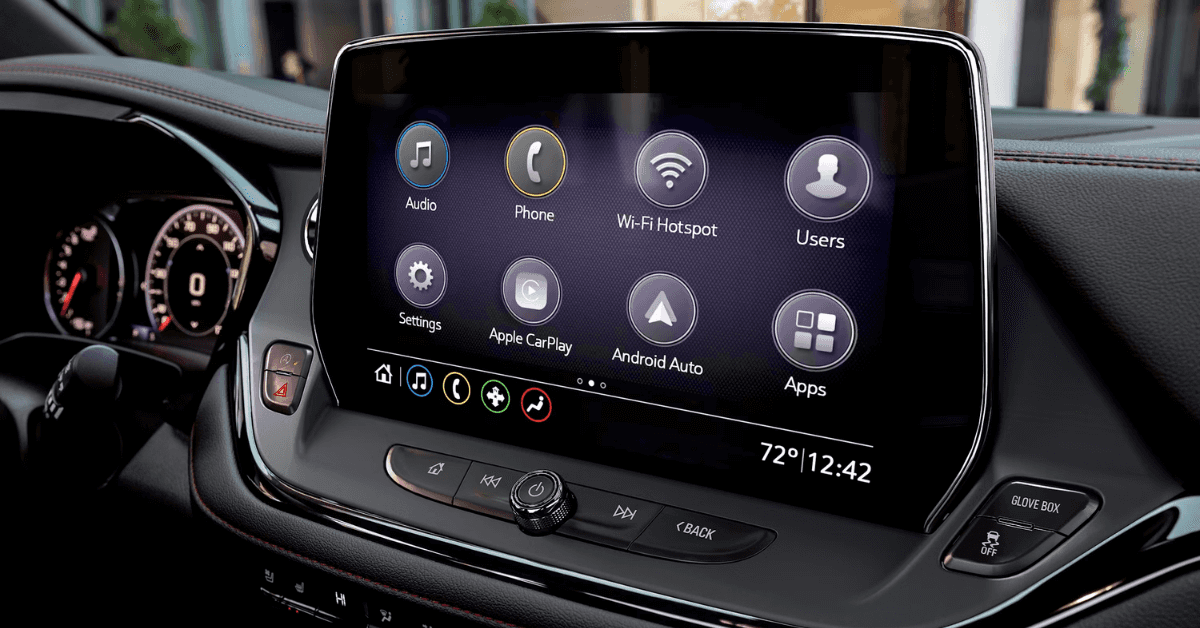
Resetting Carplay
Resetting CarPlay in your Chevy Equinox helps fix common connection and functionality problems. When CarPlay doesn’t respond or fails to connect, resetting can restore smooth operation. This process often resolves issues without needing complex repairs or professional help.
Follow simple steps to troubleshoot and reset CarPlay on your iPhone and vehicle system. These easy methods bring your CarPlay back to normal quickly.
Troubleshooting Carplay
Start by checking your USB cable or wireless connection. Use an Apple-certified cable for wired CarPlay. Make sure your iPhone is unlocked and on the home screen.
Restart your iPhone and the car’s infotainment system. Disable and re-enable CarPlay in your iPhone settings. Also, check if your vehicle supports the current iOS version.
Clear any Bluetooth connections that may interfere. Resetting network settings on your iPhone can also help fix connection glitches.
Reset Steps On Iphone
Open the Settings app on your iPhone and tap “General.” Scroll down and select “CarPlay.” Find your Chevy Equinox in the list of connected cars.
Tap the car name, then select “Forget This Car.” This removes the current CarPlay connection. Reconnect your iPhone to the vehicle using the USB cable or wireless setup.
Restart your iPhone again to refresh settings. This simple reset often solves CarPlay issues in the Chevy Equinox.
Frequently Asked Questions
How Do I Reset My Chevy Radio?
To reset your Chevy radio, turn off the vehicle and wait a few minutes. For a soft reset, press and hold the power button until the system restarts. For a factory reset, go to Settings > System > Factory Reset.
Enter the security code if the radio shows “LOCKED. “
How To Reset 2010 Chevy Equinox Radio?
To reset the 2010 Chevy Equinox radio, turn off the vehicle and wait a few minutes. Restart the car to perform a soft reset. For a factory reset, access the radio’s Settings menu, select “Restore Defaults,” and confirm. Enter the security code if the radio shows “LOCKED.
How Do I Reset My Radio Manually?
To reset your radio manually, press and hold the reset button or navigate to the Settings menu. Select “Factory Reset” or “Restore Defaults,” then follow the prompts. For severe issues, disconnect the car battery for a hard reset. Enter the security code if the radio shows “LOCKED.
How To Reset Carplay In Chevy Equinox?
To reset CarPlay in a Chevy Equinox, first perform a soft reset by turning off the vehicle. Wait a few minutes, then restart the system. For persistent issues, access Settings, select Factory Reset, and follow prompts. Hard reset by disconnecting the battery may also help.
How Do I Reset The Radio In My Chevy Equinox?
Press and hold the power and seek buttons together for 10 seconds until the screen resets.
Conclusion
Resetting the radio in your Chevy Equinox can fix many common issues. Start with a soft reset to clear minor glitches quickly. If problems persist, try a factory reset, but remember it erases saved data. A hard reset by disconnecting the battery works for serious troubles.
For the “LOCKED” message, contact your dealer for the security code. Following these simple steps helps restore your radio’s function without stress. Your Chevy’s sound system will be back to normal in no time.