
Is your smoke alarm beeping nonstop, leaving you frustrated and unsure what to do next? You’re not alone.
When your smoke detector starts its persistent chirping, it’s trying to tell you something—often that it needs a quick reset. Knowing how to reset your smoke alarm can save you from unnecessary stress and ensure your home stays protected. In this guide, you’ll discover simple, clear steps to silence that annoying beep and get your smoke alarm back to working perfectly.
Keep reading, and you’ll learn easy fixes anyone can do—no special tools or expertise needed!

Reasons For Beeping
Smoke alarms beep to alert you about potential issues. Understanding why your smoke alarm beeps helps you fix it quickly. Beeping can signal safety problems or simple maintenance needs. Knowing the common reasons prevents false alarms and ensures your home stays safe.
Low Battery Alert
One of the most common reasons for beeping is a low battery. Smoke alarms need power to work properly. When the battery runs low, the alarm gives a short, regular beep. This warning helps you replace the battery before the alarm stops working. Always use the correct battery type for your model.
Dust And Dirt Issues
Dust and dirt can enter the smoke alarm’s sensing chamber. This buildup triggers false alarms or beeping sounds. Dirt blocks the sensors, making the alarm think there is smoke. Regular cleaning with a soft brush or vacuum keeps the alarm working well.
Humidity And Steam Effects
High humidity or steam can cause the smoke alarm to beep. Steam from showers or cooking looks like smoke to the sensor. This can make the alarm beep or go off. Try moving the alarm to a better location, away from bathrooms or kitchens.
Expired Smoke Alarm
Smoke alarms do not last forever. Most alarms expire after 8 to 10 years. An old alarm may beep to signal it needs replacement. Check the manufacture date on the back of the unit. Replace expired alarms to ensure your safety is not at risk.
Resetting Battery-only Alarms
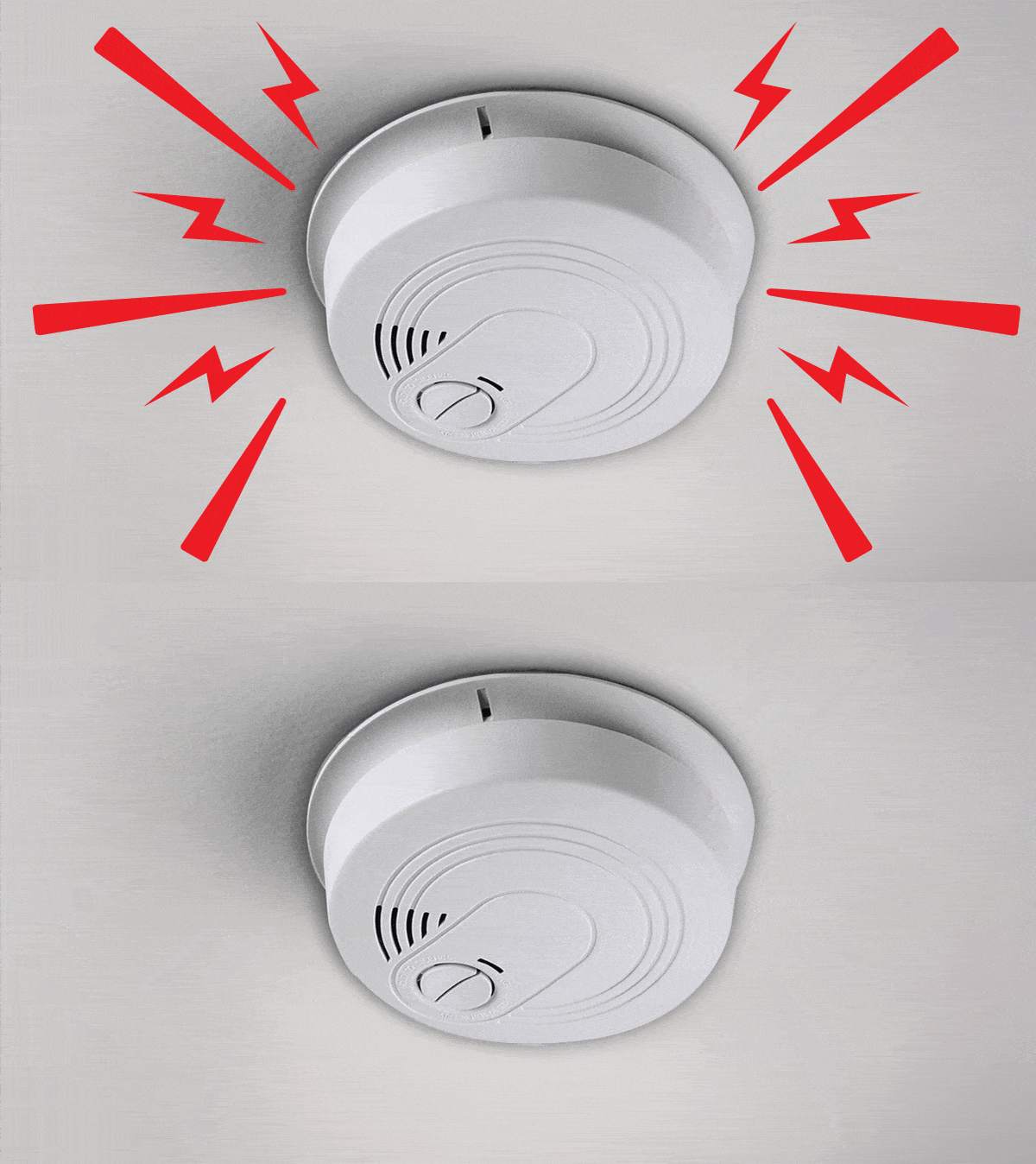
Resetting battery-only smoke alarms is a simple but important task. These alarms rely solely on batteries to function. Over time, batteries drain and cause the alarm to beep or stop working properly. Resetting the alarm ensures it works correctly and keeps your home safe. Follow these steps to reset your battery-only smoke alarm quickly and safely.
Removing The Battery
First, remove the smoke alarm from its mounting bracket. Twist or slide the alarm gently to detach it. Open the battery compartment on the back. Take out the old battery carefully. This step stops any current power supply and prepares the alarm for resetting.
Cleaning The Alarm
Dust and debris can affect alarm performance. Use a soft brush or a can of compressed air to clean the vents and sensor area. Avoid using water or cleaning sprays. Cleaning removes dust that may cause false alarms or prevent the alarm from resetting properly.
Inserting A New Battery
Insert a fresh battery into the compartment. Check the battery’s positive and negative ends to match the alarm’s markings. Use the recommended battery type, usually a 9-volt or AA battery. Proper battery installation ensures the alarm receives the correct power.
Testing And Reinstalling
Press the test button on the alarm to check if it beeps loudly. This confirms the alarm is working correctly. If it sounds fine, place the alarm back onto its mounting bracket. Twist or slide it until it locks securely. Regular testing keeps your smoke alarm in good condition.
Resetting Hardwired Alarms
Resetting hardwired smoke alarms requires careful steps to ensure safety and functionality. These alarms connect directly to your home’s electrical system and include a backup battery. Proper reset helps stop false alarms and maintains reliable detection. Follow these steps to reset your hardwired smoke alarm correctly.
Turning Off Power
Start by switching off the power to the smoke alarm. Locate your circuit breaker panel. Find the breaker that controls the alarm circuit. Turn it off to cut electricity to the unit. This step prevents electric shock during handling.
Cleaning The Unit
Remove the smoke alarm from its mounting bracket. Use a soft brush or vacuum to clean dust and debris. Focus on the vents and sensor area. Dust can cause false alarms or prevent proper function. Cleaning improves sensitivity and stops unwanted beeping.
Replacing Backup Battery
Open the battery compartment on the alarm. Take out the old backup battery carefully. Insert a fresh battery of the correct type. Backup batteries keep the alarm working during power outages. Check battery orientation to avoid errors.
Reconnecting And Powering On
Reconnect the smoke alarm’s wiring harness securely. Mount the alarm back onto its bracket. Return to the circuit breaker panel and switch the power back on. Press the test button on the alarm to confirm it works. A beep or chirp means it is reset and functional.
Resetting Internal Memory
Resetting the internal memory of your smoke alarm can fix persistent errors and false alarms. It clears stored signals and resets the device’s settings. This process helps your alarm function properly and stop unwanted beeping. Follow these simple steps to reset the internal memory safely and effectively.
Draining Electrical Charge
First, remove the smoke alarm from its base. Take out the battery and unplug any power wires. Press and hold the test button for 15 to 30 seconds. This step drains any leftover electrical charge inside. It helps clear the alarm’s internal circuits and memory.
Clearing Low Battery Signals
Low battery alerts may continue even after battery replacement. Removing power and holding the test button resets these signals. Make sure to use fresh batteries with correct polarity. This clears the low battery warning from the alarm’s memory and stops chirping sounds.
Performing A Factory Reset
Some smoke alarms include a factory reset option. Check your user manual for instructions. Usually, it involves pressing and holding a reset button for 20 seconds. This action restores the alarm to its original settings. It clears all stored errors and signals for a fresh start.
Preventive Maintenance Tips
Preventive maintenance keeps your smoke alarm working well. It reduces false alarms and extends device life. Following simple steps helps avoid annoying beeps and ensures safety.
Regular Cleaning Routine
Dust and dirt block smoke sensors. Clean your alarm every month. Use a soft brush or vacuum cleaner. Avoid water or strong cleaners. Keep vents clear for best performance.
Battery Replacement Schedule
Change batteries at least once a year. Replace them sooner if the alarm beeps. Use fresh batteries of the right type. Test the alarm after each battery change. This keeps it ready to alert you.
Checking Alarm Expiration Date
Smoke alarms expire after 8 to 10 years. Find the date on the back of the unit. Replace expired alarms immediately. Old alarms may not detect smoke well. Staying current protects your home and family.

Troubleshooting Persistent Beeping
Persistent beeping from a smoke alarm can be frustrating and confusing. It often signals an issue that needs quick attention. Troubleshooting the cause helps you fix the problem fast. This stops the annoying noise and keeps your home safe.
Incorrect Battery Installation
One common reason for constant beeping is wrong battery placement. Check if the battery is inserted correctly. The positive and negative ends must match the markings inside the alarm. A loose battery can also cause chirping sounds. Remove the battery, then firmly reinsert it. Make sure the battery compartment closes properly.
Faulty Batteries
Old or low-quality batteries often cause repeated beeping. Even new batteries might be defective sometimes. Replace the battery with a fresh one from a trusted brand. Use alkaline batteries for longer life. Test the alarm after replacing the battery to ensure the beeping stops. Keep spare batteries on hand for quick swaps.
When To Replace The Alarm
Smoke alarms have a limited lifespan, usually 8 to 10 years. Persistent beeping may mean the alarm is failing. Check the manufacture date on the back. If the alarm is old, replace it with a new unit. A new smoke alarm ensures reliable detection and peace of mind. Regular replacement keeps your home protected.
Frequently Asked Questions
How Do I Stop A Smoke Alarm From Beeping?
Twist off the smoke alarm and remove its battery. Clean dust from vents. Insert a new battery correctly. Press the test button, then remount the alarm. For hardwired units, cut power, replace the battery, reconnect wires, and restore power.
Why Is My Smoke Detector Still Beeping Even After I Change The Battery?
Your smoke detector may still beep due to dust, incorrect battery placement, or a need for a reset. Clean vents, check battery orientation, and press the reset button to stop beeping. High humidity or a faulty unit can also cause continuous chirping.
Do Smoke Alarms Need To Be Reset?
Smoke alarms often need resetting after battery replacement or false alarms. Press the reset button or disconnect power briefly. Regular cleaning prevents false alerts. Hardwired alarms require power off to reset. Always test the alarm after resetting to ensure proper function.
How Do I Silence And Reset A Fire Alarm?
Silence a fire alarm by pressing the hush or silence button. Reset it by removing the battery, waiting 30 seconds, then reinserting it. For hardwired alarms, turn off power first, replace the battery, then restore power. Clean dust regularly to prevent false alarms.
How Do I Reset A Smoke Alarm After It Beeps?
Press and hold the reset button for 15-20 seconds until the alarm stops.
Conclusion
Resetting a smoke alarm is simple and important for home safety. Always start by turning off power or removing batteries. Clean the alarm gently to remove dust or debris. Replace old batteries with new ones in the correct way. Test the alarm to make sure it works properly.
Regular checks keep alarms working and protect your home. Don’t ignore chirping sounds—they warn you of issues. Follow these easy steps to keep your smoke alarm ready at all times. Stay safe and keep your home protected.