
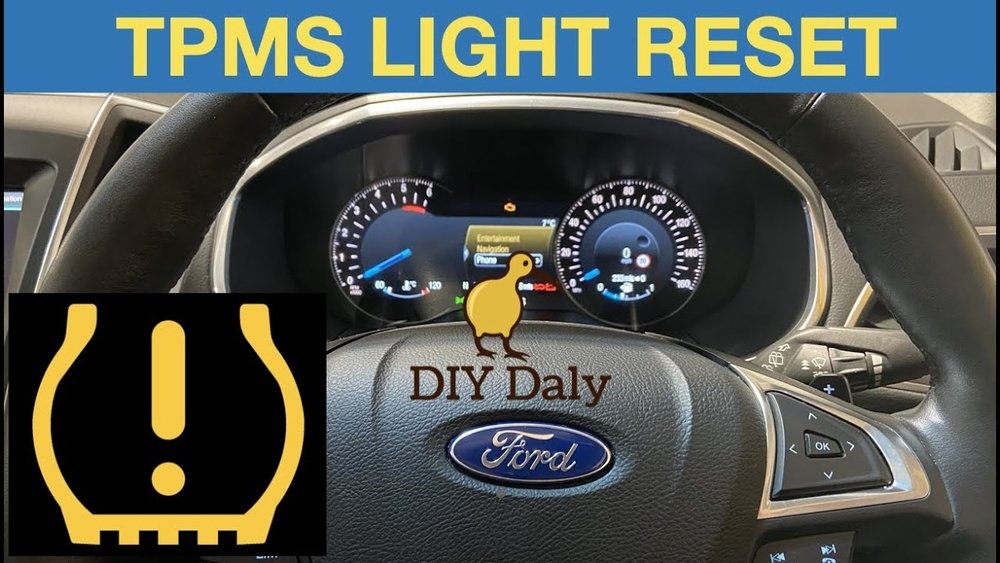
If you’ve noticed your Ford’s tire pressure warning light flickering on, you’re probably wondering how to reset the TPMS quickly and easily. You don’t need to rely on a dealership visit or expensive tools to get it done.
In fact, with a few simple steps, you can retrain your Ford’s Tire Pressure Monitoring System yourself and get back on the road with confidence. This guide will walk you through the exact process, showing you how to reset your Ford TPMS using straightforward methods anyone can follow.
Ready to clear that warning light and ensure your tires are safe? Let’s dive in and get your Ford’s TPMS back in perfect working order.
Tpms Basics
The Tire Pressure Monitoring System, or TPMS, helps keep your tires safe. It alerts you if tire pressure is too low. Proper tire pressure improves fuel efficiency and driving safety.
Knowing how TPMS works helps you maintain your vehicle. Resetting TPMS is often needed after tire changes or rotations. This section explains what TPMS is and why you may need to reset it.
What Is Tpms
TPMS is a system that monitors tire pressure. Sensors inside each tire send pressure data to the car’s computer. If pressure drops below the recommended level, a warning light appears on the dashboard.
There are two types of TPMS: direct and indirect. Direct TPMS uses sensors inside tires. Indirect TPMS uses the ABS system to detect pressure changes. Ford vehicles mostly use direct TPMS.
Why Reset Tpms
Resetting TPMS clears old sensor data. This is necessary after changing tires or rotating them. It helps the system recognize new tire positions and pressures.
Failing to reset TPMS may cause false warnings or no warnings at all. Resetting ensures accurate tire pressure alerts. It keeps your driving safe and your tires in good condition.
Preparing Your Ford
Preparing your Ford before resetting the TPMS is essential. This step ensures accurate sensor readings and a smooth reset process. Start by inspecting your tires and the vehicle’s controls. Proper preparation reduces errors and saves time.
Check Tire Pressure
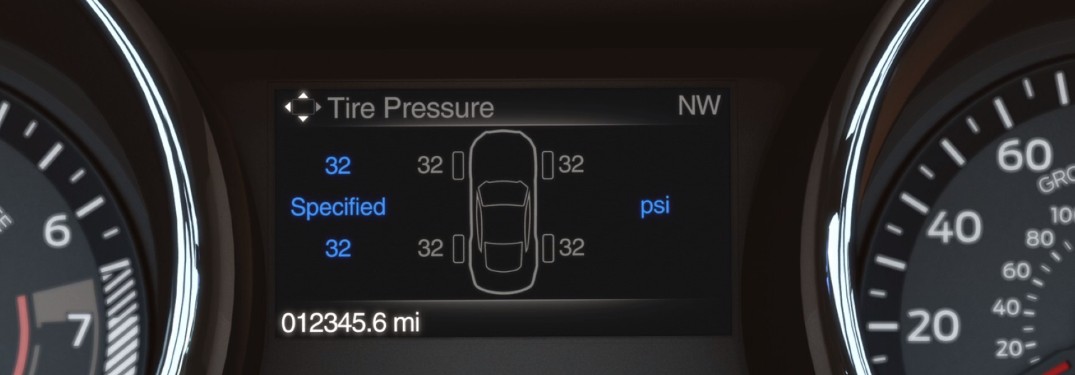
Use a reliable tire pressure gauge to check each tire. Compare the pressure to the recommended PSI found on the driver’s door sticker. Inflate or deflate tires to match the correct pressure. Proper tire pressure helps the TPMS sensors work correctly.
Locate Tpms Button
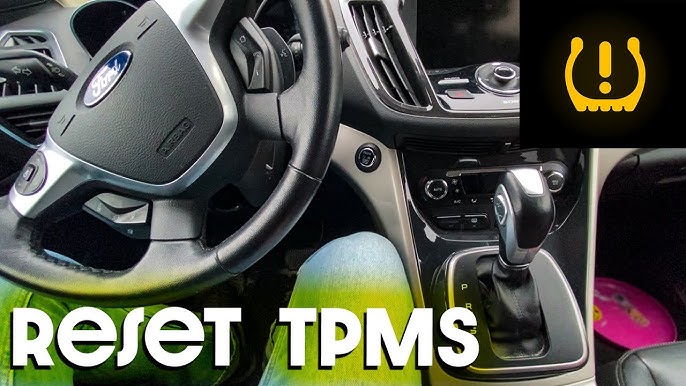
Find the TPMS reset button inside your Ford. This button is often near the steering wheel or under the dashboard. Consult your owner’s manual if you cannot locate it. The button allows you to start the TPMS reset process manually.
Resetting Tpms Without Tools
Resetting your Ford’s Tire Pressure Monitoring System (TPMS) without special tools is possible. This method uses the vehicle’s built-in training mode combined with deflating tires in a specific order. It is useful after tire rotations or sensor replacements. Follow the steps carefully to ensure the system relearns each tire sensor correctly.
Enter Training Mode
Start by turning the ignition to the “On” position without starting the engine. Quickly switch the hazard lights on and off three times. The horn will chirp once. The dashboard will then show a message like “Train Left Front Tire.” This confirms the system is in training mode.
Deflate Tires Step-by-step
Remove the valve cap on the left front tire. Slowly release air until the horn chirps. This sound means the sensor is learned.
Next, move to the right front tire. Repeat the air release until the horn sounds again.
Do the same for the right rear tire and then the left rear tire. Follow the exact order for the system to register each sensor properly.
Confirm Training Completion
After all tires are trained, the dashboard will display “Training Complete.” The TPMS light may turn off. If not, start driving slowly to let the system finalize the process.
Inflate Tires Properly
Once training is complete, inflate all tires to the recommended pressure. Check the vehicle’s manual or tire placard for exact PSI values. Proper tire pressure keeps your Ford safe and improves fuel efficiency.
Resetting Tpms With Button
Resetting the Tire Pressure Monitoring System (TPMS) on your Ford using the button is simple. This method helps clear any warning lights after adjusting tire pressures or rotating tires. Follow these clear steps to reset the system effectively.
Turn Ignition On
Start by turning the ignition to the “On” position. Do not start the engine. This powers the vehicle’s electronics and TPMS system. Ensure all doors are closed to avoid interruptions during the reset process.
Press And Hold Reset Button
Locate the TPMS reset button, usually under the dashboard. Press and hold this button until the TPMS light blinks slowly three times. Release the button after the third blink. This signals that the reset process has started.
Drive To Complete Reset
Drive your Ford at speeds above 30 mph for at least 10 minutes. This allows the system to recalibrate the tire sensors. The TPMS light should turn off during or after the drive, confirming a successful reset.
Common Tpms Reset Issues
Resetting the Ford TPMS can sometimes bring unexpected issues. These common problems cause frustration and delay. Understanding these issues helps you fix the TPMS faster. Below are the most frequent reset challenges and how to handle them.
Double Chirp Error
This error happens when the horn chirps twice during the relearn process. It usually means the system detected a wrong or duplicate sensor signal. This can occur if you deflate the wrong tire or the sensor is faulty. To fix it, exit training mode and start over carefully. Deflate tires in the exact order Ford specifies. If the error remains, check sensors for damage or battery failure.
Sensor Location Relearn
Ford TPMS requires relearning the sensor location after tire rotation or replacement. Each sensor must be linked to its tire position. Skipping this step causes incorrect pressure readings. Use the training mode to relearn sensors by deflating tires one by one. The horn chirps when the sensor is recognized. Follow the sequence: left front, right front, right rear, and left rear. Proper relearn ensures accurate warnings and avoids false alerts.
When To Seek Professional Help
Some TPMS issues need expert attention. If the light stays on after reset attempts, sensors may be faulty. Sensor batteries last about 5-7 years and may need replacement. Complex errors or sensor damage require a mechanic’s tools and skills. Visit a Ford dealer or trusted shop if problems persist. Professionals can diagnose and fix TPMS quickly and safely.
Tips For Maintaining Tpms
Maintaining your Ford’s Tire Pressure Monitoring System (TPMS) helps keep it working correctly. Good TPMS care improves safety and saves fuel. Simple habits protect your sensors and prevent warning light problems. Follow these easy tips to keep your system in top shape.
Regular Tire Pressure Checks
Check tire pressure at least once a month. Use a reliable gauge for accurate readings. Proper pressure prevents sensor errors and tire damage. Always check when tires are cold, before driving. Keep tires inflated to the recommended PSI found in your owner’s manual or door sticker.
Sensor Battery Life
TPMS sensors run on small batteries inside them. These batteries usually last 5 to 10 years. Replace sensors when batteries die to avoid warning lights. Watch for slow or blinking TPMS lights, which may indicate low battery. Have a professional check sensor health during tire service.
After Tire Rotation Or Replacement
Reset TPMS after rotating or changing tires. Rotations can confuse the sensor locations. Use the vehicle’s reset procedure or a TPMS tool to relearn sensors. Drive for a few minutes to let the system update. Proper reset stops false warnings and keeps the system accurate.
Frequently Asked Questions
How Do You Reset The Tpms On A Ford?
To reset the TPMS on a Ford, enter training mode by turning the ignition on and toggling hazard lights. Deflate each tire until the horn chirps. Once all tires are trained, the display shows “Training Complete. ” Inflate all tires to the correct pressure to finish.
Can You Reset A Ford Tpms Without A Tool?
Yes, you can reset a Ford TPMS without a tool by entering training mode and deflating tires one by one. The horn chirps to confirm each sensor is relearned. Inflate all tires to the correct pressure after completing the process.
How Do I Manually Reset My Tpms Light?
Inflate all tires to the recommended PSI. Turn the ignition to “On” without starting. Press and hold the TPMS reset button until the light blinks. Release the button and start driving to complete the reset.
How To Reset Tpms On 2014 Ford Focus?
To reset the TPMS on a 2014 Ford Focus, enter training mode by turning ignition on and flashing hazard lights. Deflate each tire in this order: left front, right front, right rear, left rear. Wait for horn chirps confirming each sensor.
Inflate tires to proper pressure to complete reset.
How Do I Reset The Tpms On A Ford Vehicle?
Turn ignition on, flash hazard lights, deflate tires one by one until horn chirps, then inflate tires.
Conclusion
Resetting the Ford TPMS is simple with the right steps. Begin by entering training mode and deflating each tire as needed. Listen for the horn chirp to confirm sensor learning. After completing all tires, inflate them to the correct pressure.
This process ensures accurate tire pressure monitoring and safer driving. Regular checks help maintain your Ford’s performance and avoid warning lights. Follow these clear steps to keep your TPMS working properly without extra tools. Stay safe on the road with a well-maintained tire pressure system.