
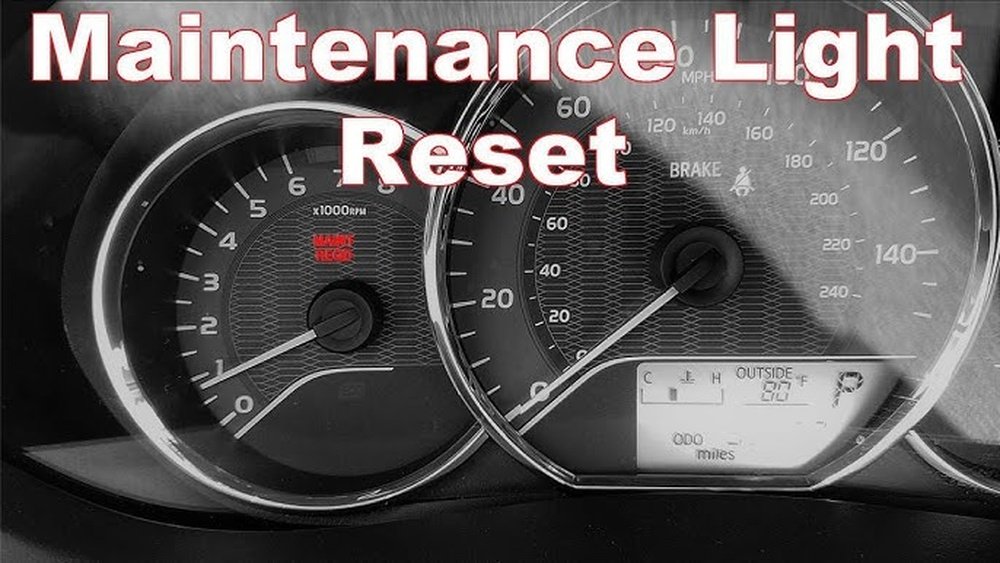
If you own a Toyota Corolla, you’ve probably noticed the maintenance light come on after a certain period. This light is your car’s way of reminding you it’s time for routine upkeep, like an oil change.
But once you’ve taken care of the maintenance, that light can stick around, distracting you or causing unnecessary worry. You might wonder, “How do I reset the maintenance light on my Toyota Corolla? ” The good news is, resetting it is easier than you think—and you can do it yourself in just a few simple steps.
Whether you have an older model or a newer one with a digital display, this guide will walk you through the exact process to turn off that light and keep your dashboard clear. Keep reading to find out how to reset your Toyota Corolla’s maintenance light quickly and confidently.
Reset For Older Models
Resetting the maintenance light on older Toyota Corolla models uses a simple button and key sequence. This method works without advanced digital menus. It requires the trip button on your dashboard and the ignition key. Follow these steps carefully to clear the maintenance reminder.
Turn Key To On
Insert the key and turn it to the “On” position. Do not start the engine. The dashboard lights will come on, showing the current status.
Select Trip A
Press the trip button repeatedly until the display shows “Trip A”. This step ensures you are resetting the correct odometer reading.
Switch Key Off
Turn the key back to the “Off” position. This stops the electrical systems but keeps the dashboard ready for the reset process.
Hold Trip Button And Turn Key On
Press and hold the trip button. While holding it, turn the key back to the “On” position. Keep the button pressed during this step.
Wait For Light To Reset
Continue holding the trip button. The maintenance light will blink and then go off. The odometer will show zeros before returning to normal.
Reset For Newer Models
Newer Toyota Corolla models come with digital displays and advanced settings menus. Resetting the maintenance light on these vehicles is simple. It requires using the steering wheel controls and the on-screen menu. The process is quick and does not need special tools.
Activate On Mode
Start by pressing the power button without pressing the brake. This puts the car in “On” mode. The dashboard lights up, but the engine stays off. This state allows access to the vehicle’s settings.
Use Steering Wheel Controls
Locate the arrow buttons on the left side of the steering wheel. Use the up and down arrows to scroll through menus. Press the center button to select options. These controls help navigate the digital display.
Navigate To Maintenance Settings
Scroll to the “Settings” menu. Find the “Vehicle” or “Maintenance” section. Inside, select “Maintenance Reset” or “Oil Life Reset.” This menu shows the status of maintenance alerts and allows resetting.
Confirm Reset
Select “Reset” or “Yes” to clear the maintenance light. The system will confirm the reset by showing a message or the oil life back to 100%. Turn off the car and start again to check if the light is off.
Common Issues And Fixes
Resetting the maintenance light on a Toyota Corolla may not always go smoothly. Common problems can stop the light from resetting properly. Knowing the usual issues helps fix them quickly. This saves time and avoids frustration.
Below are some common problems and how to fix them effectively. Following simple steps can solve most reset troubles.
Light Won’t Reset
The maintenance light sometimes stays on after reset attempts. This often happens if the steps are not done in the right order. Make sure the key is in the “On” position without starting the engine.
Press the trip button until “Trip A” shows on the display. Then turn the key off and press the trip button while turning the key back on. Hold the button until the light goes off.
If the light still won’t reset, check the car’s manual. Some models need a special sequence or the engine must be cool.
Button Not Responding
The trip button might not respond when pressed. Dirt or wear can cause this problem. Clean the button gently with a soft cloth.
If cleaning does not help, the button or wiring may be faulty. A mechanic can test and replace parts if needed.
Try pressing the button firmly but not hard enough to cause damage. Sometimes a quick press works better than holding it too long.
Display Errors
Sometimes the display shows errors or does not show “Trip A.” This can happen if the battery is weak or the display is malfunctioning.
Check the battery and replace it if needed. Resetting the car’s computer by disconnecting the battery for a few minutes might also help.
If errors continue, the dashboard or sensors might need inspection by a professional. Avoid forcing the reset in this case.
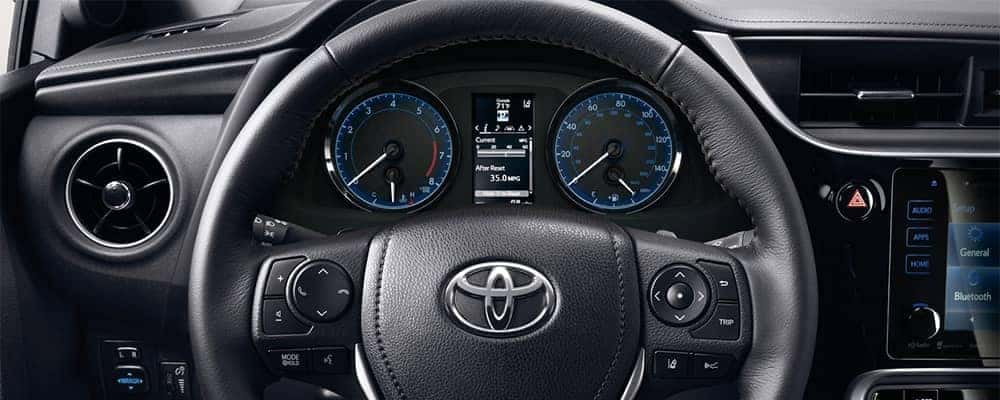
Tips To Maintain Toyota Corolla
Maintaining your Toyota Corolla keeps it running smoothly and extends its life. Simple habits help prevent costly repairs. Regular care ensures safety and better fuel efficiency.
Below are key tips to keep your Corolla in top shape. Follow these to enjoy a reliable ride every day.
Regular Oil Changes
Change the oil every 5,000 miles or as the manual suggests. Clean oil protects the engine from wear. Check the oil level monthly to avoid low oil problems. Use the recommended oil type for your Corolla model.
Scheduled Maintenance Checks
Follow the Toyota service schedule strictly. Replace air filters, spark plugs, and brake pads on time. Inspect belts and hoses regularly for cracks or wear. Timely maintenance helps catch issues early and saves money.
Monitor Dashboard Alerts
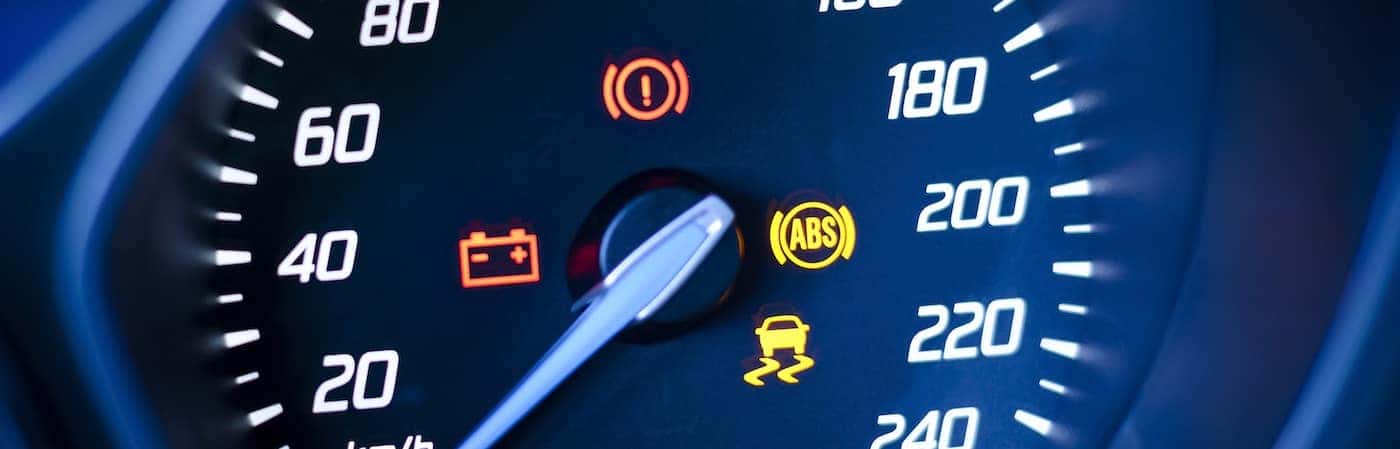
Pay attention to warning lights on the dashboard. The maintenance light signals when service is due. Reset the maintenance light after completing service. Address other alerts like check engine or tire pressure immediately.
When To Seek Professional Help
Knowing when to seek professional help is important for your Toyota Corolla’s health. Some warning signs mean you should stop trying to reset the maintenance light yourself. Ignoring these signs can cause bigger problems or unsafe driving conditions.
Persistent Warning Lights
If the maintenance light stays on after a reset, it signals a deeper issue. Other dashboard lights may also stay on or blink. This means your car needs a professional check. A mechanic can find hidden problems using special diagnostic tools.
Unusual Engine Noises
Strange sounds from the engine or under the hood are red flags. Knocking, ticking, or grinding noises show mechanical trouble. These noises often mean parts are worn or damaged. Avoid driving the car until a mechanic inspects it. Early repair can save you money and prevent breakdowns.
Failed Reset Attempts
Repeated failure to reset the maintenance light can indicate an electrical or sensor problem. Simple resets won’t fix these issues. A technician can test the system and fix faulty sensors or wiring. Trying too many resets may cause more errors in the car’s computer.

Frequently Asked Questions
How Do You Reset The Maintenance Light On A Toyota Corolla?
Turn the key to “On” without starting. Press trip button to “Trip A. ” Turn key off. Hold trip button, turn key on until light resets. Newer models use steering wheel controls: access Settings > Vehicle Settings > Scheduled Maintenance, then select and confirm reset.
How To Reset Maintenance Light On Toyota Corolla 2018?
Turn the key to “On” without starting. Select “Trip A” using the trip button. Turn key “Off. ” Hold trip button, turn key “On” again until light resets. Newer models reset via settings menu using steering wheel controls.
How To Reset Maintenance Light On Toyota Corolla 2017?
Turn the key to “On” without starting. Select “Trip A” with the trip button. Turn key “Off. ” Hold the trip button and turn key “On” until the light resets. Newer models use steering wheel controls to navigate to Settings > Vehicle > Scheduled Maintenance and confirm reset.
How Do I Reset The Maintenance Light On A 2016 Toyota Corolla?
Turn the key to “On” without starting. Select “Trip A” using the trip button. Turn the key “Off. ” Hold the trip button and turn the key back “On. ” Release when the maintenance light resets. Newer models use steering wheel settings to reset under “Scheduled Maintenance.
“
How Do I Reset The Maintenance Light On A Toyota Corolla?
Turn the key to “On” without starting. Select “Trip A,” turn off, then hold trip button and turn key “On” again until light resets.
Conclusion
Resetting the maintenance light on your Toyota Corolla is simple and quick. Follow the steps carefully for your model type. This keeps your car’s system updated and helps track oil changes. Regular resets ensure your vehicle runs smoothly and safely.
Remember, the maintenance light reminds you to care for your car. Doing this yourself saves time and money. Now, your Corolla is ready for the road without warning lights. Keep your vehicle well-maintained for long-lasting performance.