
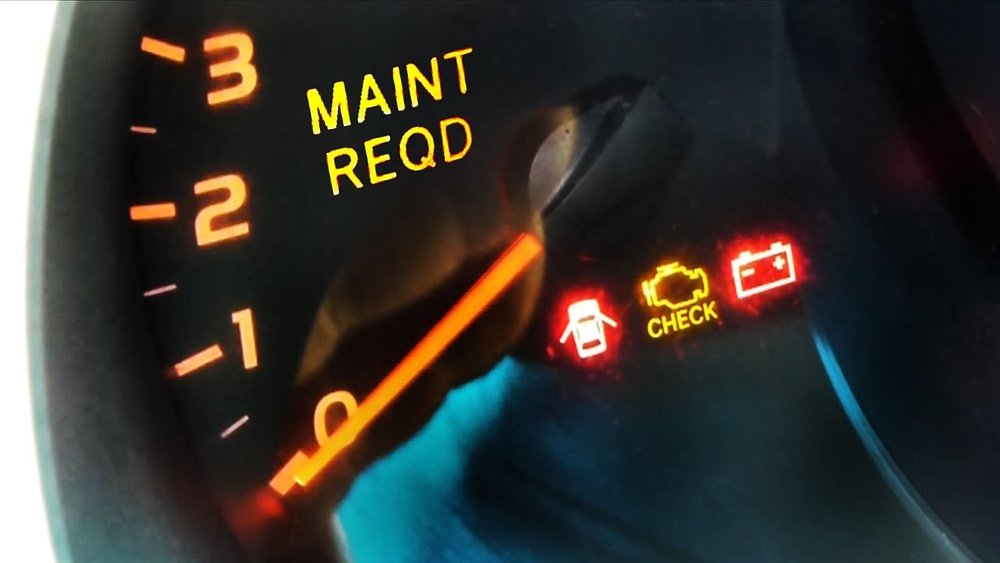
You’ve just finished an oil change or routine check, but that stubborn “Maintenance Required” light is still glowing on your dashboard. It’s annoying, isn’t it?
You want to get back on the road without that constant reminder distracting you. Luckily, resetting this light is easier than you might think, and you can do it yourself in just a few simple steps. Whether you drive a newer Toyota model with a multi-information display or an older one with a trip meter button, this guide will walk you through the exact process to turn that light off for good.
Keep reading—you’ll be back in control of your vehicle’s dashboard in no time!
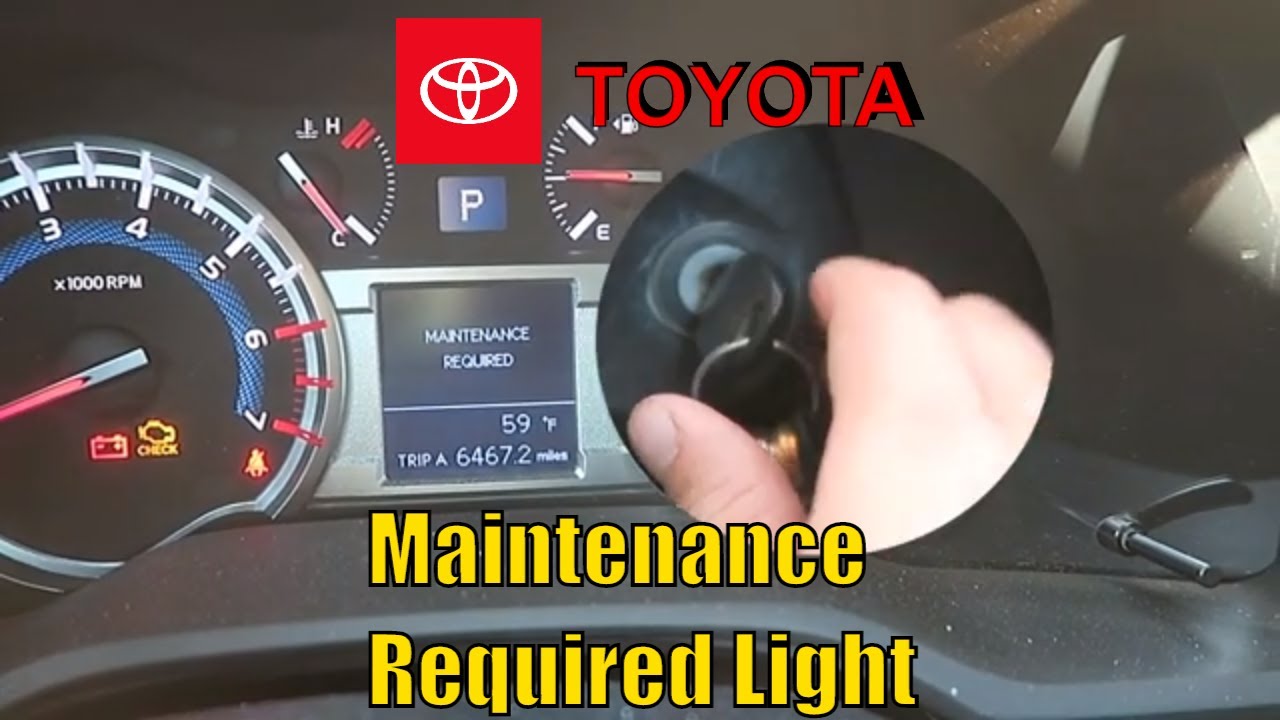
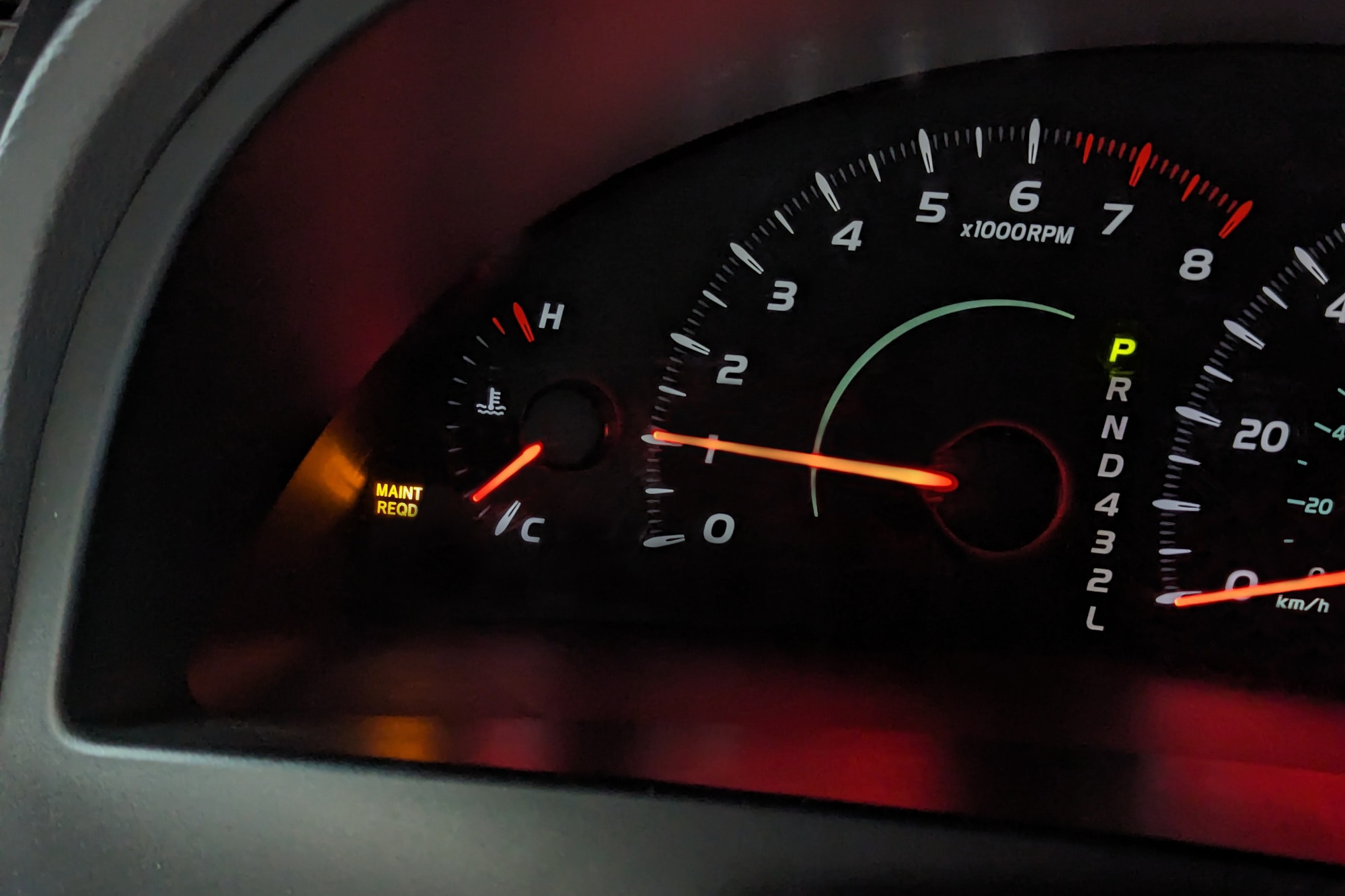
Maintenance Required Light Basics
The maintenance required light is a key part of your car’s dashboard. It alerts you about scheduled upkeep. Understanding this light helps keep your vehicle in good shape. It is important to know why it comes on and how to address it.
Purpose Of The Light
This light reminds drivers of routine maintenance needs. It usually signals when an oil change or service is due. The car’s computer tracks mileage to trigger the light. It helps prevent damage by encouraging timely care. Ignoring it can lead to costly repairs.
Common Trigger Causes
The light often turns on after a set number of miles. Oil changes are the most common reason. Sometimes tire rotation or fluid checks can also cause it. Faulty sensors or electrical issues may trigger the light too. Regular maintenance resets the light, clearing the reminder.
Reset Methods For Newer Models
Newer vehicle models offer advanced ways to reset the Maintenance Required light. These methods usually involve the steering wheel controls and the multi-information display (MID). They are simple, quick, and do not require tools. This section explains the most common reset methods for these models.
Using Steering Wheel Controls
Start by turning the ignition on without starting the engine. Press the Start button twice or turn the key to the “On” position. Do not press the brake pedal. Use the arrow buttons on the steering wheel to navigate the menu on the MID. Look for the gear or settings icon. Select it by pressing the OK or Enter button.
Scroll down to find “Scheduled Maintenance” or “Maintenance Info.” Highlight this option and press OK. The system will ask if you want to reset the maintenance data. Confirm by selecting “Yes.” The Maintenance Required light will turn off. This method works on most newer cars with digital displays.
Navigating The Multi-information Display
The multi-information display shows important vehicle information. Use the steering wheel arrows to move through the menu. Find the section labeled “Vehicle Settings” or “Maintenance.” Select it carefully to avoid changing other settings.
Once inside the maintenance menu, locate the reset option. Choose to reset the oil or maintenance reminder. Confirm your choice to clear the message. The display should show a confirmation that the reset is complete. This method helps keep track of service intervals accurately.
Reset Methods For Older Models
Resetting the maintenance required light on older car models involves simple, manual steps. These methods usually do not require advanced digital menus or steering wheel controls. Understanding how to reset this light can help you maintain your vehicle’s performance and avoid unnecessary service visits.
Older models rely on physical buttons and key positions to clear the maintenance reminder. These reset methods are quick and easy to perform without special tools.
Using Trip Odometer Button
Locate the trip odometer button on the dashboard. It is usually near the speedometer or odometer display. Turn the ignition to the “ON” position, but do not start the engine. Press and hold the trip odometer button firmly.
Keep holding the button for about 10 seconds. Watch the maintenance light or odometer display. The light will start to flash or the numbers will reset to zero. Release the button once the maintenance required light goes off. Turn off the ignition and then start the car to confirm the reset.
Key Ignition Steps
Insert the key into the ignition switch. Turn the key to the “ON” position without starting the engine. This position powers the dashboard but does not engage the starter. Within 5 seconds, press and hold the trip odometer button.
Hold the button while turning the key back to the “OFF” position. Then, turn the key again to the “ON” position while still holding the button. Keep holding the button for around 10 seconds until the maintenance light blinks or resets. Release the button and turn the key off.
Start the engine to check if the maintenance light is reset. This method works well on many older Toyota and similar vehicles.
Step-by-step Reset Guide
Resetting the “Maintenance Required” light can seem tricky. This step-by-step guide breaks down the process. Follow each step carefully to clear the warning light. This will help keep your vehicle’s maintenance records accurate and avoid confusion.
Prepare The Vehicle
Start by parking your vehicle on a flat surface. Make sure the engine is off. Remove the key from the ignition or switch off the start button. Check that all doors are closed. This ensures the system is ready for reset.
Perform The Reset Sequence
Insert the key and turn it to the “ON” position. Do not start the engine. If your car has a multi-information display (MID), use the steering wheel buttons to find the settings menu. Look for the “Maintenance” or “Scheduled Maintenance” option. Select it and choose “Reset” or “Clear.” Hold the trip odometer button if your model uses that method. Keep pressing until the light blinks and turns off.
Verify The Reset
Turn the ignition off and then back on. Confirm the “Maintenance Required” light is no longer showing. Start the engine and watch for any warning lights. If the light stays off, the reset was successful. If it returns, repeat the steps or consult your owner’s manual.
Troubleshooting Reset Issues
Troubleshooting reset issues can be frustrating during the maintenance required light reset. Many drivers face common problems that stop the reset from working properly. Identifying these problems helps ensure a successful reset. This section guides you through typical mistakes and signals when to try resetting again. Clear instructions and careful steps make the process smoother.
Common Mistakes To Avoid
Not turning the ignition to the correct position often causes reset failure. The engine must stay off while the ignition is on. Pressing buttons too fast or in the wrong order also blocks the reset. Some models need specific button presses, like holding the trip odometer button. Skipping these steps can keep the light on.
Ignoring the vehicle’s display instructions leads to confusion. Always follow the prompts shown on the multi-information display. Forgetting to confirm the reset after selecting the option stops the process. Make sure to select “Yes” or “Confirm” when asked. Failing to do so leaves the maintenance light active.
When To Repeat The Process
Repeat the reset if the light stays on after the first try. Sometimes the system needs a second attempt to register the reset. Check if the ignition was fully turned on during the process. Incomplete steps require trying again from the start.
If the maintenance light returns soon after resetting, the reset may not have saved. Try the procedure again carefully. Persistent light issues might mean the vehicle needs actual service. Use the reset only after performing the required maintenance.
Additional Maintenance Tips
Maintaining your vehicle goes beyond just resetting the maintenance required light. Proper care helps keep your car running smoothly and avoids costly repairs. Follow these additional maintenance tips to extend your vehicle’s life and performance.
Regular Oil Changes
Changing oil on time is vital for engine health. Old oil loses its ability to lubricate engine parts. This causes extra wear and tear. Check your owner’s manual for recommended oil change intervals. Use the right oil type for your car. Regular oil changes improve fuel efficiency and reduce engine problems.
Using Authorized Service Centers
Service centers authorized by your car’s manufacturer know your vehicle best. They use genuine parts and follow proper procedures. This ensures repairs and maintenance meet factory standards. Authorized centers can spot issues early and offer reliable service history. Choose them to protect your car’s warranty and value.
Frequently Asked Questions
How Do I Clear My Toyota Maintenance Required Notification?
To clear the Toyota maintenance required light, turn ignition on without starting. Display “Trip A,” turn off ignition, hold trip reset button, turn ignition on again, then release the button. The light should reset. Repeat if needed.
How To Reset Maintenance On 2015 Tacoma?
Insert the key and turn ignition to “On” without starting. Press trip button until “Trip A” shows. Turn ignition off. Hold trip reset button, turn ignition on again while holding it. Release button, start truck, and verify the maintenance light is off.
How To Reset Maintenance Required On 2025 Toyota Camry?
Turn ignition to “On” without starting. Press trip meter button to show “Trip A. ” Turn ignition off. Hold trip button and turn ignition on. Release button when zeros appear. Confirm maintenance light is off. Repeat if needed.
How Do You Reset The Maintenance Light On Chevy?
To reset the maintenance light on a Chevy, turn the ignition on without starting. Press the trip button until “Trip A” appears. Turn ignition off, hold the trip button, then turn ignition back on. Release the button and verify the light is off.
How Do I Reset The Maintenance Required Light On My Toyota?
Turn the ignition on without starting. Use steering wheel buttons to find “Scheduled Maintenance” and confirm reset.
Conclusion
Resetting the maintenance required light keeps your vehicle on track. Follow simple steps for your Toyota model. This helps avoid unnecessary service alerts and saves time. Regular resets after servicing maintain accurate reminders. Stay attentive to your car’s signals for smooth driving.
A clear maintenance light means you’re ready to go. Keep these easy instructions handy for quick resets. Your vehicle will thank you with better performance. Trust the process and drive with confidence.