
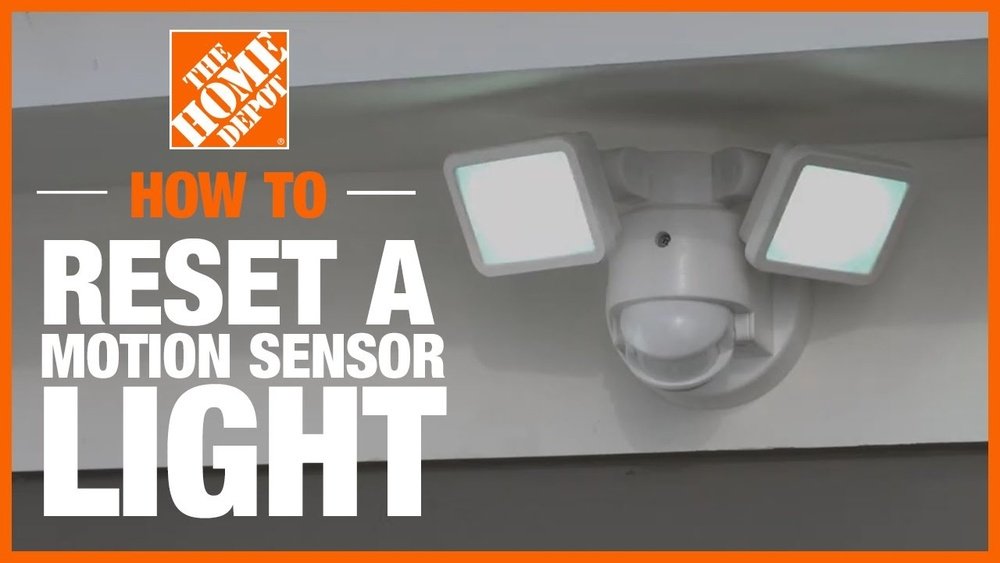
Is your motion sensor light acting up—staying on all the time or not turning on when it should? You’re not alone, and the good news is that resetting it can often fix these common issues quickly.
Whether it’s an outdoor security light or an indoor motion-activated lamp, knowing how to reset your motion sensor light puts you back in control. In this guide, you’ll discover simple, step-by-step methods to reset your sensor without needing special tools or expertise.
Stick with me, and by the end, you’ll have your motion sensor light working smoothly again—brightening your space just when you need it. Let’s get started!
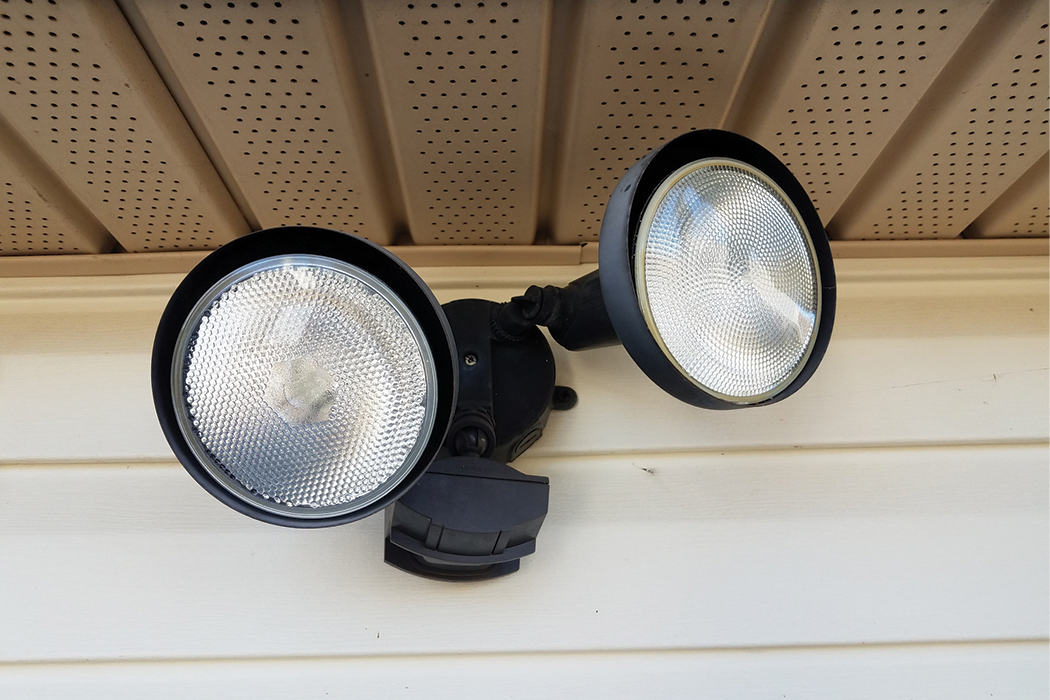
Credit: brinkshome.com
Quick Reset Methods
Quick reset methods help fix motion sensor lights fast. These steps need no tools and can restore your light’s function. Follow easy tips to get your sensor working again.
Switch Cycle
Turn the light switch off. Wait for 10 seconds. Turn it back on. This resets the sensor’s internal system. It clears minor glitches and restores normal operation.
Flicker Reset
Flip the switch on and off quickly five times. End with the switch on. This signals the sensor to reset its settings. It often fixes sensor malfunctions without extra work.
Check Settings
Look at the sensor’s dials. Adjust the “Time,” “Sensitivity,” and “Range” settings. Set them to match your needs. Proper settings stop false triggers and improve performance.
Clean Lens
Dust and dirt block the sensor’s view. Use a soft cloth to wipe the lens gently. Remove cobwebs and grime. A clean lens helps the sensor detect movement clearly.
Hard Reset Options
Hard reset options can solve persistent problems with motion sensor lights. These methods cut power completely, allowing the device to refresh its settings. A hard reset often fixes glitches that simple resets cannot.
Use caution when performing a hard reset to avoid electrical hazards. Make sure to follow safety steps carefully.
Breaker Reset
Locate the circuit breaker that controls your motion sensor light. Switch the breaker off to cut power completely. Wait for about 30 seconds to allow the system to reset. Turn the breaker back on and test the light. This method can clear any electrical faults affecting the sensor.
Unplug Device
If your motion sensor light plugs into an outlet, unplug it from the power source. Leave it unplugged for at least 30 seconds. Plug the device back in to restore power. This resets the internal electronics and can fix sensor errors. This method works well for plug-in models and battery-powered units with charging cables.
Adjusting Sensor Settings
Adjusting the sensor settings is key to getting your motion sensor light to work properly. Each setting controls a different part of how the sensor reacts to movement. Small changes can stop false triggers and make the light more reliable.
Focus on three main dials: Time, Sensitivity, and Range. These controls let you customize the light to fit your space and needs. Learning how to adjust each dial can improve the sensor’s performance.
Time Dial
The Time dial sets how long the light stays on after detecting motion. Turning it clockwise usually increases the time the light stays lit. Turn it counterclockwise to reduce the time. Set a time that matches your needs. Too long wastes energy, too short may turn off too soon.
Sensitivity Dial
The Sensitivity dial controls how much motion is needed to trigger the light. Higher sensitivity detects smaller movements. Lower sensitivity ignores small motions like pets or leaves. Adjust this dial to avoid false alarms or missed detections. Find a balance that fits your environment.
Range Dial
The Range dial sets how far the sensor can detect motion. Increasing the range covers more area but may cause false triggers. Decreasing the range limits detection to a smaller zone. Adjust this dial to cover your desired space without extra triggers. Test changes in different lighting and weather.
Cleaning And Maintenance
Keeping your motion sensor light clean is key to its proper function. Dirt and dust can block the sensor, causing it to work incorrectly. Regular maintenance helps the sensor detect motion accurately and extends its lifespan.
Simple cleaning steps can improve performance. Check the sensor regularly to avoid buildup. This keeps your light bright and responsive.
Remove Dust And Debris
Turn off the power to the motion sensor light first. Use a soft, dry cloth to wipe the sensor and light cover gently. Avoid harsh chemicals or water that may damage the device.
Remove cobwebs and dirt from around the sensor. A small brush can help clean hard-to-reach spots. Clean the area at least once a month for best results.
Inspect Sensor Lens
Look closely at the sensor lens for cracks or cloudiness. A damaged lens can reduce the sensor’s ability to detect motion. Replace the lens or the entire sensor if you find damage.
Check that the lens is properly aligned and not loose. Tighten any screws or mounts to keep the sensor stable. A clear and secure lens ensures the sensor works well every time.
Troubleshooting Persistent Issues
Troubleshooting persistent issues with a motion sensor light requires a careful approach. Some problems are simple to fix, while others need more attention. This section helps you solve common problems step-by-step. Follow these tips to restore proper function to your sensor light.
Replace Bulb Or Batteries
A burnt-out bulb or dead batteries often cause sensor lights to fail. Check the bulb and replace it if it looks dark or broken. For solar or battery-powered lights, install fresh batteries. This step fixes many basic issues and saves time.
Check For False Triggers
False triggers can make the light turn on unexpectedly. Look for sources like moving branches, passing cars, or animals near the sensor. Adjust the sensor’s sensitivity and detection range. Clean the sensor lens to avoid dirt causing false alarms.
Inspect Wiring
Loose or damaged wiring often causes lights to stop working. Turn off the power before inspecting wires. Look for frayed or disconnected wires in the fixture or junction box. Tighten or replace faulty wires to restore a solid connection.
When To Seek Professional Help
Sometimes, resetting your motion sensor light is not enough to fix the problem. Certain issues require expert attention. Knowing when to call a professional can save time and avoid risks. This section explains key situations where professional help is necessary.
Sensor Module Replacement
The sensor module controls the motion detection. If the light does not respond after resets, the module may be faulty. Signs include inconsistent triggering or no response at all. Replacing the module requires handling delicate parts and proper tools. A professional can correctly identify the problem and install a new sensor safely. Avoid trying this yourself to prevent damage or voiding warranties.
Electrical Repairs
Motion sensor lights rely on proper electrical wiring and connections. Flickering lights or no power indicate wiring issues. Faulty circuits or damaged wires pose fire hazards and shock risks. Electrical repairs need specialized knowledge and equipment. A licensed electrician can diagnose and fix these problems safely. Do not attempt electrical fixes without training. Safety is the top priority in all electrical work.
Preventing Future Problems
Preventing future problems with your motion sensor light is essential for long-lasting performance. Proper care and regular checks keep the sensor working smoothly. Simple habits help avoid common issues and reduce the need for frequent resets.
Regular Cleaning
Dirt, dust, and spider webs can block the sensor lens. This causes false triggers or no response at all. Clean the lens gently with a soft, dry cloth every few weeks. Avoid harsh chemicals that can damage the sensor. Keeping the lens clear ensures accurate motion detection.
Proper Sensor Placement
Place the sensor where it has a clear view of the area. Avoid pointing it toward moving trees, busy streets, or heat sources. These can cause false alarms or constant activation. Install the sensor at the recommended height for best coverage. Good placement improves sensor reliability and saves energy.
Routine Settings Check
Check the sensor settings regularly. Adjust the time delay, sensitivity, and detection range to match your needs. Settings may drift over time or after power outages. Fine-tuning these controls prevents unwanted activation and ensures the light works correctly. Test the sensor after each adjustment.
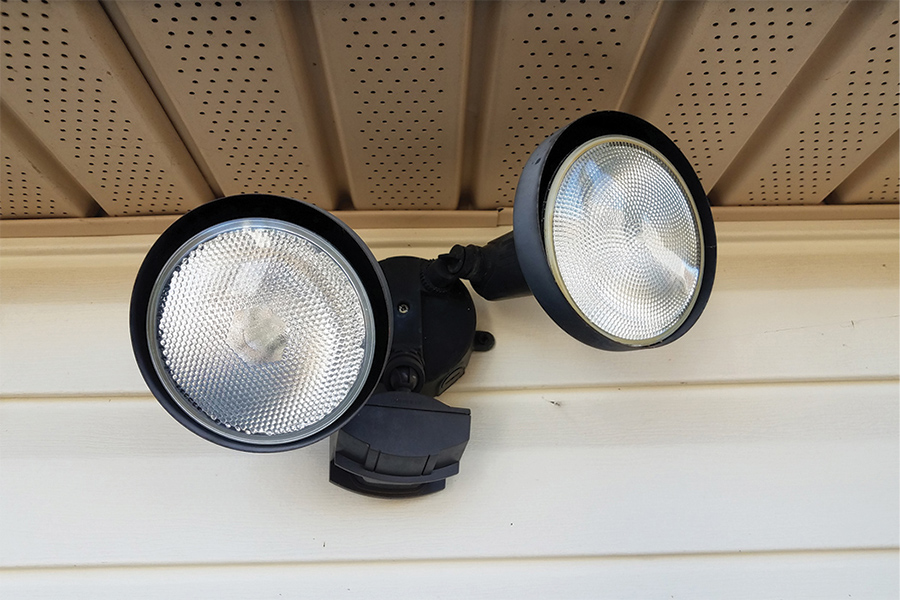
Credit: brinkshome.com

Credit: www.homedepot.com
Frequently Asked Questions
How Do You Reset Outdoor Motion Sensor Lights?
To reset outdoor motion sensor lights, turn the light off and on to power cycle it. Clean the sensor lens gently. Adjust the sensitivity, time, and range settings. For stubborn issues, switch off the breaker for a few minutes, then turn it back on.
Replace bulbs if needed.
How Do You Fix A Motion Sensor Light That Stays On?
Turn off the power, clean the sensor lens, and adjust sensitivity or time settings. Remove nearby triggers causing false activation. Replace the bulb if needed. For persistent issues, reset the breaker or consult an electrician.
How Do I Reset My Outdoor Light?
Turn off the outdoor light using the switch. Wait 10 seconds, then turn it back on. Clean the sensor lens gently. Adjust time, sensitivity, and range dials as needed. For persistent issues, reset the breaker or replace bulbs/batteries. Consult a manual or electrician if problems continue.
How To Reset Motion Sensor Light Without Switch?
To reset a motion sensor light without a switch, turn off power at the breaker for 5 minutes. Clean the sensor lens gently. Adjust sensitivity, time, and range settings on the sensor dial. Replace batteries or bulb if needed. Call a professional if problems persist.
How Do You Reset A Motion Sensor Light Quickly?
Turn the light switch off and on three times to reset the sensor instantly.
Conclusion
Resetting a motion sensor light can fix many common problems quickly. Start by turning the light off and on to refresh its settings. Clean the sensor lens gently to remove dust or dirt. Adjust the sensitivity, time, and range dials to match your needs.
If the light still acts up, try a breaker reset or replace the bulb or batteries. Always check for nearby objects that might trigger the sensor. Simple steps often solve the issue without extra help. For persistent problems, consult the manual or a professional electrician.