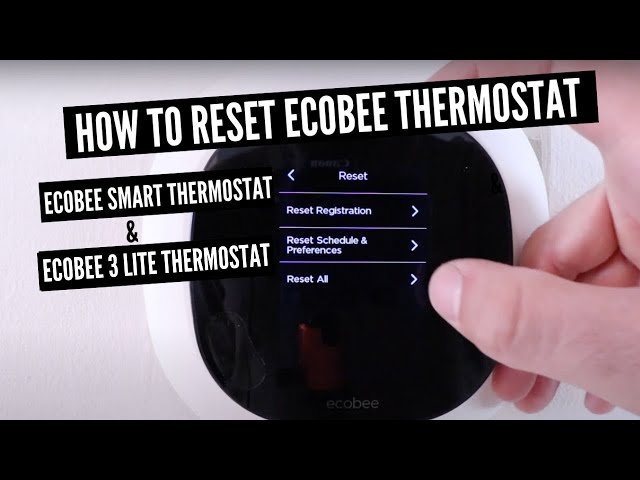
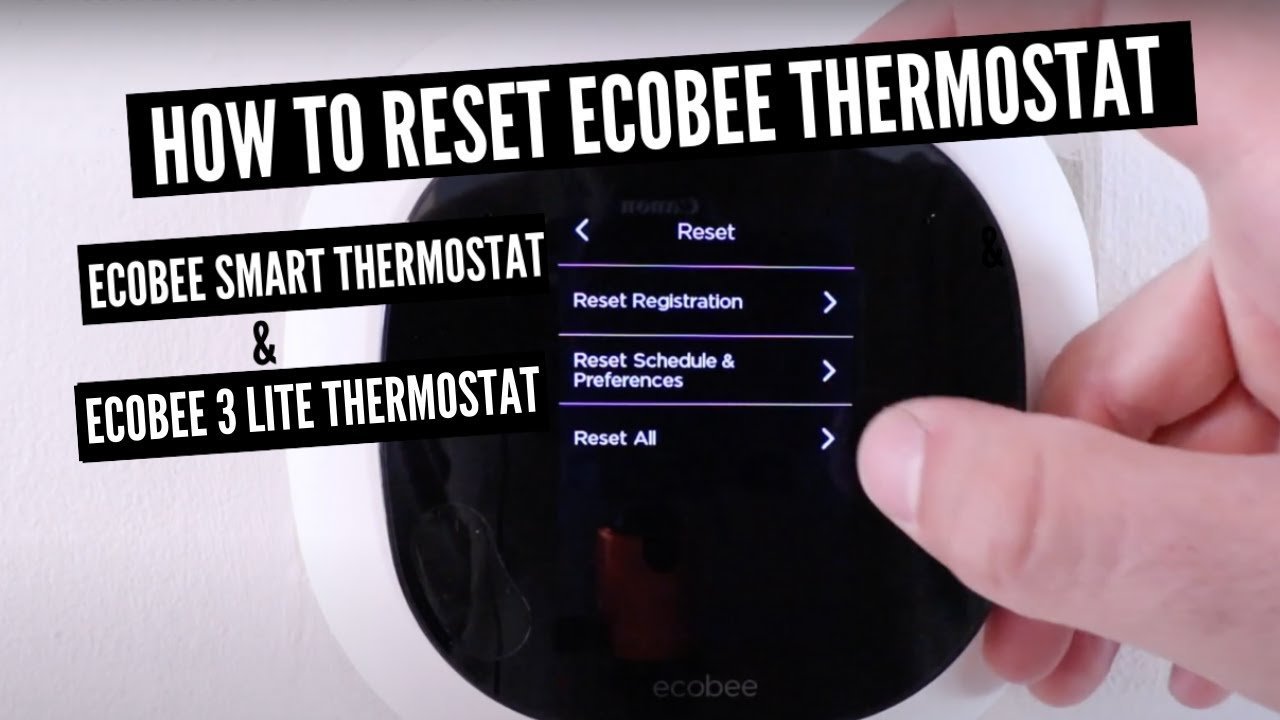
To perform how to reset ecobee thermostat hardware completely, tap the Menu icon on the screen, select Settings, open Reset, and pick “Reset All Settings.” This erases your registration, clears custom schedules, and returns the system to factory mode in about 60 seconds so you can reconfigure it from scratch.
A full reset wipes your personal schedule, HomeKit link, and Wi-Fi credentials. The trade-off is simple: you solve persistent software glitches or prepare for moving out, but you lose every personalized heating and cooling preference you saved over months.
This wipe isn’t for someone who just has a frozen touch screen; a quick power-cycle handles that without data loss. Pulling the unit off its backplate while the HVAC breaker is still on can blow a low-voltage 3-amp or 5-amp control fuse on your furnace board, costing you an unexpected service call.
Factory Resetting an Ecobee Device
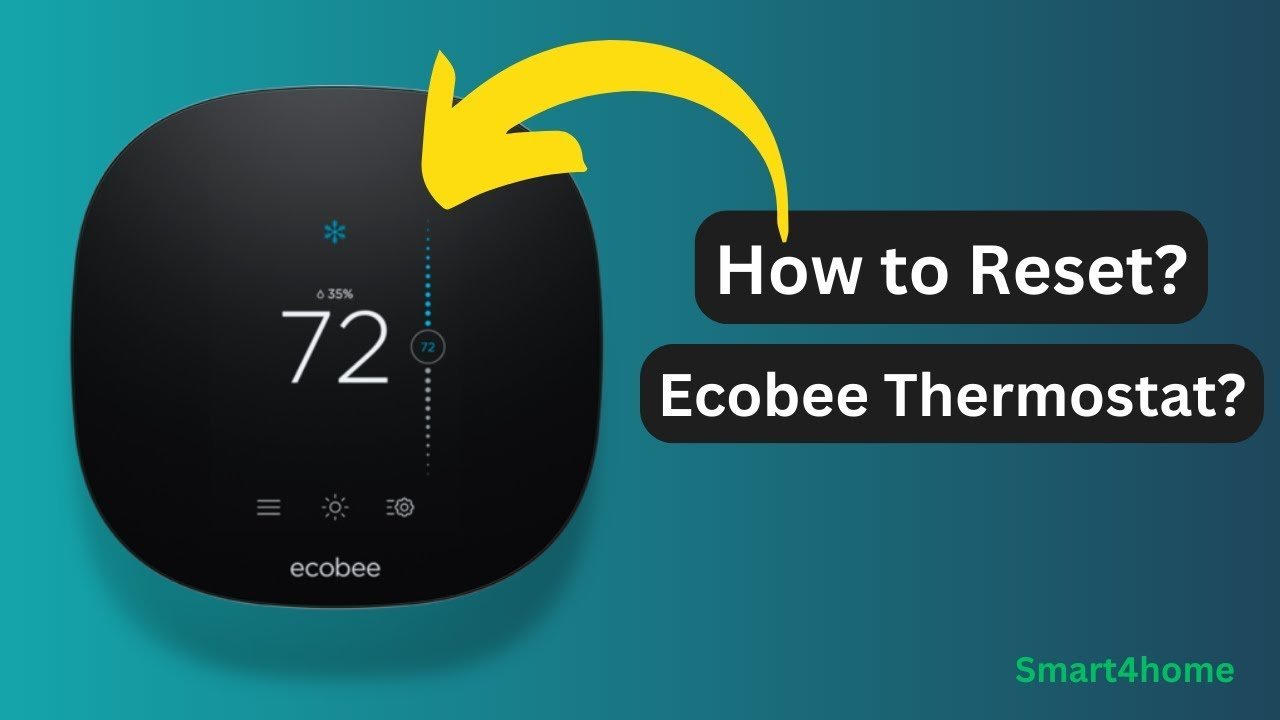
- Tap the three-line Menu icon on the main screen, or tap the gear icon depending on your firmware version.
- Select the Settings tab, scroll to the bottom of the list, and tap Reset.
- Choose your reset level: “Reset All Settings” for an entire factory wipe, or “Reset Schedule and Preferences” to keep your Wi-Fi network active. Tip: If you sell the home, choose “Reset All Settings” so the next owner can pair their own account without error codes.
- Press Yes or Confirm on the warning screen that lists the data you’re about to delete.
- Enter your 4-digit security code if you previously locked access to the settings screen.
- Wait 60 seconds while the screen turns black and the device runs its internal wipe. Tip: If the screen stays dark for over two minutes, check your breaker box before touching any thermostat wiring.
- Leave internal wiring, relays, and furnace control boards alone; if the unit won’t power back up, hire an HVAC technician rather than testing wires with a multimeter yourself.
How Long It Takes
Most resets complete in just a few minutes, depending on the option you choose on the screen.
| Situation | How long | What changes it | What to watch for |
|---|---|---|---|
| Schedule-only reset | 10 to 20 seconds | Number of custom comfort profiles | Reversion to default 72°F target |
| Full factory wipe | 1 to 2 minutes | Firmware version and local memory | Blank screen during self-reboot |
| Wi-Fi-only network reset | 30 to 45 seconds | Router signal and local network congestion | Prompt to pick a new SSID |
| Re-registration after reset | 3 to 5 minutes | Internet speed and phone app syncing | 4-digit code generated on display |
If the screen stays black for longer than five minutes, the thermostat isn’t receiving power from the C-wire; check the HVAC door switch and circuit breaker.
How to Tell When It’s Done
A successful reset brings up the original setup welcome screen, asking you to set your language, date, and country. You won’t see your old room temperatures, custom Comfort Settings, or home names anymore. According to the official Ecobee support guide for resetting, a full wipe also unlinks the unit from the cloud servers. You can confirm this through your mobile app: if the wipe worked, the thermostat will disappear from your app dashboard entirely. If the screen reboots directly back to your normal temperature slider, the reset didn’t process.
Mistakes That Ruin It
- Pulling the unit off the wall while powered: Arcing wires can burn the sub-base contacts or blow the furnace fuse. Always use the touchscreen menu to reset instead of forcing a hard shutoff.
- Choosing the wrong reset menu: Tapping “Reset All Settings” erases your HVAC equipment setup, which might stop your heat pump or auxiliary heat from turning on. If you only want to clear your sleep routine, reset schedules only; if you’re moving, wipe everything.
- Skipping deregistration before moving: Leaving the thermostat tied to your email prevents the buyer from adding it. Always run a full wipe at the wall so the device generates an open registration code.
Frequently Asked Questions
Will Resetting an Ecobee Delete the Mobile App?
No, it won’t delete the app from your smartphone. It only removes the thermostat hardware from your Ecobee account. The app stays on your phone, but it will show an empty home screen until you register the device again or add a new piece of hardware.
Why Won’t My Ecobee Turn Back on After a Reset?
Your HVAC system may have lost low-voltage power during the reboot. Check that your furnace door is completely closed, because safety interlock switches cut off all 24-volt power when open. Also, inspect your home’s breaker panel to confirm the air handler switch didn’t trip.
Can You Reset an Ecobee Without the Pin Code?
Yes, you can bypass the code by physically pulling the thermostat from the wall, noting the serial number on the backplate, and contacting Ecobee support. However, this varies by model — check the label on your casing, as newer models allow code resets directly through your registered mobile app.
Does a Factory Reset Change Temperature Calibration?
Yes, a full factory wipe removes all custom temperature and humidity offsets. If your home runs cold and you originally calibrated the sensor by two degrees, you must enter that adjustment again manually in the installation settings menu once the device boots up.
What Happens If the Wi-Fi Disconnects During a Reset?
Nothing bad happens to the reset itself. The factory wipe takes place entirely on the thermostat’s internal memory chips. The unit will still wipe your saved data successfully, but it won’t finish setup until you reconnect it to an active 2.4 GHz or 5 GHz network.
Once the device reboots, you can connect it directly to your home Wi-Fi network again. Open the mobile app on your phone to link your account and build a fresh temperature schedule that fits your daily routine. Take your time setting it up, and you’ll enjoy a comfortable home right away.