A master reset wipes all personal data, downloaded applications, and custom settings from a device to restore its original factory software. Understanding what a master reset does helps prevent accidental data loss, because the process permanently removes files, system preferences, and user accounts. It returns your hardware to its out-of-the-box state.
The Short Version
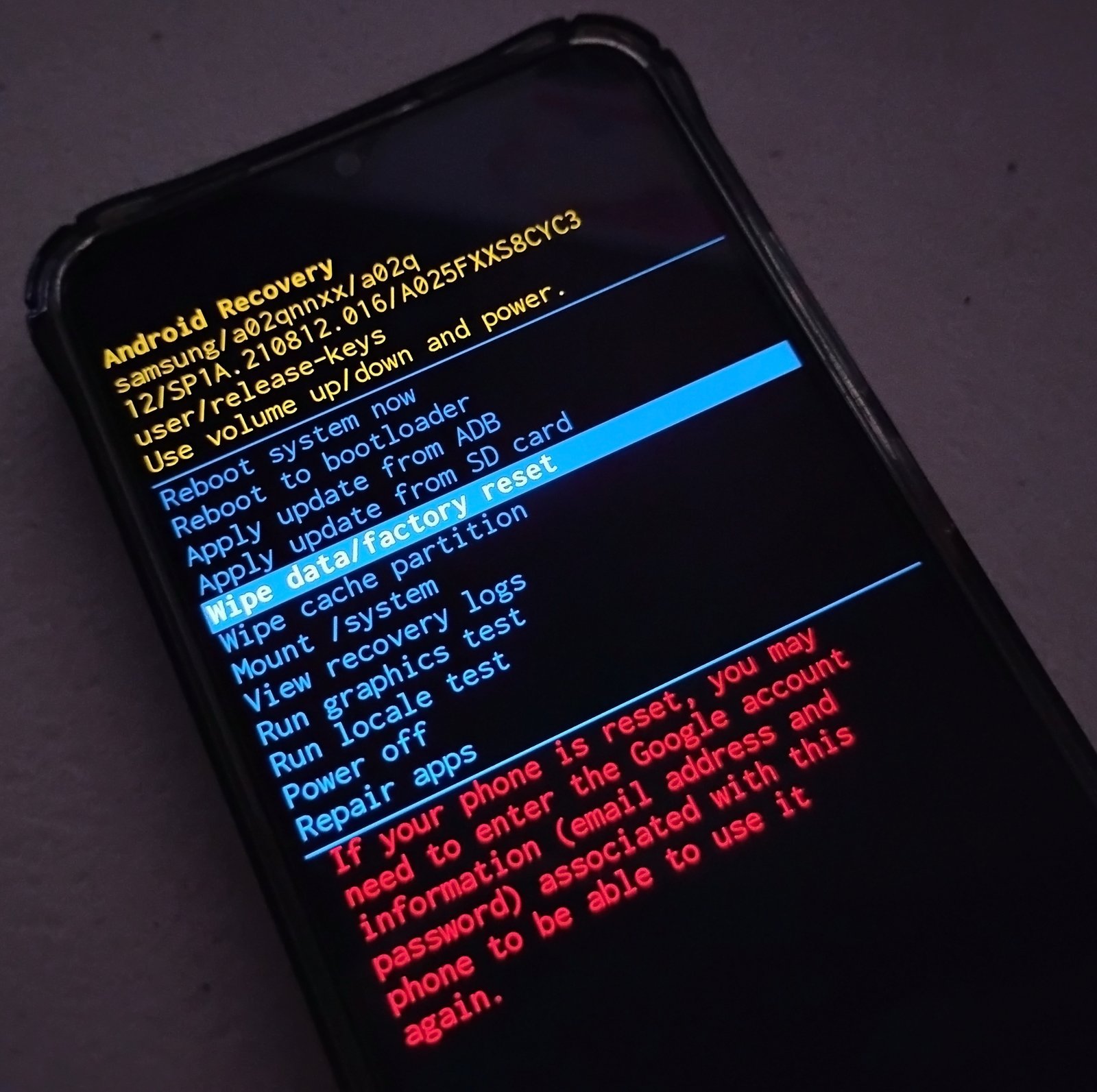
- Permanently deletes all stored photos, messages, files, and downloaded applications from internal storage.
- Erases every user account, Wi-Fi password, and saved Bluetooth connection immediately.
- Reinstalls the core operating system files while discarding personal configuration profiles.
- Doesn’t downgrade your operating system to older releases installed months ago.
- Takes between 5 and 30 minutes depending on device age and total memory capacity.
- Leaves removable media like external SD cards untouched unless you manually format them.
Why Hardware Clears All Storage Partitions
Modern electronics separate your personal files from the core operating system using distinct storage partitions. Your personal documents, apps, encryption keys, and cache files live inside the dedicated user data partition. The operating system files exist on a read-only partition to prevent system corruption during regular daily operations.
Initiating this process triggers a low-level format command targeting the user data sector directly. The system unmounts the active partition and clears the cryptographic keys that safeguard your local files. On modern encrypted hardware, discarding these keys renders the stored data unreadable blocks of code. According to Apple platform security guidance, destroying these hardware-bound cryptographic keys makes personal data instantly unrecoverable without needing days of disk overwriting. The device then loads a fresh copy of the operating system image stored inside the recovery partition.
This cleanup resolves software crashes caused by corrupt temporary files or clashing system configurations. Because all third-party code gets eliminated, the hardware restarts without background processes dragging down memory resources.
When the Answer Is Different
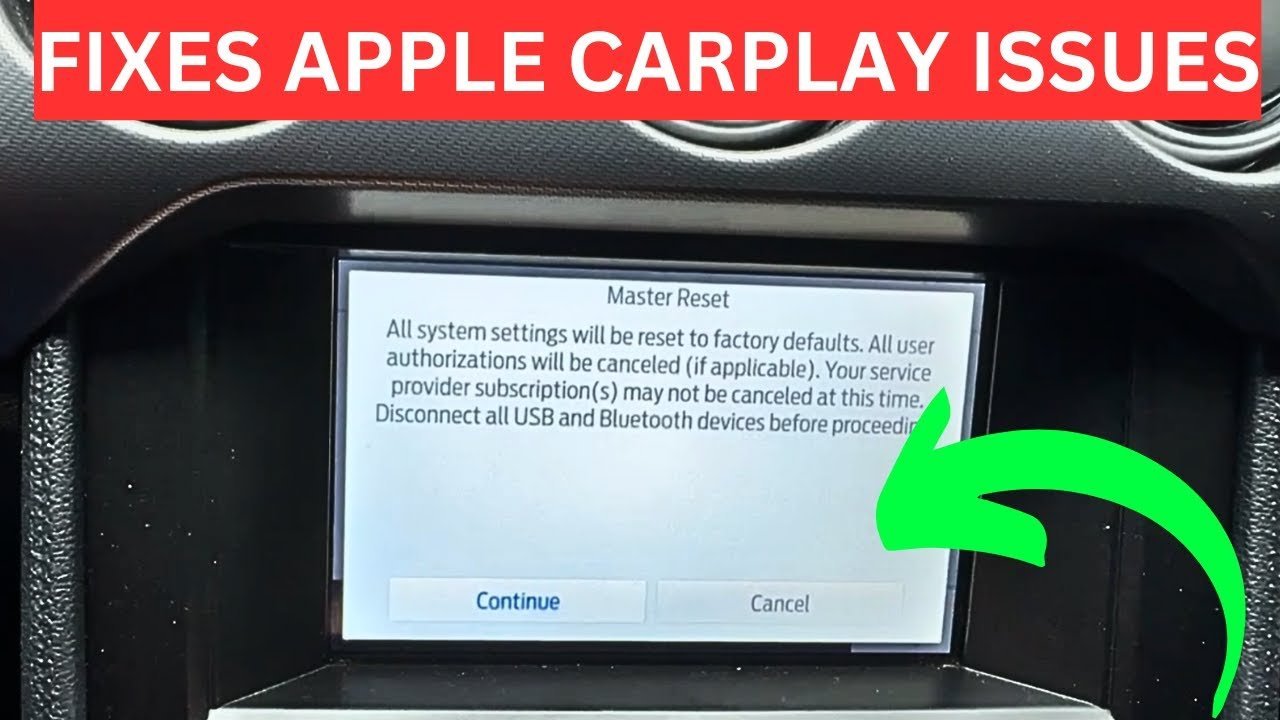
Device types, company policies, and cloud tools can alter how this procedure behaves.
| Situation | What changes | What to do instead |
|---|---|---|
| Company MDM profile present | Management locks survive partition wipes | Request profile removal from company administrators |
| Factory Reset Protection active | Device demands original account credentials | Sign out of accounts before wiping |
| Removable microSD installed | External storage retains files untouched | Manually format card in settings |
| Firmware update failed | Normal recovery partition remains inaccessible | Flash firmware using desktop tools |
| Carrier locked smartphone | SIM network locks stay in place | Contact network provider for unlock codes |
| Smart TV or streaming box | Network accounts remain on provider servers | Deactivate device inside web account |
How to Do It Properly
- Plug your device into its wall charger so power remains above 50% throughout the entire wipe.
- Back up critical files to a secure cloud service or desktop computer, confirming file sizes match before continuing.
- Sign out of your primary ecosystem accounts under settings to disable anti-theft security locks on your hardware.
- Eject physical SIM cards and memory cards from their slots to prevent accidental secondary drive formatting.
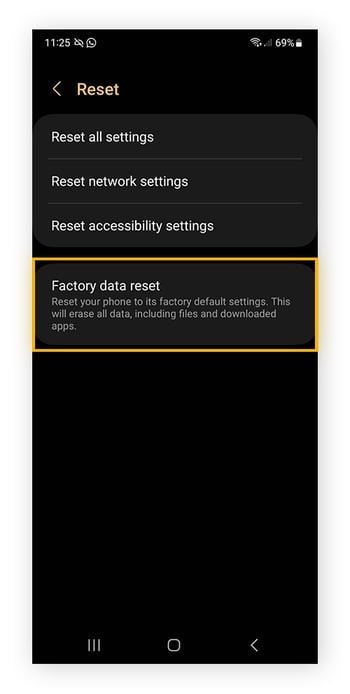
- Open your system settings menu, locate the reset sub-menu, and select the master or factory reset option.
- Enter your current lock screen passcode, PIN, or biometric check when prompted by the security interface.
- Confirm the wipe instruction and wait 10 to 20 minutes without touching physical buttons until setup reappears.
The Mistakes That Ruin It
- Leaving cloud accounts signed in locks the hardware behind theft protection, preventing new owners from using the device.
- Forgetting to back up local authenticator apps cuts off access to two-factor banking logins, requiring manual identity checks to restore accounts.
- Interrupting the power supply while data wipes bricks the internal motherboard, costing professional technician fees to repair.
- Leaving a memory card inside risks formatting external storage archives if you select whole-device wipe options by accident.
Frequently Asked Questions
Can a Master Reset Remove Viruses?
Yes. It eliminates malware, spyware, and rogue background software because it formats the entire user partition. However, sophisticated rootkits that compromise the hardware firmware itself can survive. In those rare edge cases, you’ll need to reflash the manufacturer software image using a connected desktop computer.
Does a Master Reset Delete My Photos?
Yes. Every photo saved inside the internal memory gets wiped permanently during the system restoration. If you use automated cloud backups like Google Photos or iCloud, those external copies remain safe. You can download your pictures again once you sign back into your account.
How Long Does a Master Reset Take?
Between 5 and 30 minutes under normal working conditions. Simple streaming boxes and older phones clear within a few minutes, while heavily encrypted devices with full storage drives need longer. If your hardware stays stuck on the boot screen past 45 minutes, force a restart.
What Happens If I Interrupt the Reset?
Your device can become soft-bricked and refuse to boot into its operating system. If power cuts out mid-format, essential startup binaries get damaged. You’ll need to boot into hardware recovery mode using physical button combinations or reinstall original factory firmware through a tethered computer.
Does It Undo Software Updates?
No. Operating system upgrades overwrite the baseline recovery image installed on your hardware. If your phone updated from an older version to a newer release last month, the wipe restores the clean version of that newer release. It won’t return to the software version present in the factory box.
Is a Factory Reset the Same Thing?
Yes. Manufacturers use both terms interchangeably across consumer electronics documentation, though enterprise networks sometimes use master reset for full device provisioning. Both terms describe restoring the operating system to default factory settings. If you see either option in consumer settings menus, the outcome matches.