To clear your feed, resetting your Facebook algorithm requires clearing your off-Facebook activity, wiping your ad preferences, and resetting your video watch history inside your account settings. Facebook doesn’t have a single reset button, so you have to manually clear your stored data points to force the system to rebuild your profile from scratch.
Your feed changes because the system tracks what you click, watch, and share. If you clear the saved data, the system loses its primary signals and falls back to standard chronological posts from your direct friends.
Leaving old groups or hidden pages active is the single biggest mistake people make before clearing their history. If you stay in active groups, the app immediately re-learns those exact habits within hours of a reset.
How to Reset Your Facebook Algorithm

- Open your Facebook settings by clicking your profile icon, choosing Settings & Privacy, and selecting Settings.
- Go to Your Facebook Information and click on Off-Facebook Activity to view external tracking.
- Select Clear Previous Activity and confirm your choice to disconnect your past browsing data from outside websites.
- Open the Ad Preferences menu under the Accounts Center, select Ad Topics, and choose Show less on every listed subject.
- Navigate to your Activity Log, select Videos You’ve Watched, and click Clear Video Watch History at the top of the screen. Tip: This clears the primary signals Meta uses to populate your Reels feed, which stops unwanted automated suggestions immediately.
- Open your Feed Preferences under settings, choose Reduce, and set low-quality content, sensitive content, and unoriginal posts to Reduce more. Tip: If you see unwanted political posts, setting sensitive content to this strict limit stops viral third-party posts from entering your main feed.
- Go to your friend list and click Unfollow on at least 10 accounts whose posts you don’t want to see, which keeps them as friends without feeding the recommendation engine.
How Long It Takes
The system takes anywhere from a few minutes to several days to replace old suggestions with new patterns.
| Situation | How long | What changes it | What to watch for |
|---|---|---|---|
| Ad topic reset | 1 to 2 hours | Clearing your off-Facebook data log | Generic brand ads replacing targeted niche ads |
| Reels watch history wipe | 24 hours | Number of new videos you watch and like | Default viral clips replacing your old specific topics |
| Full account data clear | 48 to 72 hours | How often you open the mobile app | Blank suggestion boxes and more direct friend posts |
If your feed still shows old content after 72 hours, log out of the Facebook app, clear your browser or phone app cache, and log back in.
How to Tell When It’s Done
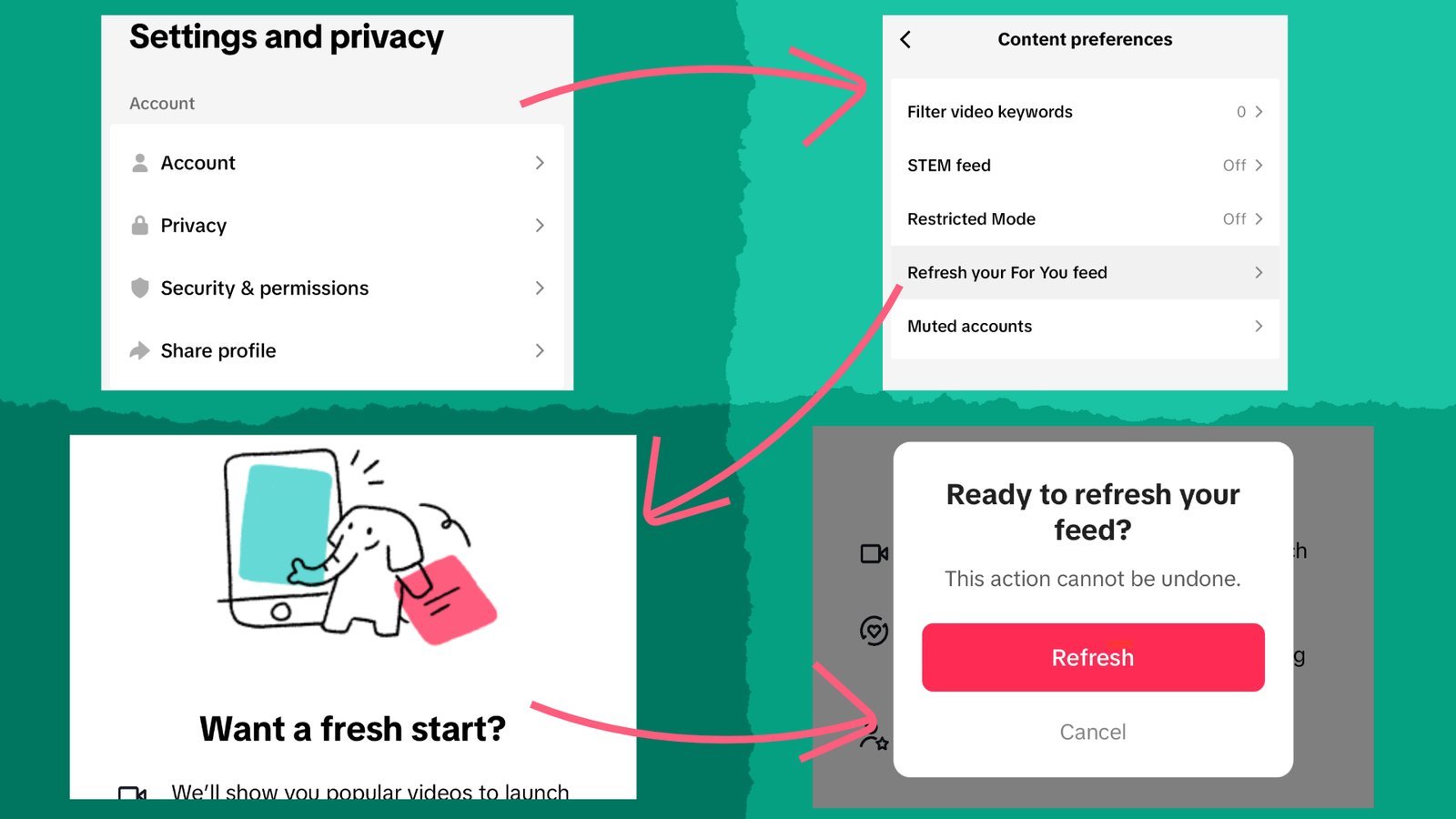
You’ll know the process worked when your feed stops showing viral pages you never followed and returns to basic family updates. Sponsored posts will look generic, displaying national retail brands rather than products you searched for on other websites. Meta documents how their ranking systems evaluate inventory on the Meta Transparency Center ranking guide, showing that personal engagement directly controls what appears. The ultimate test is checking your Reels tab: if it shows standard, general-interest videos rather than your previous niche interests, the old predictive profile has been cleared.
Mistakes That Ruin It

- Watching full Reels out of curiosity: The system registers high watch time as intense interest, which costs you hours of progress by immediately restoring that topic to your feed. Scroll past unwanted videos in less than one second so the system marks them as irrelevant.
- Liking brand pages right after a reset: Interacting with corporate pages teaches the algorithm to flood your feed with commercial content instead of social updates. Keep interactions strictly limited to personal friends for the first week.
- Arguing in public comment sections: The algorithm prioritizes conflict because it drives screen time, which brings toxic posts back to your feed within hours. Hide or block argumentative accounts instead of replying to them.
Frequently Asked Questions
Can I Reset My Facebook Feed with One Button?
No, Facebook doesn’t offer a single reset switch. You have to manually wipe your watch history, clear your off-Facebook tracking data, and update your ad preferences individually.
Why Do I Keep Seeing Posts from People I Don’t Follow?
Your account displays suggested posts because mutual friends interact with them or your watch history matches that topic. Setting your feed preference to “Reduce more” on sensitive and low-quality content stops these suggestions.
Is It Safe to Clear Off-Facebook Activity?
Yes, clearing this data is completely safe and won’t delete your posts, photos, or friend lists. It simply disconnects external shop and website visits from your Facebook advertising profile.
How Do I Stop Seeing Political Posts on My Feed?
Go to your Feed Preferences, select Reduce, and choose Sensitive Content. Pick the Reduce more setting to filter out polarizing political arguments and unverified news stories.
What Happens If I Switch to the Feeds Tab?
Selecting the dedicated Feeds tab shows posts in strict chronological order with zero algorithmic sorting. This view only displays posts from your actual friends, groups, and followed pages without suggested content.
Moving forward, remember that the feed learns from everything you do today. Start interacting only with people and pages you genuinely enjoy. Hide posts that annoy you right away, and don’t click on angry debates. When you train the system with good habits, it’ll finally show you content you actually want to see.