Deleting everything from an iPhone comes down to using the built-in Erase All Content and Settings tool. This process takes 5 to 15 minutes, costs nothing, and is an easy task that needs care around personal data. You must have your Apple Account password ready before you begin to turn off security locks.
What You Need
| Item | How much | Why it’s needed | A substitute |
|---|---|---|---|
| Battery charge | At least 50% level | Prevents power loss during reset | Connected power cable |
| Wi-Fi connection | 1 stable network | Signs out of iCloud accounts | Cellular data connection |
| Apple Account password | 1 active password | Disables Find My Activation Lock | none — don’t swap this |
| Device passcode | 1 screen unlock code | Confirms device owner identity | none — don’t swap this |
| Screen Time passcode | 1 optional PIN | Approves device wipe restrictions | none — don’t swap this |
Before You Start
- Back up photos, contacts, and messages to iCloud or a personal computer.
- Unpair any connected Apple Watch while the watch sits right next to the phone.
- Turn off Stolen Device Protection in Settings, or you might face a 60-minute security delay away from home.
- Remove your physical SIM card with a paperclip or transfer your digital eSIM to your new phone.
Skipping the iCloud sign-out step causes most problems because the phone remains locked to your personal account. If the display is shattered or the touchscreen doesn’t register taps, stop immediately and use a computer running iTunes or Finder to restore the device instead.
Step by Step
- Open the Settings application from your home screen to view your device preferences. The menu shows your account name right at the top.
- Tap your Apple Account name banner, scroll down to the bottom, and tap Sign Out to protect your online profile. If Find My is on, you must enter your password here.
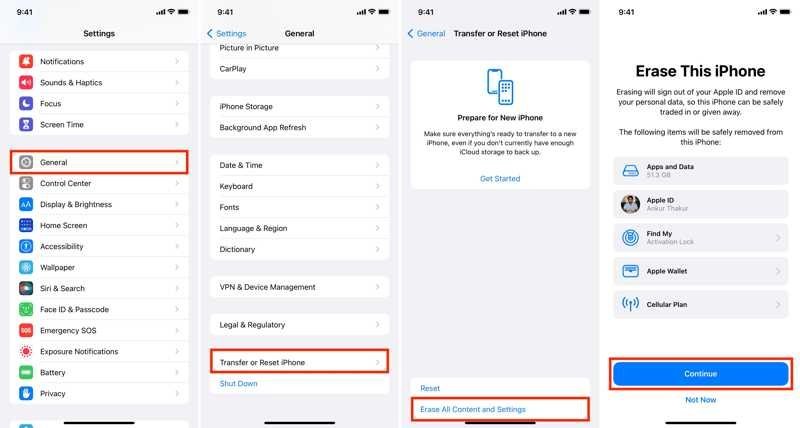
- Return to the main Settings screen and tap General to access system options. The General screen lists your device details.
- Scroll to the bottom of General and tap Transfer or Reset iPhone. This screen offers options to either prepare files or wipe the system.
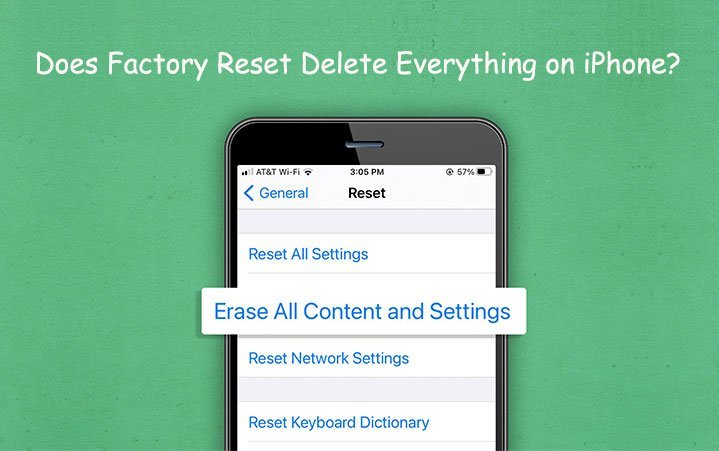
- Tap the Erase All Content and Settings option located near the screen base. A summary screen appears showing apps, data, and eSIM cards.
- Tap the blue Continue button at the bottom of the summary screen. A prompt will appear on screen asking for your device passcode.
- Type your 4-digit or 6-digit passcode using the on-screen keypad to confirm device access. The screen accepts the numbers without showing them.
- Type your Screen Time passcode next if you set one up in family restrictions. The device proceeds immediately once the correct PIN is entered.
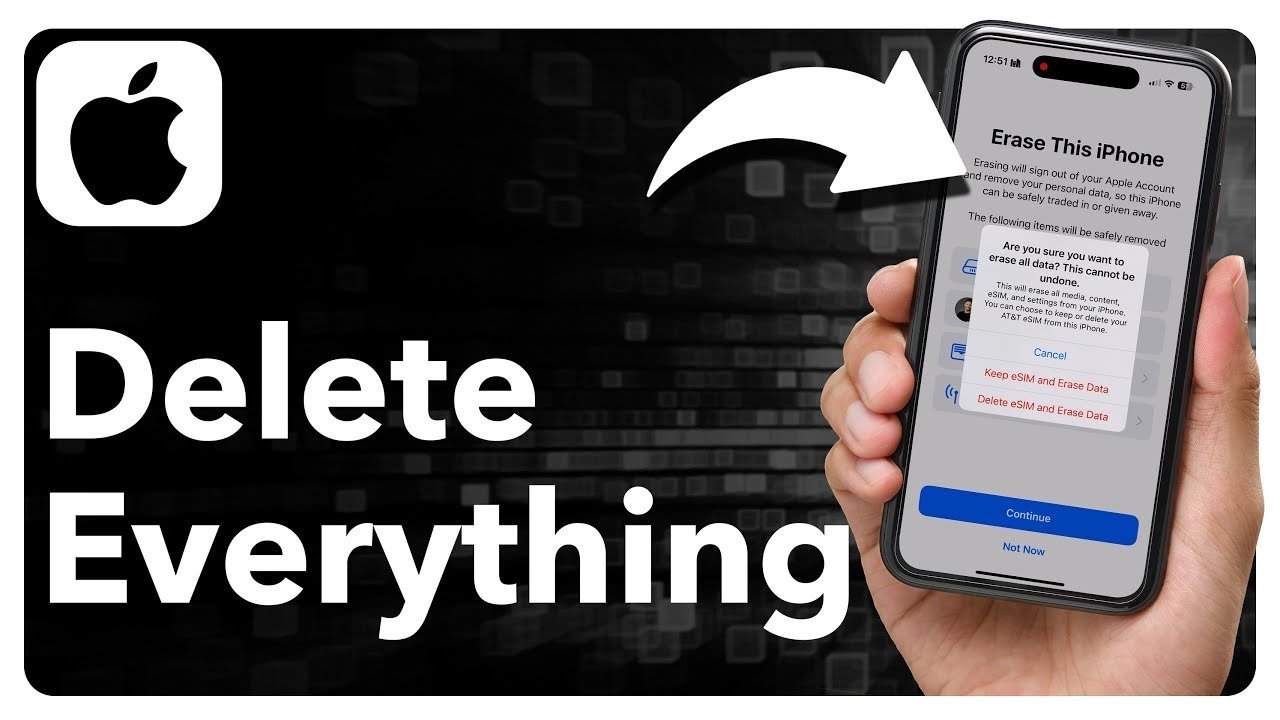
- Choose what happens to your digital SIM plan when asked. If you keep the phone, keep your eSIM; if you sell the phone, tap Delete eSIM.
- Tap Erase iPhone on the red warning box to start the wipe. According to Apple’s device erasing guide, this process clears the cryptographic keys and completely removes all personal files.
How to Know It Worked
The reset finishes when the iPhone restarts and displays the multi-language “Hello” setup screen. You’ll see a white screen on light models or a black screen on dark models with the word “Hello” cycling through different languages. If the device asks for your previous passcode, the reset didn’t complete and needs a second round. The trade-off of this thorough cryptographic wipe is that zero personal files can be retrieved once started, so double-check your backups. This method isn’t for someone who just wants to free up a little storage space while keeping their saved accounts intact. An honest limit applies here: older devices with mechanical Home buttons display progress bars slightly longer than newer devices, so check your device model for exact timing.
If Something Goes Wrong
| What happened | Why | What to do |
|---|---|---|
| Phone asks for password | Find My is active | Enter your Apple Account password |
| Reset option is gray | Screen Time blocks resets | Turn off restrictions in settings |
| Process halts on Apple logo | Operating system crash occurred | Force restart using side buttons |
| Security Delay message appears | Stolen Device Protection triggered | Wait 1 hour at home |
| Screen demands previous owner | Activation Lock remains active | Ask seller to unlink account |
How Often to Do This
Do this only when selling the phone, giving it away, trading it in, or fixing major system bugs. Performing a full wipe on a typical phone should happen once every 2 to 4 years. The two things that change this schedule most are how often you buy a new device and whether severe software errors freeze your screen. A simple storage cleanup doesn’t require a factory wipe. A common mistake people make is deleting photos manually while synced to iCloud, which permanently destroys files across all their other Apple products.
Frequently Asked Questions
Can I Delete Everything Without My Apple ID Password
No. You must enter the Apple Account password to turn off Find My and Activation Lock before the device allows a wipe. If you don’t know the password, you won’t be able to remove the lock, and you must reset your password online first.
Why Is My Iphone Stuck on the Apple Logo During Reset
A corrupted system file interrupted the factory wipe process. When this happens, connect the iPhone to a computer, force the phone into recovery mode with the volume and power buttons, and choose the Restore option inside Finder or iTunes to install fresh software.
How Long Does It Take to Wipe an Iphone Completely
About 5 to 15 minutes under normal conditions. The device doesn’t overwrite every bit of flash memory individually; it destroys the internal hardware encryption keys, which renders all stored user data instantly unreadable, followed by a clean reboot of the operating system.
Is It Safe to Sell an Iphone After a Factory Reset
Yes. Modern iPhones use hardware-based encryption called Data Protection, which makes your deleted photos, accounts, messages, and cards impossible to recover once the keys are cleared. The new buyer will only see the original factory setup menu when they power the device on.
What Happens If I Keep My Esim During the Wipe
Your cellular phone service stays connected to the device hardware while your apps and photos disappear. You should only keep your eSIM if you’re troubleshooting system problems and plan to keep using the same phone on your current carrier network afterward.
Does Erasing an Iphone Delete Photos from Icloud
No, provided you follow the standard reset flow rather than deleting images one by one in the Photos app. The factory reset wipes the physical storage on the phone itself without sending delete commands to your remote iCloud storage servers.