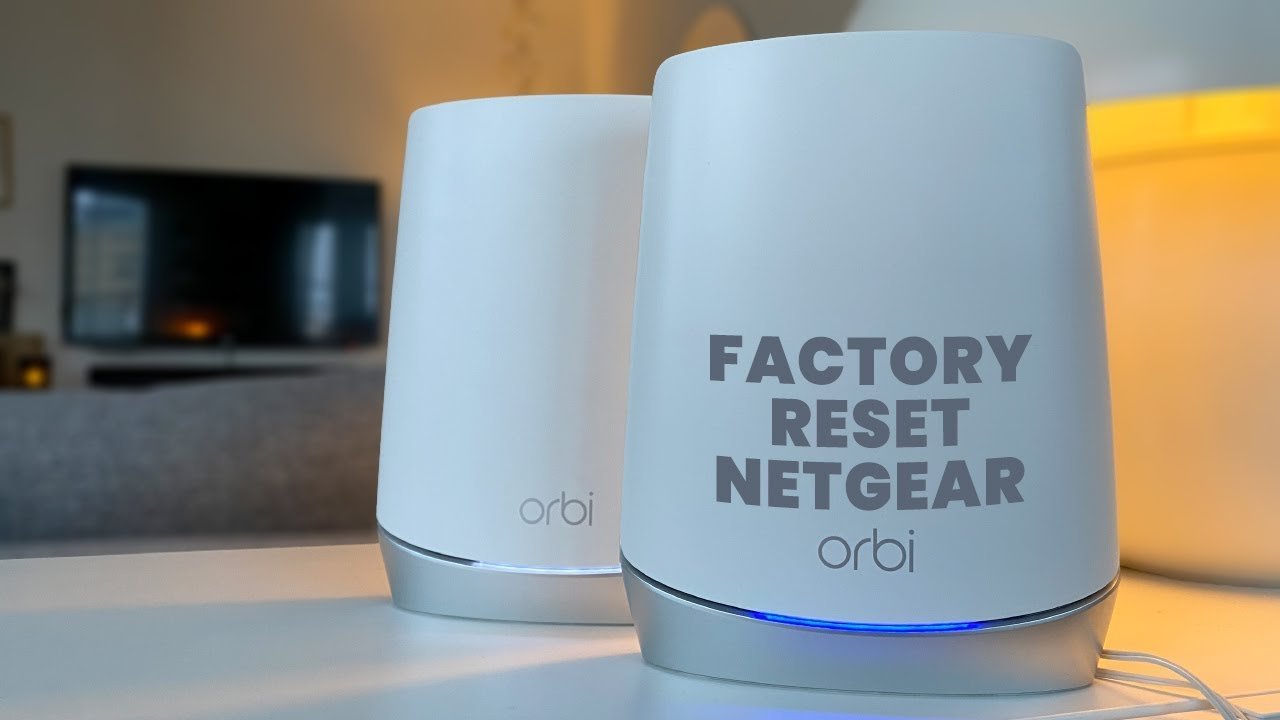
How to reset Orbi router hardware back to factory defaults: press and hold the pinhole Reset button on the back for 10 to 15 seconds until the Power LED blinks amber. You’ll erase all custom passwords, network names, and connected device rules instantly during this full system wipe.
This process clears corrupted firmware cache and bad settings by returning the unit to factory code. But this wipe isn’t for people who just have a slow connection; a simple one-minute power unplug fixes temporary lag without wiping your network credentials.
The biggest setup error happens right before starting: forgetting to write down custom ISP settings like PPPoE logins. If your internet provider requires a special VLAN tag or username, you’ll lose internet access completely until you re-enter those specific numbers after the reboot.
Restoring Factory Settings
- Keep your Orbi router plugged into wall power and verify the front or back Power LED shows solid green or white.
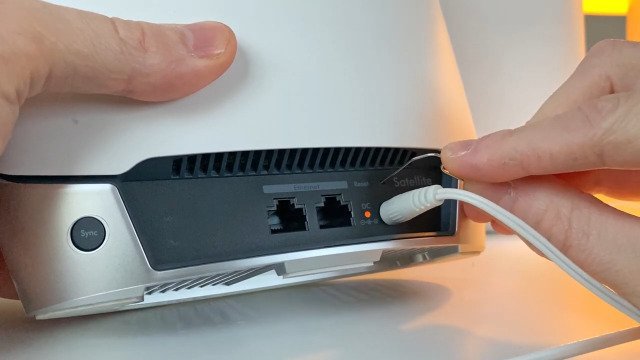
- Straighten a metal paperclip and push the tip straight into the small hole marked Reset on the rear port panel.
- Hold the button down firmly for 10 to 15 seconds without letting go.
- Release the pin once the Power LED begins blinking amber. Tip: If you let go before the light turns amber, the unit simply reboots without clearing your data.
- Wait 3 to 5 minutes while the router reboots and clears its internal memory.
- Open your phone’s camera and scan the default Wi-Fi QR code printed on the router’s base label to reconnect. Tip: The factory network name (SSID) and unique password are both printed directly on that bottom product sticker.
- Complete fresh setup through the official Orbi app or an ethernet cable plugged into port 1. If you need step-by-step guidance for advanced settings, follow the NETGEAR factory reset guide to reconfigure your system safely.
How Long It Takes
The physical pin reset takes seconds, but total downtime depends on your setup and how many satellites you pair.
| Situation | How long | What changes it | What to watch for |
|---|---|---|---|
| Router Only | 3 to 5 minutes | Hardware generation | Power light pulses amber, then solid white |
| Router + 1 Satellite | 7 to 10 minutes | Distance between units | Ring light turns solid blue on satellite |
| Router + 2+ Satellites | 12 to 15 minutes | House layout and wall thickness | Ring lights pulsing magenta (shows sync failure) |
If the Power LED stays solid amber for more than 10 minutes, unplug the power cord, wait 30 seconds, and plug it back in.
How to Tell When It’s Done
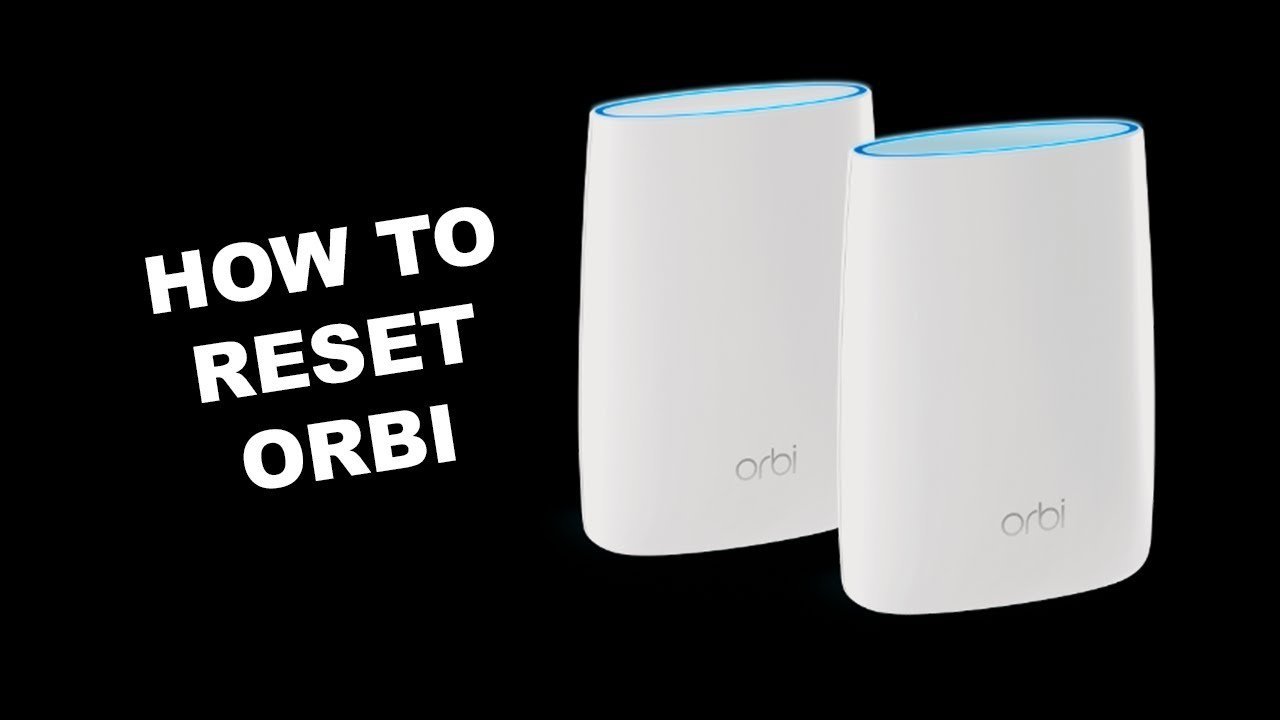
You’ll know the reset finished when the router’s Power LED stops blinking amber and turns solid white or green (this varies by model — check the label on your unit). The top ring light will pulse white slowly to show it’s ready for initial setup. If the light shows pulsing amber or magenta, the device is stuck in boot mode. The one true test is checking your phone’s Wi-Fi list: your old custom network name will vanish, and the default “ORBIXX” network name printed on the unit’s bottom sticker will appear instead.
Mistakes That Ruin It
- Using a soft wooden toothpick: Toothpicks snap off inside the narrow channel and jam the micro-switch permanently. Always use a rigid metal paperclip or an official SIM tray ejector tool.
- Pulling the power cord during the reboot cycle: Power loss during an active flash erase can corrupt the bootloader chip. Keep the electrical plug steady until the top ring light pulses white.
- Forgetting to reset linked satellites: Satellites will look for the old network keys and blink magenta continuously. You must press the physical reset button on each separate satellite too.
Frequently Asked Questions
Will Resetting Orbi Delete My Wi-Fi Password?
Yes. A factory wipe deletes all personal settings, including your custom Wi-Fi network name, admin password, port forwarding, and parental control rules. Your router will return to the original network name and security key printed on its bottom sticker.
Why Is My Orbi Light Magenta After a Reset?
A magenta light means your router can’t reach the internet. Check the ethernet cable between your Orbi WAN port and your modem, then restart your modem. If you have satellites, magenta means they’re sitting too far from the router to sync.
Can I Reset an Orbi Router Without the Pinhole Button?
Yes, if you still know the admin password. Log in to the web dashboard at orbilogin.com on your browser, click the Advanced tab, select Administration, click Backup Settings, and choose the Erase option to reset factory defaults remotely.
What Is the Trade-Off of a Factory Reset?
You get a clean operating system that clears stubborn software bugs, but the trade-off is losing 15 to 30 minutes re-pairing every satellite and reconnecting every smart light bulb, camera, and printer in your home to the new network.
Do I Need to Reset My Modem When I Reset Orbi?
No, your modem stores its own separate configuration from your internet provider. However, power cycling the modem by pulling its power cord for 30 seconds helps it assign a fresh public IP address to the freshly wiped Orbi router.