You can reset Phonak hearing aids in just 15 seconds by holding down the lower push-button until the light flashes green. This standard reboot clears minor software freezes and Bluetooth drops without erasing your personalized hearing prescriptions. It suits any wearer experiencing sudden connection loss, muted sound, or unresponsive volume toggles during normal daily use.
What You’ll Need
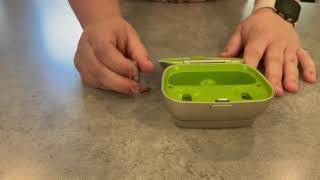
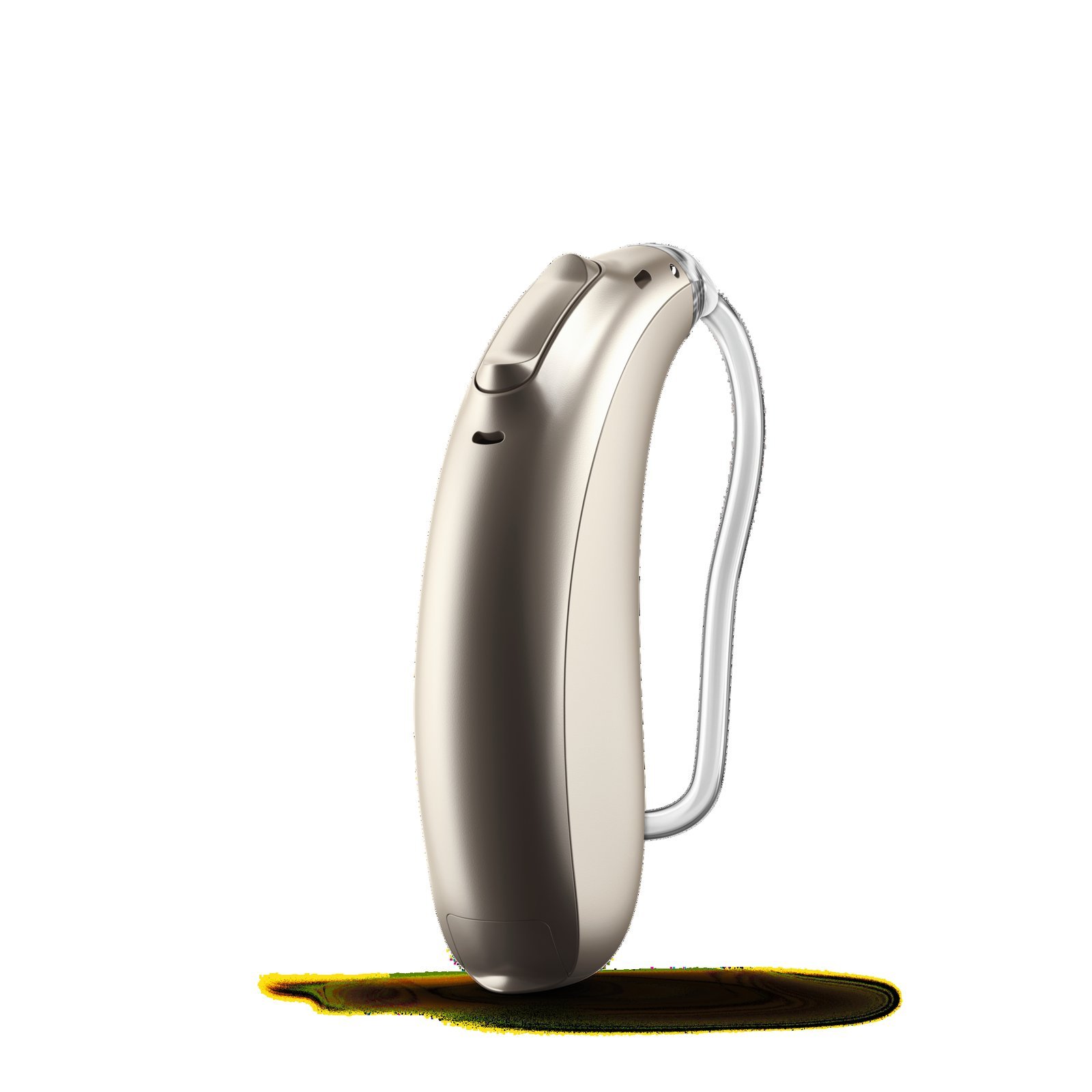
- Your Phonak hearing aid (rechargeable or zinc-air model).
- The official Phonak charger plugged into wall power (for rechargeable devices).
- A fresh, unused zinc-air battery of the correct size (size 312, 13, or 10, with the protective sticker freshly peeled).
- A clean, dry microfiber cloth to grip small switches safely.
- A flat, well-lit table so small parts don’t fall onto the floor.
Using a powered charger dock works to trigger an automatic reset cycle, but attempting to force a reboot with generic magnetic cables will damage internal charging pins. Advanced hardware calibration requires professional diagnostic fitting tools, so visit your audiologist if physical buttons stop responding completely.
Step-by-Step
- Press and hold the lower portion of the multi-function button for exactly 15 seconds.
- Release the button immediately when the indicator light turns off or stops flashing red.
- Place the hearing aid into an active charger plugged into wall power for 5 seconds.
- Watch the light turn solid green to confirm the internal operating system is starting back up.
- Remove the device from the charger slot and wait 3 seconds for the startup chime to play.
- Open the battery door completely for 5 seconds instead if your unit uses disposable batteries, then close it firmly.
- Reconnect the device to your smartphone settings menu to verify wireless streaming returns.
Careful: Don’t press the top rocker switch during this process; pressing the wrong side only raises the volume and leaves the computer frozen.
Tip: If you have rechargeable units, make sure your charging case connects to an active wall outlet, because unpowered slots won’t trigger the power cycle.
If the indicator light shows a continuous solid red light after three reboot attempts, internal hardware protection has locked the unit; stop pressing the buttons and hand the device to a licensed hearing care professional for factory service.
Reset Methods Across Different Models
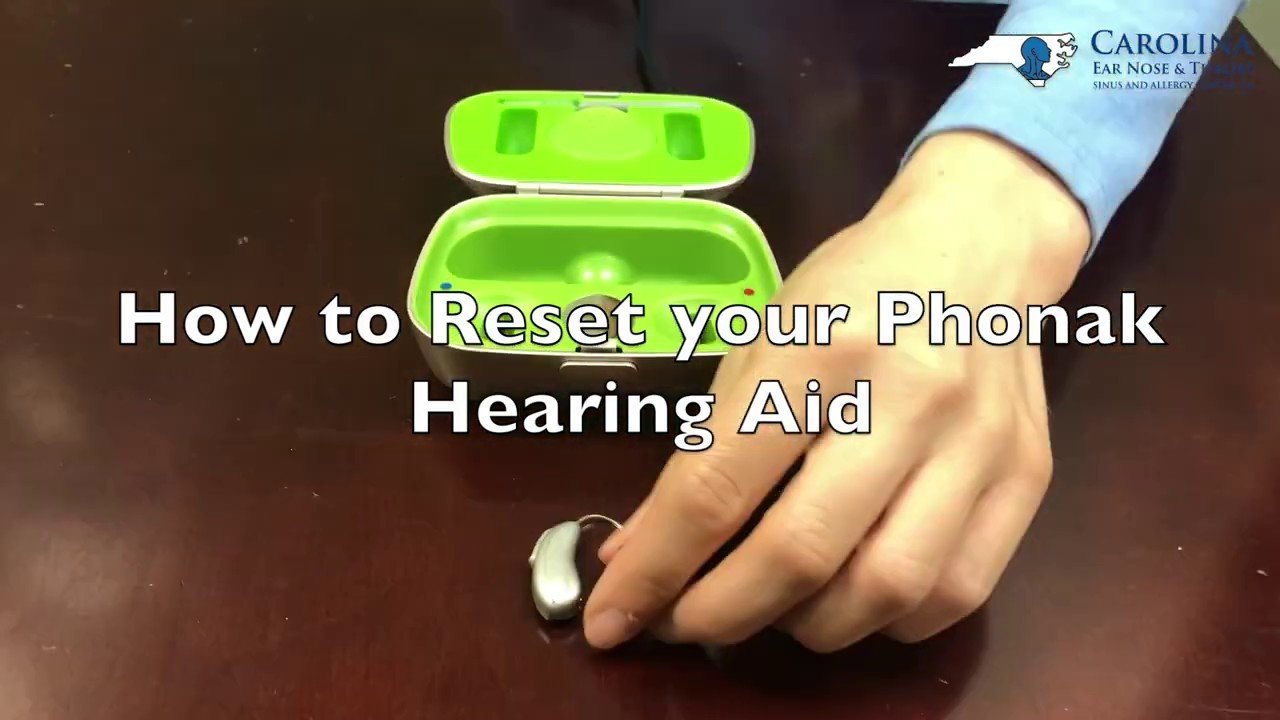
Different Phonak hardware designs require distinct reboot procedures, varying in manual steps and total restart time.
| Model Style | Time Required | Reset Mechanism | Visual Indicator |
|---|---|---|---|
| Rechargeable RIC (Audeo) | 15 seconds | Long-press lower toggle | Green flash, then solid green |
| Disposable Battery RIC | 5 seconds | Battery compartment cycle | None (listen for startup melody) |
| Custom In-The-Ear (Virto) | 5 seconds | Battery drawer opening | None (melody confirms power) |
It’s safer to try a short, simple reboot first than to force prolonged hardware shutdowns, because rushing through button sequences can disrupt active Bluetooth pairing registers.
How to Tell You Did It Right
A successful restart produces a clear, multi-tone startup chime when you put the hearing aid near your ear, followed by normal background amplification. A failed reboot leaves the device silent, dead to button clicks, or stuck showing a steady red light in the charging cradle. This failure usually happens if the button was released too early. Pressing the button for the full duration prevents this interrupted sequence.
Care Standards and Device Handling
Hearing instruments fall under medical device manufacturing guidelines monitored by the U.S. Food and Drug Administration to ensure consumer acoustic safety. After rebooting your aid, clean away skin oils and earwax from the microphone ports using your dry cleaning brush, then close the mobile app on your phone once to clear dead pairing caches. A software reset lasts indefinitely until a fresh wireless bug or battery drain occurs, but recurring software crashes mean your custom acoustic profile needs diagnostic updating. If internal firmware corrupts completely, consumers can’t fix the root code; visit an authorized hearing clinic to run official target fitting software.
Alternative Troubleshooting Options
Mobile Application Reset
Open your myPhonak smartphone app, select device settings, tap “Forget Devices,” and perform a clean Bluetooth search. This takes about two minutes, costs nothing, and fixes audio streaming drops without touching the physical hardware switches on your ears.
Full Battery Compartment Replacement
Discard your current zinc-air cell and install an entirely new, fully aired battery after leaving the tray open for two minutes. This takes roughly three minutes, uses one inexpensive consumable battery, and resolves issues where low voltage mimics computer software freezes.
Professional Clinic Factory Restore
Take your hearing aids to an audiologist for a direct factory firmware reflash using proprietary desktop programming hardware. This visit takes thirty minutes, may carry a clinic service fee, but repairs deeply corrupted internal code that user reboots can’t clear.
Frequently Asked Questions
Will Resetting Phonak Hearing Aids Delete My Custom Settings?
No, a normal button reset restarts the internal processor without erasing the prescription programs, volume limits, or frequency targets programmed by your hearing professional.
Why Is My Phonak Hearing Aid Showing a Solid Red Light?
A solid red light means the hearing aid has an internal battery error or software fault; place it in a powered charger for 60 minutes to attempt recovery.
Can You Restart a Phonak Hearing Aid Without a Charger?
Yes, you can hold the lower push-button down for 15 seconds while away from your dock, but rechargeable units sometimes need charger voltage to wake up.
How Long Does a Phonak Soft Reset Take?
About 15 seconds to hold down the control button, followed by roughly 5 seconds in the charger cradle to complete the boot cycle.
What Happens If the Button Is Pressed for 30 Seconds?
Nothing harmful occurs, but you’ll need to place the device into a powered charger to turn it back on.
Is It Safe to Reset Hearing Aids While Wearing Them?
No, take them off your ears first because sudden loud tones or microphone squeals during reboot cycles can feel uncomfortably harsh inside your ear canal.
Related guides