
To reset your KitchenAid dishwasher panel, press the Cancel or Cancel-Drain button once, latch the door, and wait 2 minutes for the drain cycle to finish. If the keypad remains frozen, disconnect power at the home breaker for 5 full minutes to clear the electronic control board’s memory completely.
A soft reset clears an accidental setting or a stuck cycle, while a hard reset forces the computer board to reboot after a power surge. This quick procedure isn’t for dishwashers with leaking tubs or broken door latches, which require physical repair rather than rebooting.
The biggest mistake is opening the door during the 2-minute drain phase. Interrupting that pump stops the machine from clearing out water, leaving dirty liquid inside the tub base and keeping the safety sensors locked.
Steps to Reset Your Kitchenaid Dishwasher
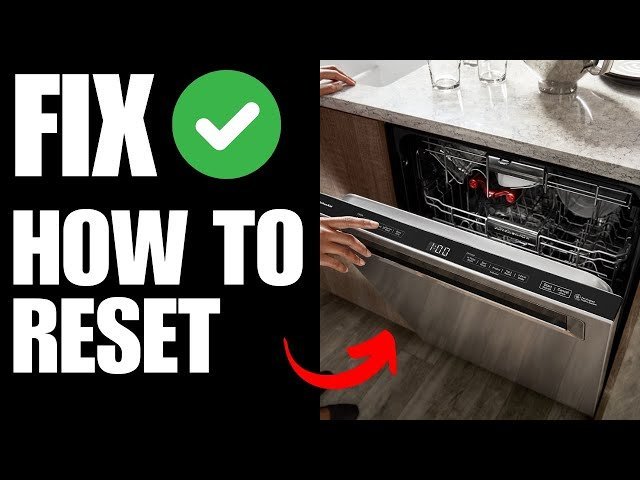
- Press the Cancel or Cancel/Drain keypad firmly 1 time to stop the active cycle.
- Close the door firmly within 3 seconds so the latch catches and the drain pump starts.
- Wait 2 full minutes while the pump removes standing water from the bottom basin. Tip: If water sits in the bottom after 2 minutes, clear the removable filter cup under the lower spray arm before continuing.
- Flip the dishwasher’s circuit breaker switch to OFF if the buttons remain unresponsive after draining.
- Keep the power off for 5 full minutes so the internal capacitors drain their stored voltage.
- Flip the breaker switch back to ON, then open and close the door once to re-engage the latch switch.
- Press the Normal cycle button and then Start to verify the control panel responds correctly. Tip: If you need to remove panels, use a multimeter, or touch internal wiring, stop here and call a certified appliance technician because mains electricity carries a lethal shock risk.
How Long It Takes
A standard reset takes between 2 and 10 minutes depending on whether the computer board needs a total power cut.
| Situation | How long | What changes it | What to watch for |
|---|---|---|---|
| Soft reset via keypad | 2 minutes | Water volume in base | Pump humming continuously |
| Hard reset via breaker | 6 to 8 minutes | Capacitor drain rate | Control lights staying dark |
| Diagnostic cycle reboot | 5 to 7 minutes | Machine sensor checks | Flashing cycle LED sequence |
If the dishwasher doesn’t reboot after 15 minutes of total downtime, the main control board or keypad assembly has failed and requires professional replacement.
How to Tell When It’s Done
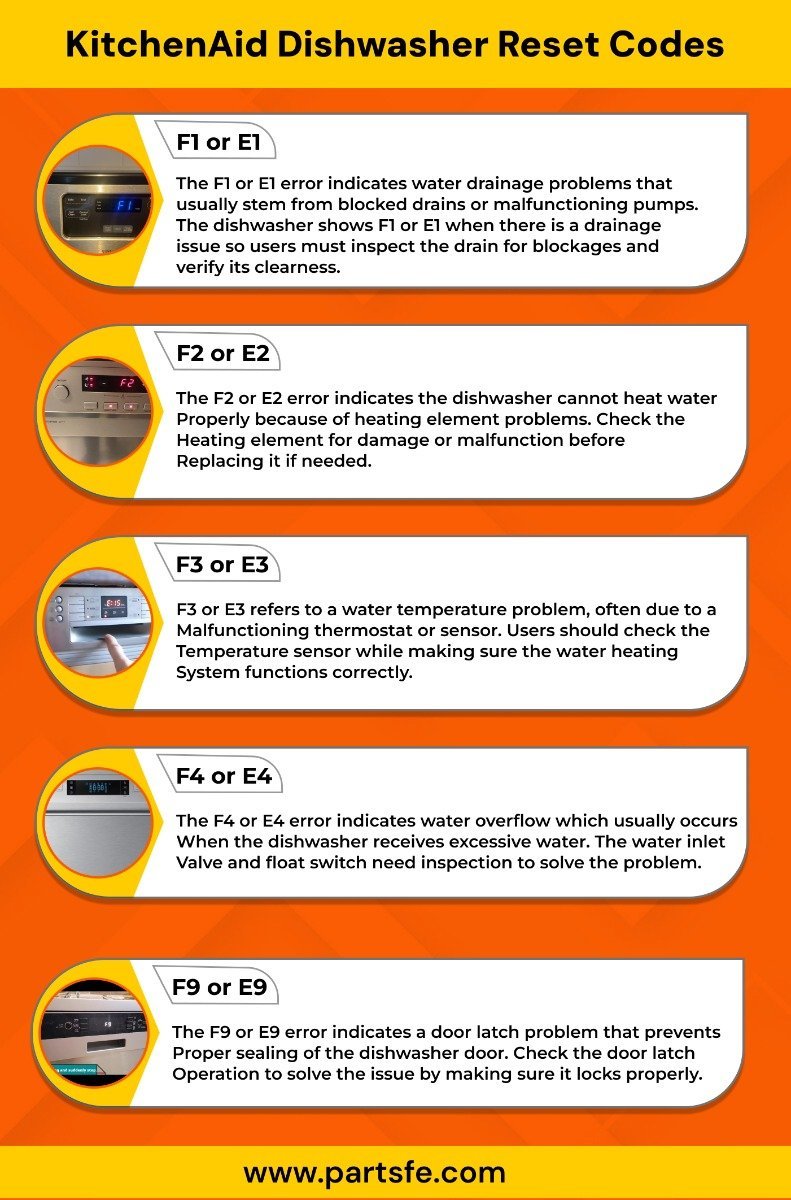
The dishwasher is reset when the control panel lights turn completely off and the drain pump stops humming. Open the door and check that no water pools around the mesh filter. Press any cycle button; the panel should beep once and illuminate only the cycle you selected, without old error lights blinking. The ultimate test is starting a basic Rinse cycle: if water fills and the wash arms spin for 60 seconds without pausing, the reset succeeded.
Mistakes That Ruin It

- Restoring power too quickly: Plugging the unit in after only 10 seconds leaves residual electrical charge in the circuit board, which prevents the microprocessor from wiping bad data. Always leave the breaker turned off for a full 5 minutes.
- Opening the door during the drain phase: Opening the latch cuts power to the drain motor instantly, trapping greasy rinse water in the sump. Keep the door firmly latched until all motor sounds stop entirely.
- Skipping the breaker for an unplug attempt: Pulling a built-in dishwasher out from under the counter to reach a wall outlet risks bending the copper water line or snapping the drain hose. Use the service panel breaker instead, which cuts power safely without moving the machine.
Frequently Asked Questions
Can I Reset My Dishwasher by Pressing Heated Dry?
Yes, older models use a button sequence to run diagnostics and reset errors. Press Heated Dry, Normal, Heated Dry, Normal within 6 seconds. This varies by model — check the label on your door frame first.
Why Is the Clean Light Blinking Continuously?
A blinking clean light means the water temperature didn’t rise enough during the cycle. The safety system disables the heating element until you reset the unit. If it blinks repeatedly after a reset, the heating element has failed.
How Long Should I Leave the Breaker Off?
Leave the breaker off for at least 5 minutes. The internal computer components hold power for several minutes after the main supply drops. A shorter wait time often fails to clear the board memory.
What Happens If the Cancel Button Doesn’t Respond?
A non-responsive cancel button indicates the control lock feature is on or the keypad matrix has failed. Hold the Control Lock button for 3 seconds to unlock it. If that fails, perform the 5-minute breaker reset.
Is It Safe to Reset the Unit During a Wash Cycle?
Yes, pressing Cancel during a wash cycle is safe. The machine automatically stops the wash arms and runs the drain pump for 2 minutes to remove hot water safely before shutting down.


