
Resetting chunks in Minecraft 1.20.1 to fix glitch errors means deleting damaged region files using external map tools like MCA Selector within 5 minutes. This process forces the game engine to rebuild empty blocks using your original world seed. This fix suits single-player Java Edition worlds suffering from broken lighting, cut-off terrain, or sudden crashes.
Tools to Reset Minecraft Chunks
- MCA Selector (version 2.1 or newer, built for Minecraft Java world format).
- Java 17 or higher installed on your computer to run the editing tool.
- A complete folder copy of your affected world save as a backup.
- Your current in-game chunk coordinates (press F3 to read Chunk coordinates: 0 to 15).
- A standard keyboard and two-button mouse for map selection.
This tool works on local Java worlds; it doesn’t work directly on Bedrock Edition worlds without third-party format converters.
Step-by-Step
- Press
Escapeinside Minecraft, select Save and Quit to Title, and close the game launcher completely to unlock world files. - Open your file explorer, paste
%appdata%\.minecraft\savesinto the address bar, and copy your target world folder to your desktop as a backup copy. - Open MCA Selector, click File, then choose Open World, and select the folder of your broken world.
- Zoom into the 2D map view until grid lines show single chunks (16 by 16 blocks).
- Locate the glitch area using coordinates, then left-click the broken chunks to turn them orange.
- Press
Control + D(orCommand + Don macOS) on your keyboard to mark those selected chunks for full deletion. - Confirm the deletion prompt by clicking OK to permanently remove those specific chunk files from your drive.
- Launch Minecraft 1.20.1, load your world, and walk toward the deleted area so the game generates clean terrain.
Careful: If your player character stands inside the glitched chunk when deleting it, your inventory may vanish upon loading; if you’re standing outside the border, your character remains safe.
Tip: Deleting chunks removes player builds permanently, representing a severe trade-off between keeping custom houses and fixing world stability.
Chunk Editing Across World Setups
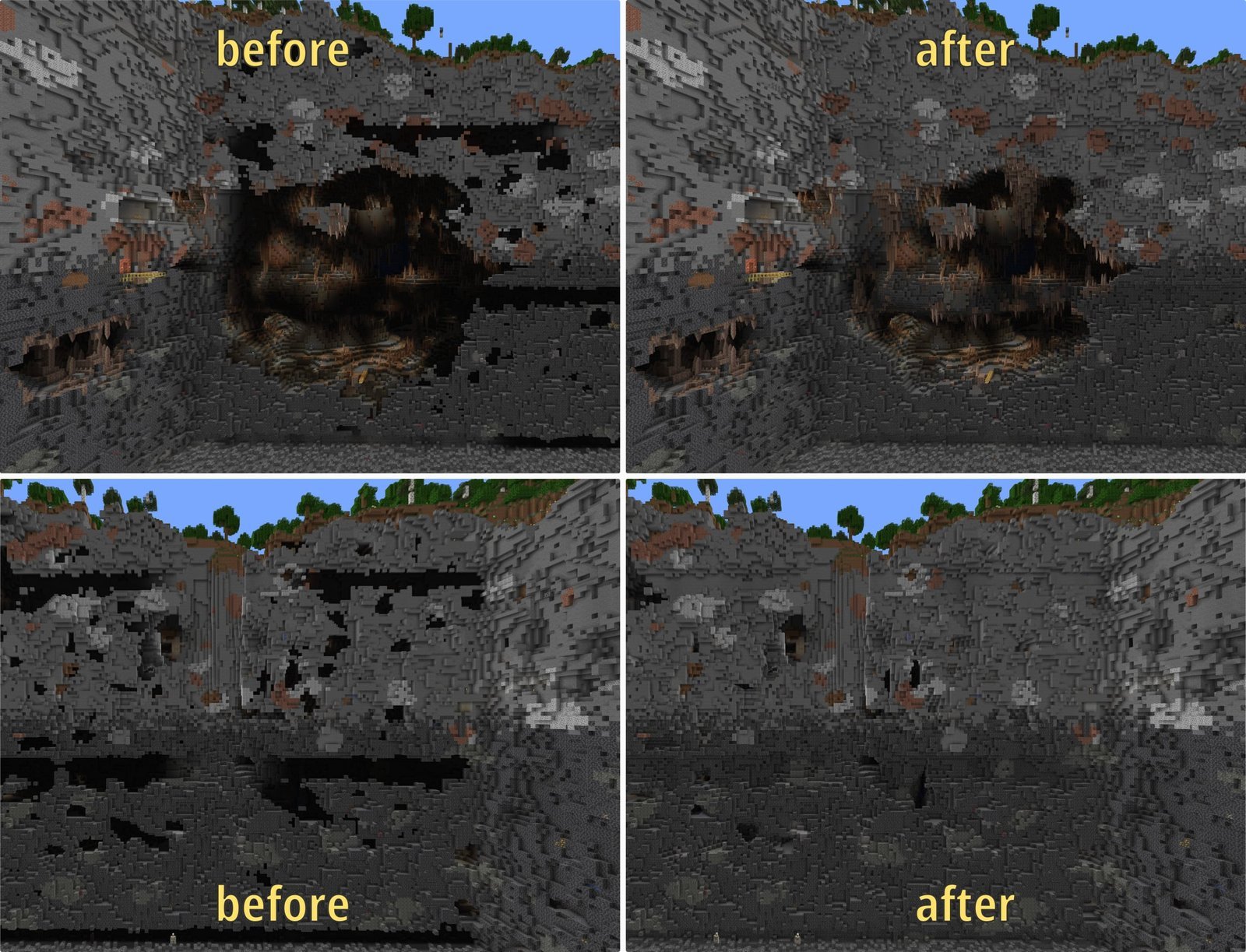
Different game states change how long cleaning takes and how many extra steps you must handle.
| World setup | Time required | Operational difference | What to monitor |
|---|---|---|---|
| Single-player vanilla | 3 to 5 minutes | Direct folder access with no network locks | Launcher must remain completely closed |
| Local LAN world | 5 to 7 minutes | Must disconnect guests before shutting down save | Host player inventory coordinates |
| Dedicated paper server | 10 to 15 minutes | Requires full console stop via command terminal | Server console log for read errors |
| Modded Fabric/Forge | 8 to 12 minutes | Custom block IDs generate missing block errors | Registry warnings on re-entry |
Start by deleting one single chunk first rather than clearing whole regions; wiping too many blocks risks deleting neighboring builds by accident.
How to Tell You Did It Right
A clean result shows continuous terrain blending smoothly into nearby hills without sheer vertical rock walls or pitch-black sky gaps. Broken chunks look like invisible holes you drop through, or mismatched square biomes appearing where your ocean used to be. This visual tear happens because saving gets interrupted during game crashes, corrupting the NBT data tags on disk. You stop future chunk tears by shutting down through the game menu rather than closing your computer lid, keeping your render distance within reasonable limits, and testing storage drives for bad sectors.
Safe Handling and Technical Limits
World storage files follow the Anvil format maintained by Mojang Studios, detailed across the official Minecraft Help Center guides regarding world save retention. The internal ceiling for a standard region file is 32 by 32 chunks, meaning one single file stores 1,024 chunk spaces. Once you delete broken sections and reboot, the fresh generation stays permanent unless another system crash corrupts the drive. This process isn’t for console players on PlayStation or Xbox, who can’t edit raw local game data without modded hardware. If corrupted sectors recur across new worlds, stop world editing and test your computer storage drive for physical hardware damage.
Alternative Chunk Repair Options
In-Game World Optimization
Run the built-in world optimizer by clicking your world, selecting Edit, then Optimize World. This rewrites internal files without erasing player structures, but it takes 15 minutes and fails to restore missing blocks.
Region File Manual Purge
Delete an entire .mca file directly from your .minecraft/saves/[World]/region directory. This takes under two minutes without downloading tools, but it deletes 1,024 chunks at once, destroying huge areas of land.
Server Console Generation
Type /forge generate or run third-party maintenance plugins like Chunky on dedicated servers. This runs tasks directly through background commands without closing server ports, but setup takes technical command knowledge and higher memory.
Frequently Asked Questions
Will Resetting Chunks Delete My Chests and Houses?
Yes. Deleting a chunk erases all player-placed blocks, containers, redstone wiring, and stored items in that 16-by-16 block column down to the void. The game replaces them with the original seed terrain.
Can You Undo Chunk Deletion Without a Backup?
No. Once deleted through map software, those specific block states disappear permanently from storage drives. You must restore your copied backup folder if you make an error during file editing.
Why Do Chunks Turn Invisible in Minecraft 1.20.1?
Memory shortages cause this rendering stall. When your system memory runs low, your graphics card delays drawing chunk geometry, leaving temporary see-through gaps that fix themselves upon reloading shaders with F3 + A.
Is Mca Selector Safe for Modded Worlds?
Yes, if you only delete chunks containing vanilla terrain. Custom modded blocks cause the tool to show empty pink squares on the map interface, which can lead to accidental block deletion.
What Happens to Mobs Inside a Reset Chunk?
All named pets, villagers, hostile monsters, and livestock standing inside the chunk coordinates get removed instantly. When the game rebuilds the land, standard natural passive mobs spawn according to normal biome rules.



1 thought on “How to Reset Chunks in Minecraft 120 1 Glitch: Mca Selector Guide”