
Carry on with care. You can safely perform a total reset on a Brother HL-L3220CDW printer with locked settings by opening the top cover before triggering the factory command. A software lock keeps normal screen menus closed, but it doesn’t create any electrical or fire hazard. Unplug the USB cable right now so incoming print jobs don’t interrupt the panel reset while you work.
Before You Total Reset Your Brother Printer
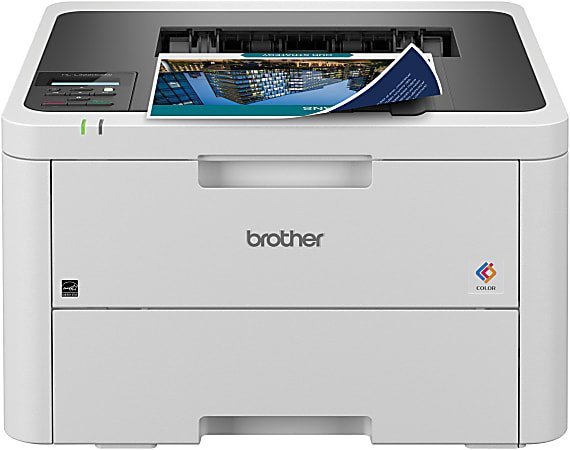
- Disconnect the USB cable from the back panel so external devices stop sending print data.
- Open the printer’s top toner cover fully until it latches in the upright position.
- Hold the Power button for 2 seconds until the screen says “Shutting Down”, then release it.
- Leave the machine powered off for 15 seconds to clear residual data from the internal buffer.
- Close the top cover firmly with both hands until it clicks shut.
What Is Actually Happening
The machine’s control panel is restricted because an administrator enabled Setting Lock or Secure Function Lock. Brother uses these modes in shared offices to block unauthorized users from changing IP addresses, running maintenance routines, or wiping configurations. When this happens, pressing the standard Settings key simply displays “Locked” on the screen.
Under the hood, this security state lives in the printer’s non-volatile memory (NVRAM). A normal power cycle won’t wipe NVRAM. Entering Brother’s hardware maintenance mode or diagnostic reset menu bypasses the operating system’s software barrier entirely. If the lock was set via BRAdmin software, the printer requires a complete factory memory clear; if set manually at the screen, a simple network reset sometimes restores local access.
| Reset Method | Required State | Lock Cleared | Wi-Fi Settings Lost |
|---|---|---|---|
| Settings Menu | Unlocked screen | No (blocked) | Yes |
| Maintenance Reset | Top cover open | Yes | Yes |
| Web Based Reset | Admin password known | Yes | Yes |
Check These, Cheapest First
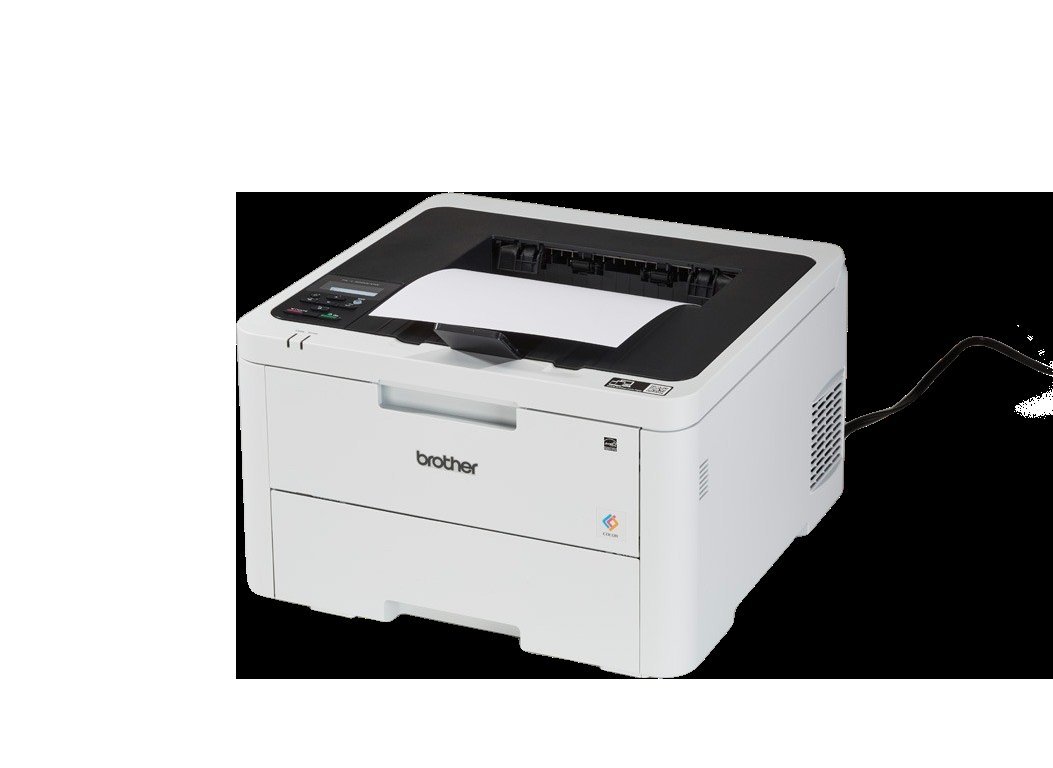
A quick check helps you pick the right way to clear the block without unnecessary steps.
Read the Exact Screen Message
Look at the LCD panel when you press the Settings button. If it says “Locked”, Setting Lock is active; if it prompts for an ID or PIN, Secure Function Lock is blocking specific print features instead.
Check the Machine Back Label
Look at the sticker on the back of the printer to verify the default password. On newer Brother models, the factory administrator password is an 8-character string printed directly on the serial number label, marked as “Pwd”.
Inspect Your Active Network Connection
Check your router’s client list for the printer’s current IP address. If the machine stays connected to your local network, you can access the reset controls through a web browser rather than fighting the locked screen.
Try Brother Default Password Logins
Type the printer’s IP address into a web browser on your computer and attempt to log in using “initpass” or the back-label password. A successful login lets you disable Setting Lock directly from the Administrator menu.
Look for Stuck Print Jobs
Check the print queue on your computer to ensure no documents are currently spooling. A paused or frozen print job locks the control panel and prevents reset commands from executing.
The Fix
To perform a complete hardware reset while the panel displays “Locked”, use the cover-open override. Turn the printer on. Open the top toner cover completely. Press and hold the Back and Cancel buttons together for 2 seconds, then let go. Immediately press the Back button once more. The hidden reset menu will appear on the display, showing options like “Toner”, “Drum”, and “Factory Reset”.
Use the Up or Down arrow to scroll to Factory Reset, then press OK. The screen will ask you to confirm; press the Up arrow for “Reset”. The display will show “Rebooting”. Keep the top cover open until the machine finishes shutting down. Close the cover and turn the machine back on. The device will take about 60 seconds to reinitialize its storage. A successful fix shows the initial setup prompt asking for your language and date. If the screen displays “Locked” again within a week, an automated management tool like BRAdmin on your network is reapplying the policy.
Where This Stops Being a DIY Job
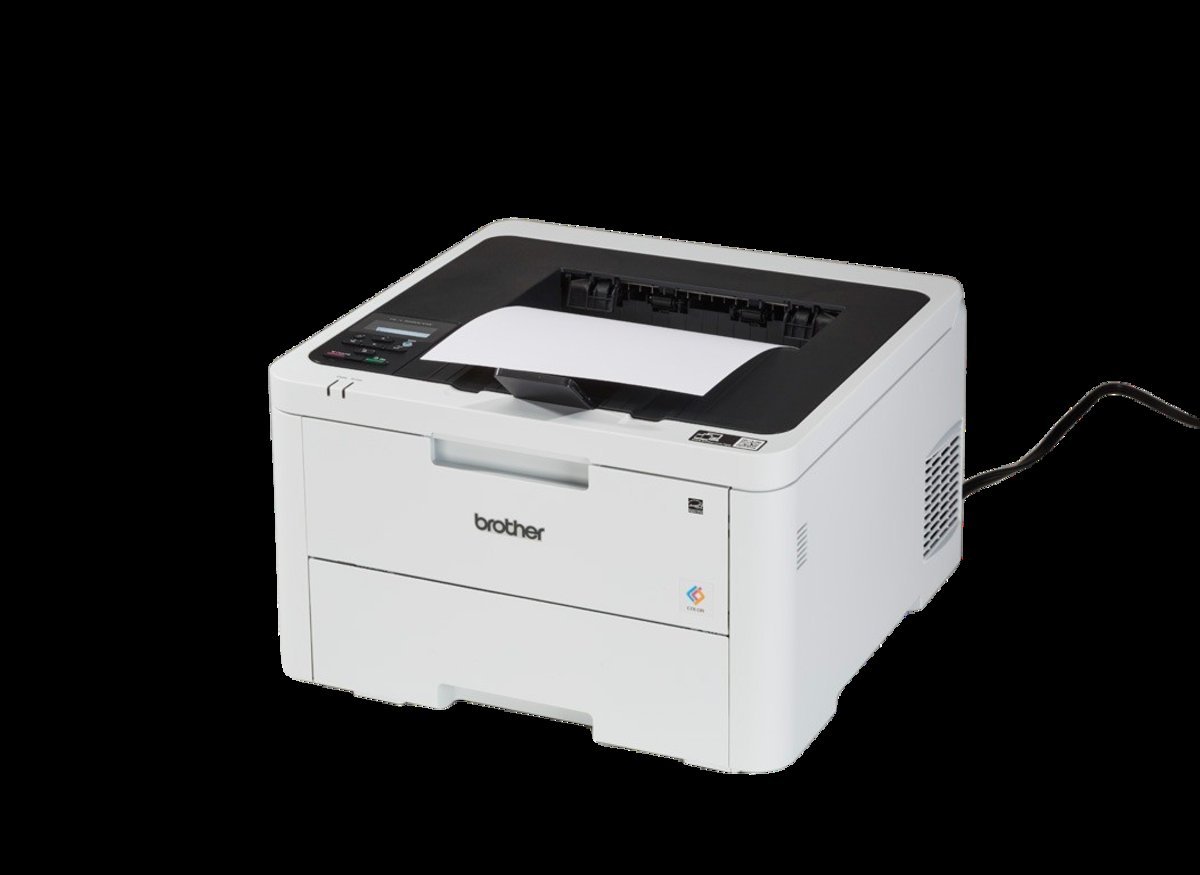
Stop troubleshooting if the printer screen freezes completely on a black line, flashes an “Internal Error” code, or refuses to respond to physical button presses during boot. Mainboard logic board failures and corrupted firmware chips require authorized service tools that standard users can’t access. Attempting to force-flash firmware over a broken board risks bricking the unit permanently.
Contact a Brother Authorized Service Center or open a support ticket with Brother technical support. A technician will usually test the power distribution board and read the raw error log via a low-level service connection. Tell them you performed a cover-open maintenance reset and whether the unit reverted to a locked state immediately after rebooting.
Frequently Asked Questions
Can I Reset the Printer Without the Admin Password?
Yes, using the cover-open button combination bypasses the need for the administrator password. This manual hardware sequence loads the system diagnostic menu directly into RAM before the security software locks the panel interface.
Why Does My Screen Say Locked When Pressing Settings?
Your printer has Setting Lock activated in its system menu. This administrative feature prevents unauthorized users from altering network addresses, changing machine defaults, or performing maintenance clears from the local keypad.
How Long Does a Total Reset Take to Finish?
About 2 minutes from pressing the buttons to the final restart. The printer takes around 30 seconds to erase the non-volatile memory and another 90 seconds to recalibrate the internal LED print engine.
Is It Safe to Reset with Third-Party Toner Installed?
Yes, a factory reset won’t harm compatible cartridges or damage the machine. However, the reset clears custom toner override settings, so you might need to re-enable “Continue Mode” to keep using non-Brother cartridges.
What Happens If I Turn Off the Printer During Reset?
You risk corrupting the internal firmware, which can leave the printer completely unresponsive. Always let the device complete its restart cycle and show the language selection screen before touching the power switch.
Does It Matter If the Top Cover Is Closed During the Fix?
Yes, keeping the cover open is required to trigger the override menu. If you attempt the button combination while the cover is latched shut, the machine simply registers a normal keypress and displays the lock warning.
Will a Total Reset Delete My Wi-Fi Network Details?
Yes, a total factory reset wipes every stored network profile, custom IP address, and administrator password. You’ll need to enter your Wi-Fi password again using the panel arrows once the reboot finishes.


