
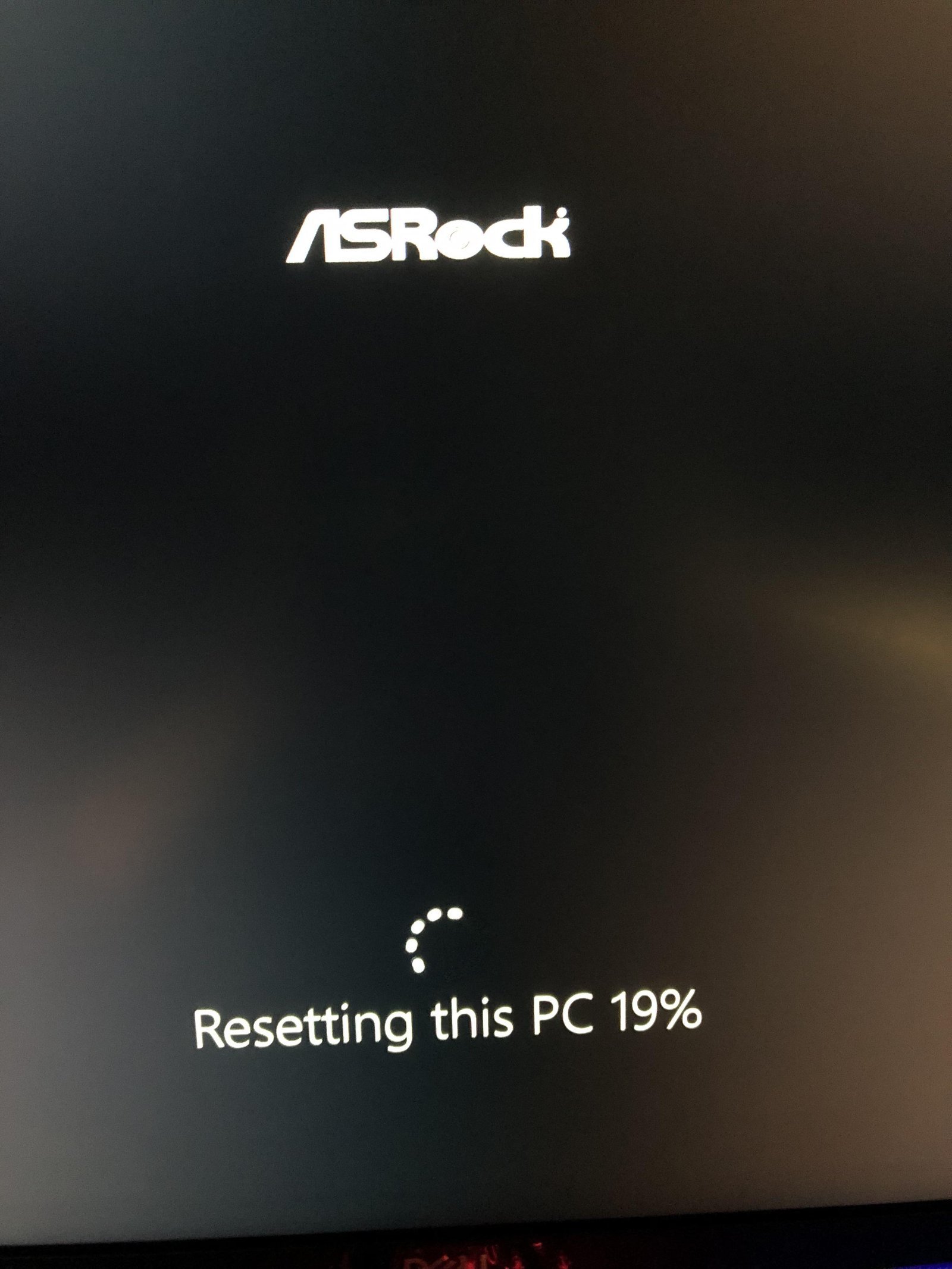
When you see resetting this pc stuck on your screen, wait at least three hours before doing anything if the hard drive light is blinking, or force a shut down by holding the power button for 10 seconds if the light stays completely off. A frozen process usually happens because the Windows setup hit corrupted system files or an active external drive disrupted driver installation.
Why This Happens
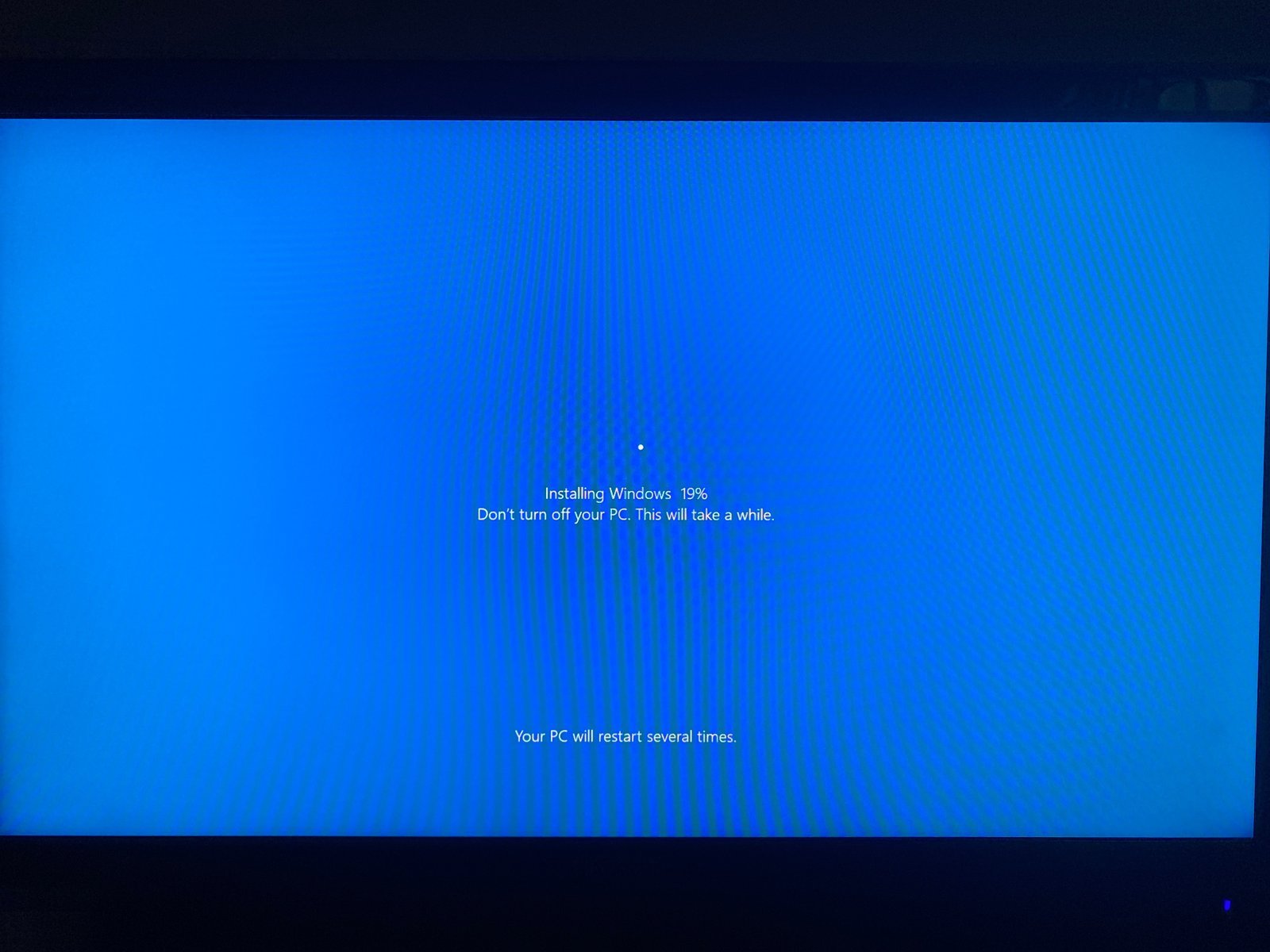
A Windows reset often halts at a specific percentage like 1%, 66%, or 99%. Most freezes happen when the installer tries to clear a corrupted file inside the local recovery partition. If those recovery files have bad sectors, Windows loops forever while trying to read them.
Another common reason involves connected hardware. Devices like printers, USB flash drives, or external hard drives confuse the setup utility while it installs base drivers. The setup stops and waits for a response from the device that never arrives. Finally, if you chose the Cloud Download option, a slow or dropped Wi-Fi link halts the download silently without throwing a clear error code.
Disconnect Peripherals and Power Cycle
This method works best when the screen stays frozen on the exact same percentage for over three hours with zero disk activity. First, unplug every external device except your keyboard, mouse, and display cable. Remove flash drives, SD cards, webcam plugs, and Ethernet cables.
Next, press and hold your computer’s physical power button for 10 full seconds until all fans and lights shut down. Pull the main AC power cord out of the wall, or remove the battery if your laptop has a detachable one. Wait two full minutes to clear the motherboard memory. Plug only the power cord back in and turn the PC on. Windows will either cleanly roll back the changes and open your desktop, or it will resume the reset and finish it within 30 minutes.
Run Startup Repair from Recovery Mode
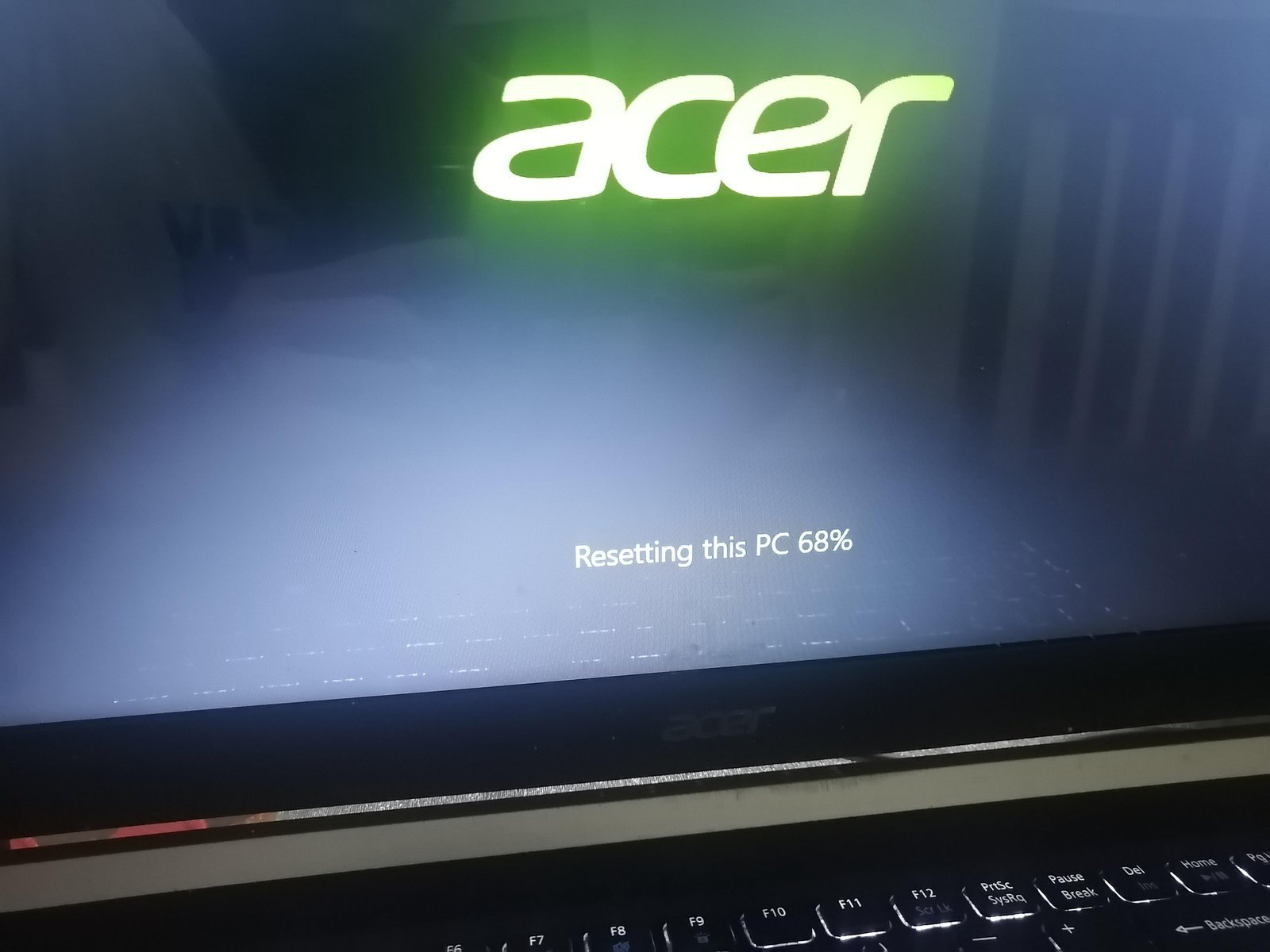
This fix targets a machine that falls into an infinite reboot loop after an interrupted reset. Force your PC to open the Windows Recovery Environment (WinRE). To do this, turn on the computer, and the moment you see the manufacturer logo, hold the power button down to shut it off. Do this three times in a row.
On the fourth boot, Windows opens the blue “Automatic Repair” screen. Click Advanced options, then choose Troubleshoot, and select Startup Repair. Windows scans system files and patches broken boot pointers. If Startup Repair succeeds, you’ll reach your normal login screen. If you have BitLocker drive encryption turned on, this step won’t work unless you have your 48-digit recovery key ready; find your credentials in your Microsoft account recovery key page before touching these settings.
Reinstall Windows Using Clean Media
Use a clean USB installer when the local recovery partition is completely broken. This fix isn’t for people who want to save installed desktop programs, because a clean install wipes your primary partition clean. You need a working secondary PC and a blank USB flash drive with at least 8 GB of storage space.
Download the Windows Media Creation Tool on the working computer and create a bootable USB installer. Plug the USB into your broken machine, turn it on, and immediately tap your boot key (usually F12, F11, or Del, depending on your motherboard) to select the USB drive. Select your language, choose Custom: Install Windows only (advanced), delete the old OS partition, and click Next. The trade-off here is clear: you lose your current program settings, but you bypass all corrupted local image files and get a working system in under an hour.
What Not to Do
- Don’t yank the power cord immediately: Cutting power during active drive writes can permanently corrupt the master boot record and ruin personal data partitions.
- Don’t use third-party partition repair utilities: Untrusted boot CDs often write incorrect partition tables to modern UEFI drives, turning a simple software freeze into unrecoverable drive damage.
- Don’t run the reset on weak battery power: Laptops that shut down mid-reset due to a dead battery often brick their Windows installation completely; always keep the wall charger plugged in.
- Don’t leave flash storage plugged in: Setup tools try to partition or read auxiliary USB sticks, which sends the installer into a permanent loop.
How to Stop It Happening Again
Changing a few basic maintenance habits prevents system images from corrupting before your next wipe.
| If you’re doing this | Do this instead | Why |
|---|---|---|
| Leaving USB hubs and drives plugged in | Unplug all external devices before resetting | Setup halts when detecting conflicting peripheral drivers |
| Using “Local Reinstall” with corrupted files | Choose “Cloud Download” during setup | Pulls fresh system files directly from Microsoft servers |
| Resetting a computer with file errors | Run sfc /scannow in Command Prompt first | Fixes damaged operating system files before the reset begins |
| Using Windows Reset for major disk corruption | Perform a clean installation via USB | Local reset tools can’t repair physically damaged drive sectors |
Frequently Asked Questions
How Long Should a PC Reset Take?
Between 30 minutes and three hours on modern solid-state drives. If you reset an older mechanical hard drive with several terabytes of data, expect the process to take up to six hours. Any freeze lasting over eight hours means the process has stopped working completely.
Can I Turn Off My PC If It Gets Stuck?
Yes, but only if the hard drive activity LED on your case has shown no blinking light for at least 30 minutes. If the drive light stays dead, hold the power button for 10 seconds to shut the computer off completely.
Will Resetting This PC Delete All My Files?
No, not if you selected the Keep my files option during setup. That choice preserves your personal documents and pictures in user folders. It does, however, remove all third-party desktop software, system drivers, and custom settings regardless of your choice.
What Happens If I Interrupt a Windows Reset?
Windows attempts an automatic rollback to your previous system build upon the next startup. If the files needed for a rollback were already deleted before you interrupted the cycle, your computer will display a “No bootable device found” screen until you reinstall Windows.
Why Is My Reset Stuck at 99 Percent?
Setup is usually configuring device drivers or removing large user directories in the background. Antivirus remnants also delay progress at this stage. Check the disk drive light; if it continues blinking, the installer is still processing files and needs more time.


