
To reset the L menu in RLCraft, remove your player data file while your server or local game is closed. The whole process takes about 2 minutes and sets your skill levels back to 1. This method suits players who want to reallocate wasted skill points, but it isn’t for players who want to keep their inventory intact without making extra backups.
Items You Need to Reset the Menu
- Access to your Minecraft installation folder or your server’s root directory.
- Your unique Minecraft player UUID, which you can look up using your exact username.
- A plain text editor like Notepad or TextEdit.
- A recent save backup stored in a separate folder on your drive.
- Minecraft Forge version 1.12.2, which RLCraft runs on.
Renaming the target file works as a safe temporary substitution, but deleting random files in the config folder doesn’t work and breaks the pack’s custom level caps.
Step-by-Step
- Close your Minecraft client completely and shut down your server instance if you’re hosting one.
- Open your file explorer and paste
%appdata%\.minecraftinto the search bar, or navigate to your curseforge instance folder for RLCraft. - Open the
savesfolder, enter your specific world folder, and locate the subfolder namedplayerdata. - Find the file ending in
.datthat matches your 32-character account UUID. - Delete or move that single
.datfile out of the folder to reset your Reskillable mod skill levels back to baseline. - Launch RLCraft, press Play on version 1.12.2, and enter your world.
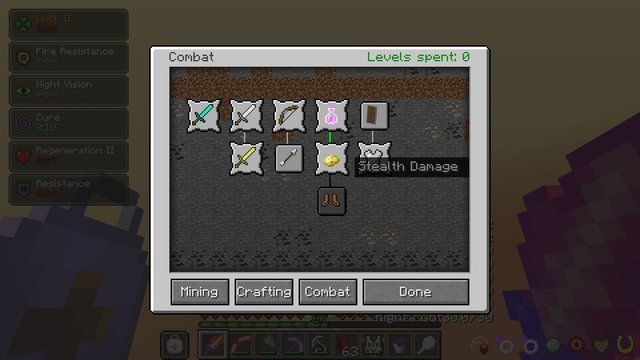
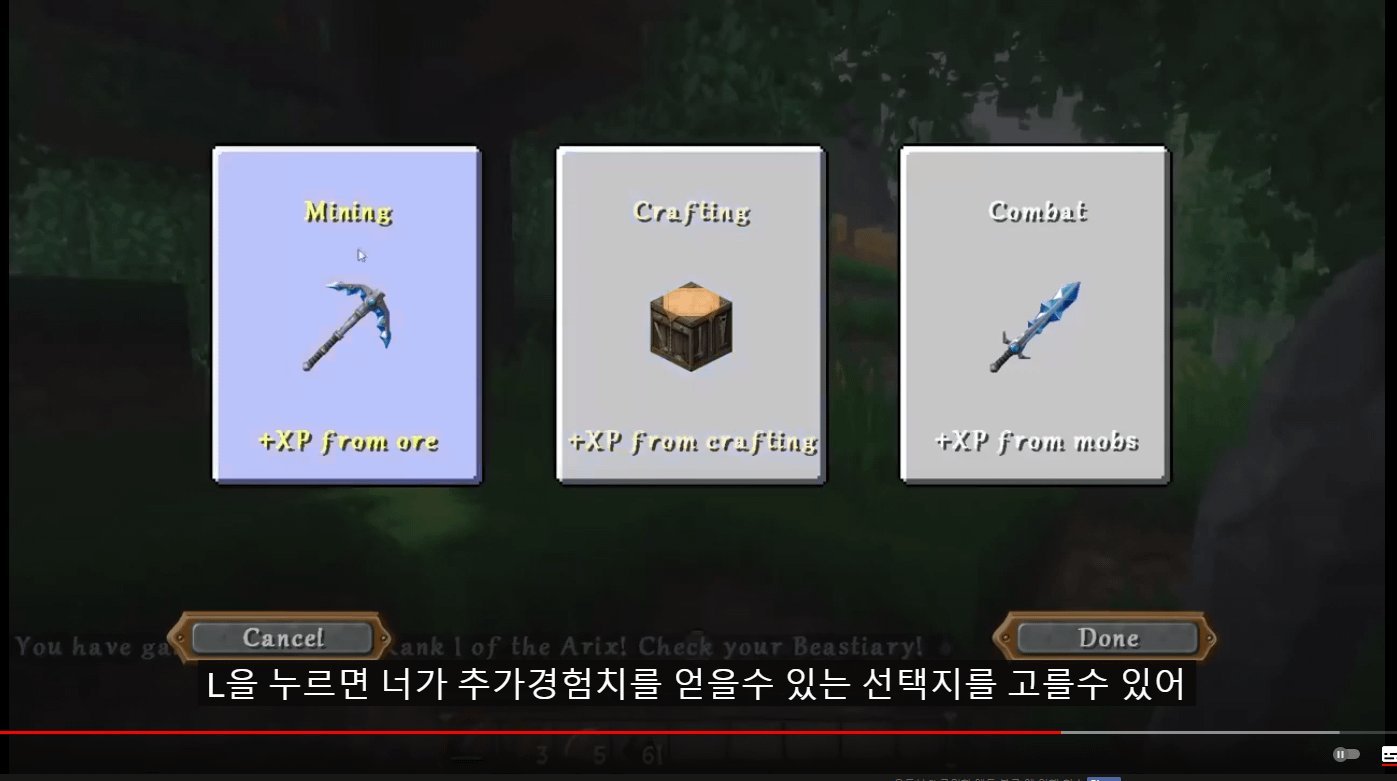
- Press the default L key on your keyboard to open the skill tree interface.
- Type
/xp set @p 30 levelsinto the in-game chat console if cheats are enabled to restore spent levels.
Careful: If you delete the main .dat file without clearing your pockets first, you lose all equipped gear and personal baubles permanently.
Tip: If you play on single-player, put your tools and armor inside a vanilla wooden chest before you close the game.
Skill Points Across Game Modes
Here is how resetting your character data changes depending on how you run your game environment.
| Play Environment | Time Required | Setup Difference | What to Watch |
|---|---|---|---|
| Single-player Local | 2 minutes | Direct access to local appdata files | Empty inventory into a chest first |
| LAN Host World | 2 minutes | Host resets their own file locally | Guest UUIDs remain completely unchanged |
| Dedicated Server | 5 minutes | Requires FTP access and server stop | Server must halt before deleting files |
| Custom Modded Profile | 3 minutes | Different folder path in launcher | Pointing at the correct instance path |
If you need to change only one bad combat perk, use an in-game command first; if you need to wipe every category, delete the file. It’s safer to re-level skills slowly than to erase all world data on your first try.
How to Tell You Did It Right
A good result shows all eight skill branches (Mining, Building, Attack, Defense, Agility, Magic, Gathering, Farming) starting at level 1 when you press L. A poor result leaves your skills maxed out, or worse, corrupts your world save file so the game crashes during chunk loading.
This failure happens because the game writes active cache data back to disk on shutdown, overwriting changes if you touch files while the software is active. Closing the game fully, backing up the world folder, and checking your UUID carefully prevent these errors every time.
Saving Progress and Server Guidelines
Minecraft world save formats follow guidelines defined by the Minecraft Wiki player format guide, which explains how NBT tags store player attributes and mod capabilities. After you finish edits, save your world once, restart the client, and keep a spare copy of your new profile in a backup directory.
This reset lasts indefinitely until you invest fresh experience points into the skill tree. Modifying player data on public servers requires administrative permissions, so check with your server owner before asking for local data wipes.
Alternative Reset Methods
In-Game Reskillable Commands
Use /reskillable set @p reskillable:attack 1 directly in the chat window. This method takes 10 seconds and costs zero files, letting you drop single attributes without clearing your inventory, but it requires active cheat permissions.
Nbtexplorer Data Editing
Open your specific .dat file inside NBTExplorer, scroll to the ForgeCaps tag, and manually change skill integers. This route takes 5 minutes and preserves your gear, but misclicking a tag breaks your save structure.
Crafting a Reskillable Reset Item
Install an optional balance addon that adds a potion of forgetting to the crafting table. This choice keeps gameplay immersive and takes 1 minute to drink, but it requires editing the modpack’s original mod list beforehand.
Frequently Asked Questions
Can You Rebind the L Menu Key in Rlcraft?
Yes. Open your Options menu, click Controls, scroll down to the Reskillable mod section, and click the box next to Skill Screen. Press any unused key on your keyboard to assign it immediately, then click Done to save the setting.
Why Did My Inventory Disappear After the Reset?
Your gear disappeared because player inventory and skill levels live in the exact same .dat save file. When you delete that document to clear your stats, the game creates a fresh file that treats your character as brand new.
Is There a Potion to Reset Skills in Rlcraft?
No. Standard RLCraft doesn’t include a potion or craftable item to refund skill points in survival mode. You must use console commands or delete your player data file manually to wipe points you placed into the menu.
What Happens If I Edit the File While the Game Runs?
The game will overwrite your changes immediately upon exit. Minecraft keeps player data loaded in memory while the world runs, so it replaces modified files with cached values the moment you exit the world or save your progress.
How Long Does It Take to Regain Skill Levels?
Regaining skill levels takes about 1 hour of active mob farming if you use an enclosed spawner room. The time varies by farm design — check the spawner type — since higher skill tiers cost significantly more experience points each time.


