
Yes, but only if your phone is currently online and linked to a registered Samsung account with remote controls turned on. Open a web browser on your computer right now to check if the device appears active.
Can You Actually Unlock Your Samsung Phone
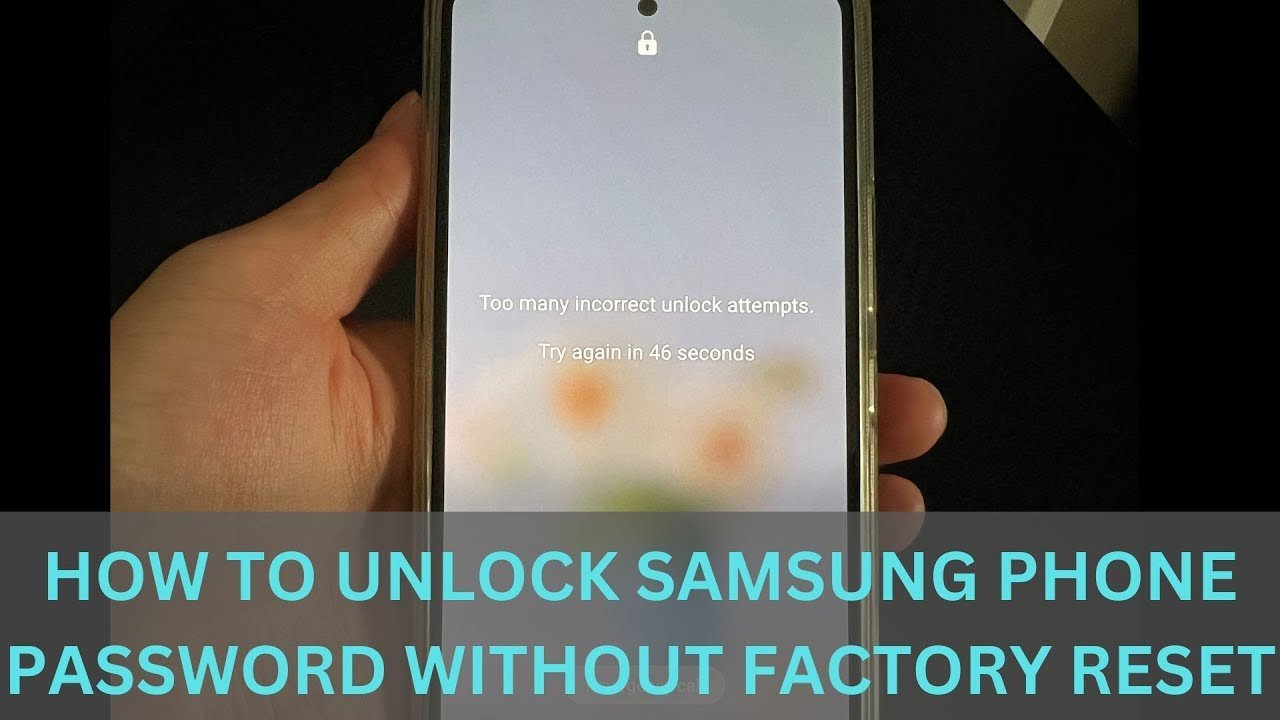
Your phone settings and network connection decide whether you can open the device without wiping the storage.
| Your situation | Answer | Why |
|---|---|---|
| Samsung account active with Remote Unlock enabled | Yes | |
| Device completely offline without Wi-Fi or mobile data | No | The handset can’t receive the unlock signal |
| Remote Unlock toggle turned off in settings | No | Samsung security blocks external screen resets |
| Android 4.4 or older with Google credentials | Yes | Older Android systems include an account bypass prompt |
| Work phone managed by company MDM policy | No | Enterprise security profiles override consumer remote unlock tools |
| Phone restarted and asking for first-time PIN | Yes, but | Remote unlock works only if the phone connects automatically |
What Decides It
The exact security state inside the device controls your access. Modern Android versions use full-disk encryption, which shields your data behind your password, PIN, or pattern. When you reboot your phone, the storage stays scrambled until the correct key enters the system.
Samsung provides an official bridge through the cloud. If you linked a Samsung profile before getting locked out, the company’s network can push a secure command to remove the credential file directly from your storage. For this handshake to complete, your phone must have an active internet connection via Wi-Fi or cellular data. It also requires that you enabled the remote unlock feature beforehand inside your biometrics settings. If airplane mode is running, or if the phone can’t connect to a known wireless router, the signal fails to reach the antenna.
There’s an honest limit stated plainly: this varies by model — check the label or user guide to verify your Android version, because newer releases continuously patch bypass routes. You face a direct trade-off between strict device security and convenient recovery: leaving remote tools active makes account recovery easier, but it means an account breach could expose your handset.
If your Samsung account shows the device is connected, proceed with the browser reset; if the device shows offline or unlinked, prepare to recover your files from cloud backups instead.
Steps to Unlock Your Device
Follow these specific browser actions to remove your lock screen credentials without deleting any internal files.
- Open the official portal on your computer by navigating to Samsung SmartThings Find to load the device management map. You’ll see your account dashboard appear on the screen.
- Sign in with your credentials using the exact email address and password tied directly to your locked Samsung handset. A list of your registered Samsung hardware will load in the left panel.
- Select your locked phone from the device menu to confirm its current network status and battery level. A status dot turns green when your phone is reachable over the internet.
- Click the Unlock icon inside the action window on the right side of your computer screen. A pop-up prompt will display asking you to confirm the removal of all screen security.
- Verify your identity by typing your main Samsung account password one more time into the verification box. A progress circle will spin while the server contacts your phone.
- Check your handset display to make sure the lock screen has cleared itself. The phone screen turns on and opens directly to your home app layout without asking for a code.
This method is NOT for people who bought a used device tied to a previous owner’s personal account.
The Mistake People Make
People frequently download third-party unlock software programs that advertise instant screen removal without data loss. These tools charge expensive license fees, yet modern Samsung Knox security blocks them from modifying lock files on updated Android releases. Falling for this trap costs users both money and wasted time, and it often leaves the phone stuck in a boot loop that forces a complete manual wipe anyway. Avoid this issue by checking the official Samsung account dashboard first; if the phone isn’t registered there, third-party desktop tools can’t safely bypass the hardware encryption chip without destroying your data.
When to Stop and Get Help
Stop troubleshooting immediately if you encounter these specific road blocks:
- The phone enters a permanent lock timer counting down hours between attempts, which risks triggering automatic security wipes.
- The screen digitizer stops responding to touch, meaning physical hardware damage prevents normal input.
- You see an active Knox enrollment screen, which means an employer or school owns the device rules.
Hardware failures and enterprise locks need official intervention. Take your proof of purchase and government identification to an authorized Samsung Service Center, where technicians can safely diagnose hardware or verify your ownership rights.
Frequently Asked Questions
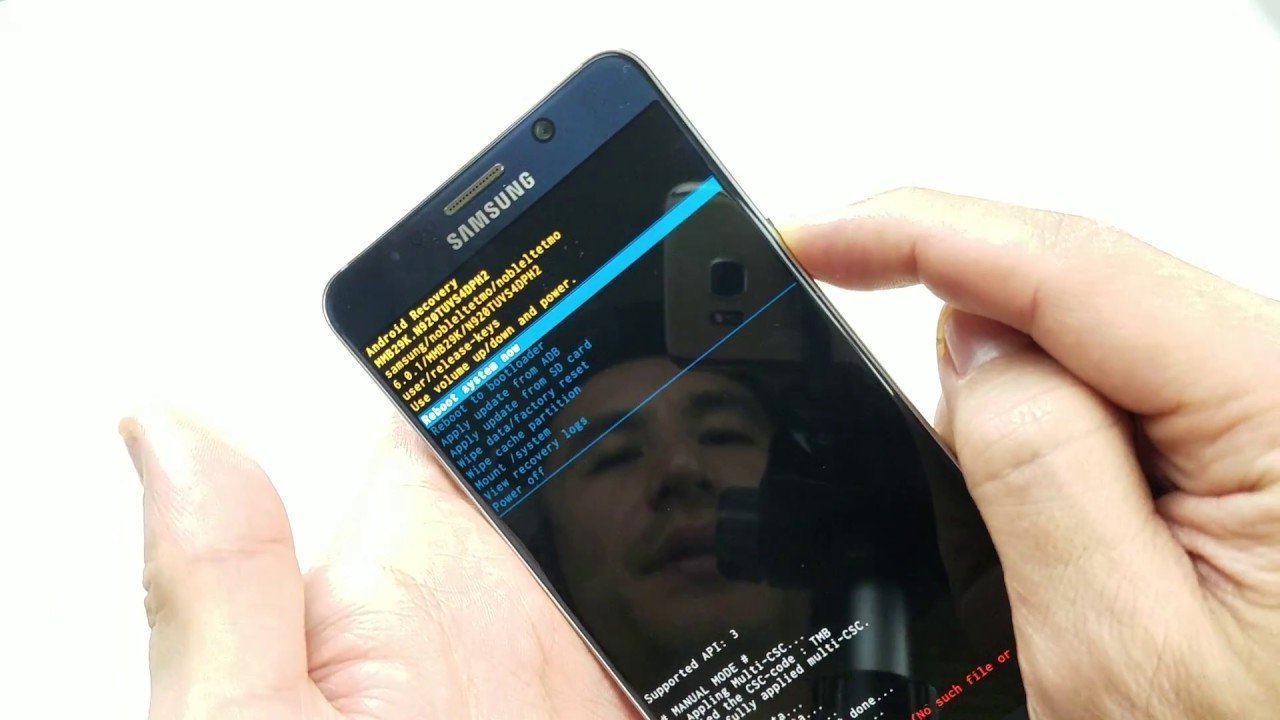
Can I Unlock My Phone Using My Google Account?
No, not on modern devices. Google removed the pattern reset feature after Android 4.4 KitKat. If your phone runs Android 5.0 Lollipop or newer, entering the wrong passcode repeatedly won’t bring up a Google account recovery option on the lock screen.
How Long Does the Remote Unlock Process Take?
About two minutes. Once you click the unlock button inside the web browser and enter your account password, the network command reaches your phone in under thirty seconds, provided your handset maintains a steady Wi-Fi or mobile data signal.
What Happens If My Phone Has No Internet Connection?
The remote unlock signal will fail. Samsung servers can’t communicate with a device that has mobile data turned off or can’t reach Wi-Fi. The phone stays locked until it connects to a known wireless router or establishes a cellular data link.
Is It Safe to Use Smartthings Find?
Yes, it’s entirely safe. The system is run directly by Samsung and relies on encrypted tokens linked to your personal login.
Why Does My Phone Say Remote Unlock Is Unavailable?
Because the toggle was turned off before the lockout. Samsung requires users to manually enable the Remote Unlock setting inside the Find My Mobile menu before the phone can accept remote bypass commands from the SmartThings web dashboard.
Does Removing the Sim Card Help Bypass the Lock?
No, removing the card does nothing to clear security. Your passcode protects the encrypted internal storage chip on the mainboard, not the cellular SIM card. Taking out the card actually hurts your chances by cutting off cellular data needed for remote recovery.
What to Do Next
Sign in to the Samsung management site on a laptop to test your connection. You should expect the web panel to display your phone’s battery level and clear the security lock immediately. If the site reports the device is missing or offline, stop trying remote tools and contact an authorized repair center with your purchase receipt.
Related guides



1 thought on “How to Unlock Samsung Phone Forgot Password Without Factory Reset: Easy Guide”