Resetting a Craftsman garage door opener takes only six seconds by pressing and holding the colored “Learn” button on the motor unit until the indicator light goes out. This single action immediately wipes all connected remote controls and keyless entry pads from the machine’s memory, securing your garage door against lost remotes.
A complete reset clears every device at once. You can’t erase just one misplaced remote while keeping another. If you own three remotes and lose one, you must wipe the entire unit and reprogram the two you still have.
Before climbing a ladder, check the color of your Learn button. It’s usually red, orange, yellow, green, or purple. The button color sets the radio frequency and pairing method for your unit. For safety requirements regarding automatic garage openers, the CPSC garage door safety guidelines outline mandatory reversal standards you should test after any maintenance.
Clearing and Reprogramming Your Opener
- Place a sturdy stepladder under the motor head hanging from your garage ceiling so you can reach the controls comfortably.
- Locate the colored Learn button on the back or side panel of the motor unit, right next to a small indicator LED.
- Press and hold the Learn button firmly for exactly six seconds until the small indicator light turns off.
- Release the button immediately to finish erasing all previous accessories from the opener’s logic board. Tip: If you let go before six seconds pass, the unit enters pairing mode instead of wiping the memory.
- Program your first hand-held remote by pressing the Learn button once for one second so the LED lights up steadily.
- Press and hold the button on your hand-held remote within 30 seconds until the main overhead light bulbs blink twice. Tip: If your motor unit has no light bulbs installed, listen for two clicks from the internal relay.
- Step down from your ladder and press the remote button once more to confirm the door opens and closes smoothly.
How Long It Takes
Clearing the memory takes seconds, but reprogramming your accessories adds extra time depending on how many devices you use.
| Situation | How long | What changes it | What to watch for |
|---|---|---|---|
| Full memory wipe | 6 seconds | Holding the button down continuously | Indicator LED turning off |
| Pairing one hand-held remote | 1 to 2 minutes | Distance from the antenna wire | Garage light bulbs blinking twice |
| Reprogramming outdoor keypad | 2 to 3 minutes | Entering your four-digit PIN within 30 seconds | Keypad backlight flashing |
| Setting travel limits | 3 to 5 minutes | Turning mechanical limit screws or pressing limit buttons | Door stopping before hitting the floor |
If reprogramming takes longer than 15 minutes, inspect the small wire antenna hanging from the motor unit. If it’s curled up inside the housing, gently straighten it downward to restore normal signal range.
How to Tell When It’s Done
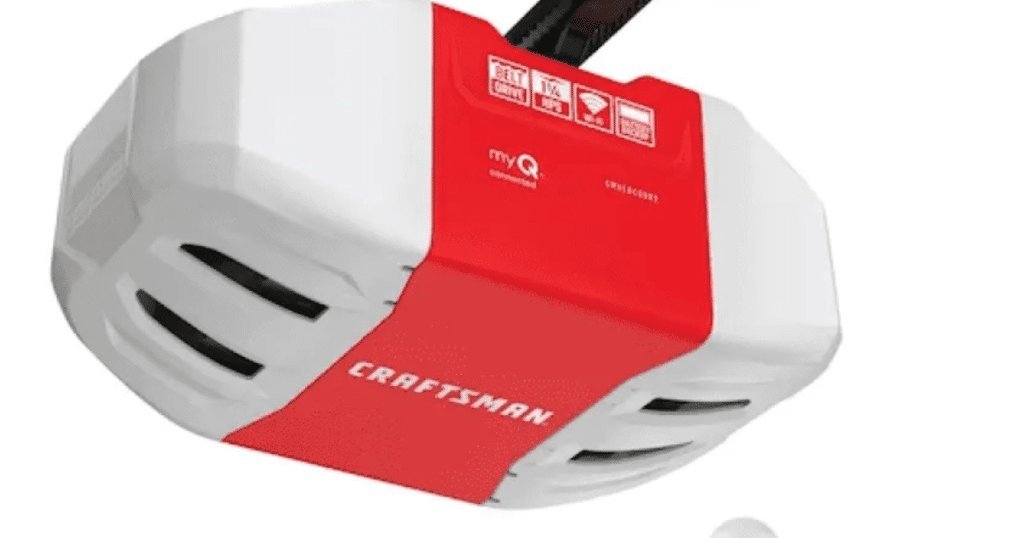
A successful reset gives you three clear signals. First, the small indicator LED next to the Learn button turns off the moment six seconds pass. Second, your old remotes won’t activate the door at all when pressed. The third and final test settles any doubt: walk outside, close the door, and try every old remote. If the door stays still, the reset worked. When you pair a remote again, the main light bulbs on the motor blink twice to confirm the code is stored.
Mistakes That Ruin It
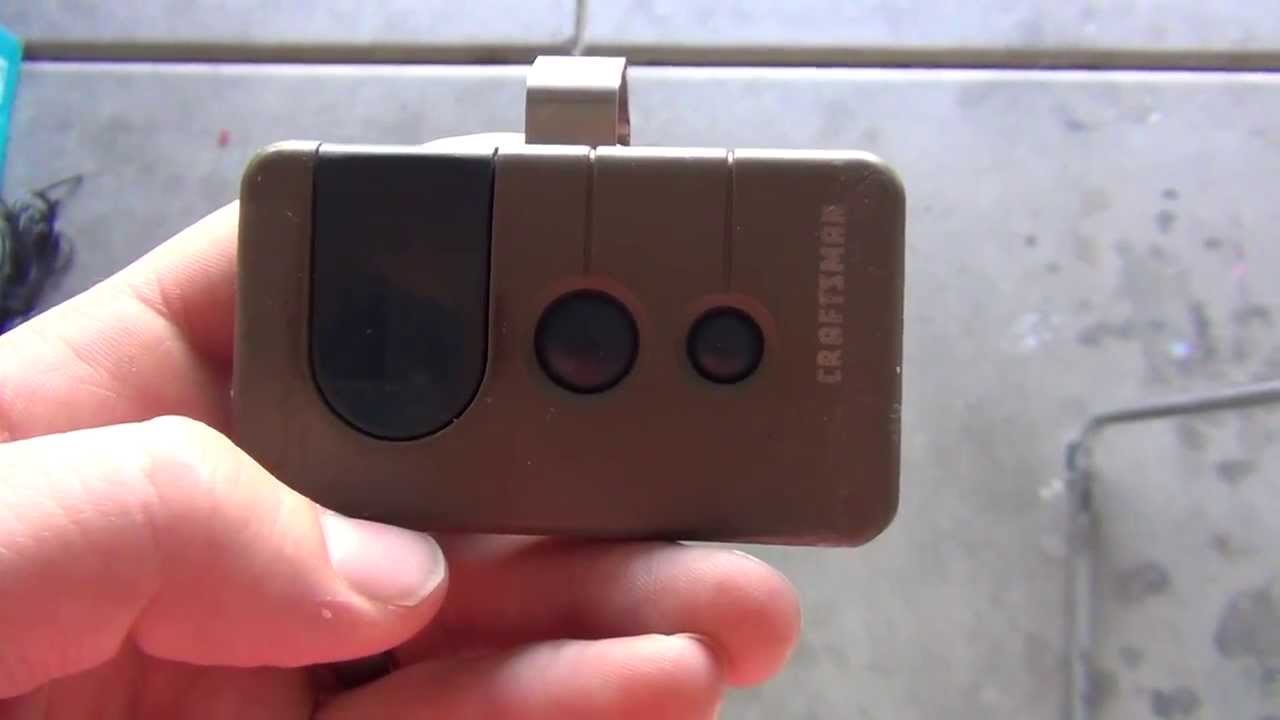
- Pressing the button instead of holding it. A quick press puts the machine in pairing mode for 30 seconds, which lets old remotes keep working. Hold the button down for the full six seconds until the light goes out.
- Skipping the travel limit check. Check where the door stops on its first run and adjust the limit screws if it hits too hard.
- Leaving old batteries inside remotes. Weak coin-cell batteries prevent remotes from sending a clean signal during pairing, which wastes time. Install fresh 3-volt coin batteries before teaching remotes back to the motor.
Frequently Asked Questions
Can I Reset the Opener Using the Wall Button?
No. The standard interior wall console only operates the door, lock switch, and light. To wipe the internal memory, you must press the Learn button directly on the overhead powerhead unit mounted to your garage ceiling.
Why Won’t My Remote Pair After a Reset?
Your remote battery might be completely drained, or the remote’s frequency doesn’t match your Learn button color. If your motor has a yellow round button, you must use a Security+ 2.0 remote, while older purple buttons need 315 MHz remotes.
Does Unplugging the Garage Opener Reset the Remotes?
No. Craftsman openers use non-volatile memory chips that keep all codes safe during power outages. Unplugging the power cord for an hour or even a week won’t erase your remotes or your keypad pin.
What Happens If the Indicator Light Just Blinks Rapidly?
A fast-blinking LED means the opener’s safety reversing sensors near the floor are misaligned or blocked. Clear any dirt, leaves, or tools away from the sensor lenses until both small sensor lights shine steady green and amber.
How Do I Reset a Craftsman Wireless Keypad Pin?
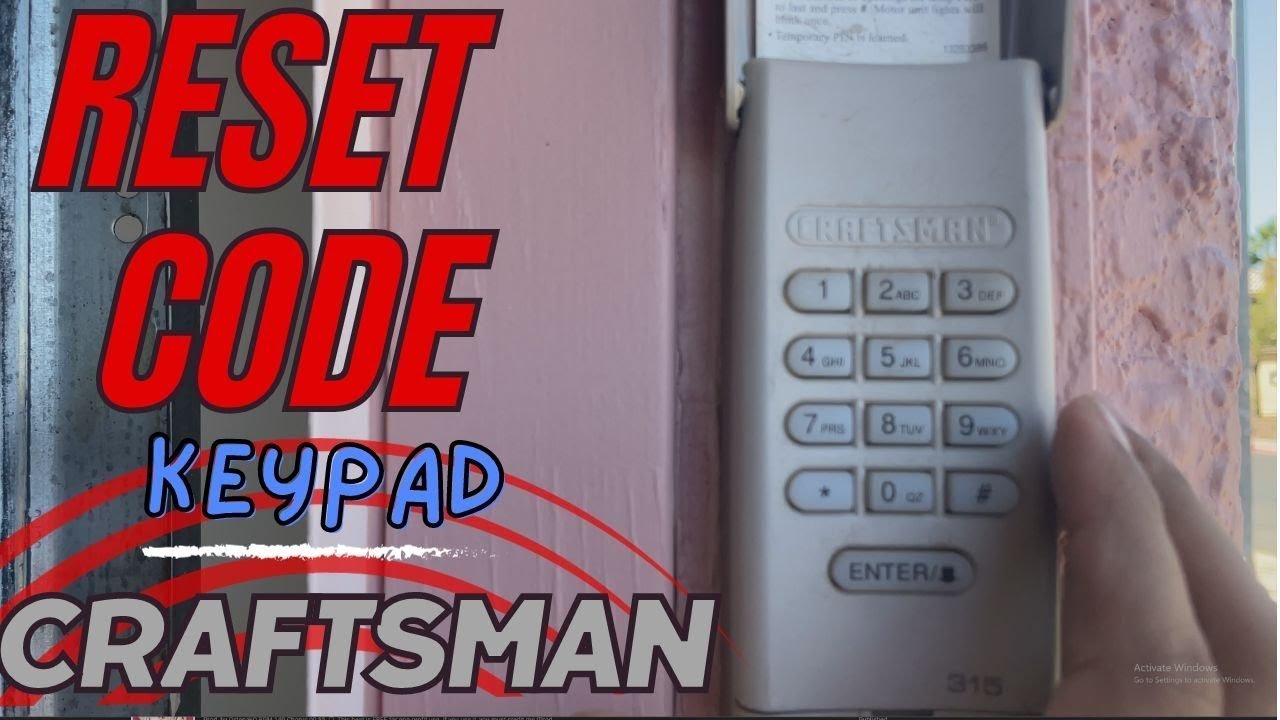
Press the Learn button on your motor unit for one second. Within 30 seconds, enter your new four-digit code on the outside keypad, then press and hold the Enter button until the overhead motor lights flash twice.