
To reset a Bosch dishwasher, hold the Start button down for 3 to 5 seconds until the display shows a 0:01 countdown or the active cycle light shuts off. Close the door to let the pump drain leftover water for about 1 minute. This method suits anyone dealing with a frozen cycle, an accidental button push, or an unexpected fault code.
Items You Need to Reset a Bosch Dishwasher
Have these basic items ready before you begin: * A dry microfiber cloth to wipe moisture off the control buttons. * A standard flashlight or your phone light to view hidden control panels. * Direct access to your home’s main electrical service panel. * Direct access to the under-sink power cord or dishwasher wall switch, if present. * The specific model number printed on the door frame edge.
Using the electrical breaker switch works as an alternate power reset, but unplugging internal appliance wire harnesses without factory tools does not. Any internal wiring checks or multimeter tests require professional electrical training, so contact a certified appliance repair service if external power resets fail.
Step-by-Step
- Open the dishwasher door slightly to reveal the control panel buttons.
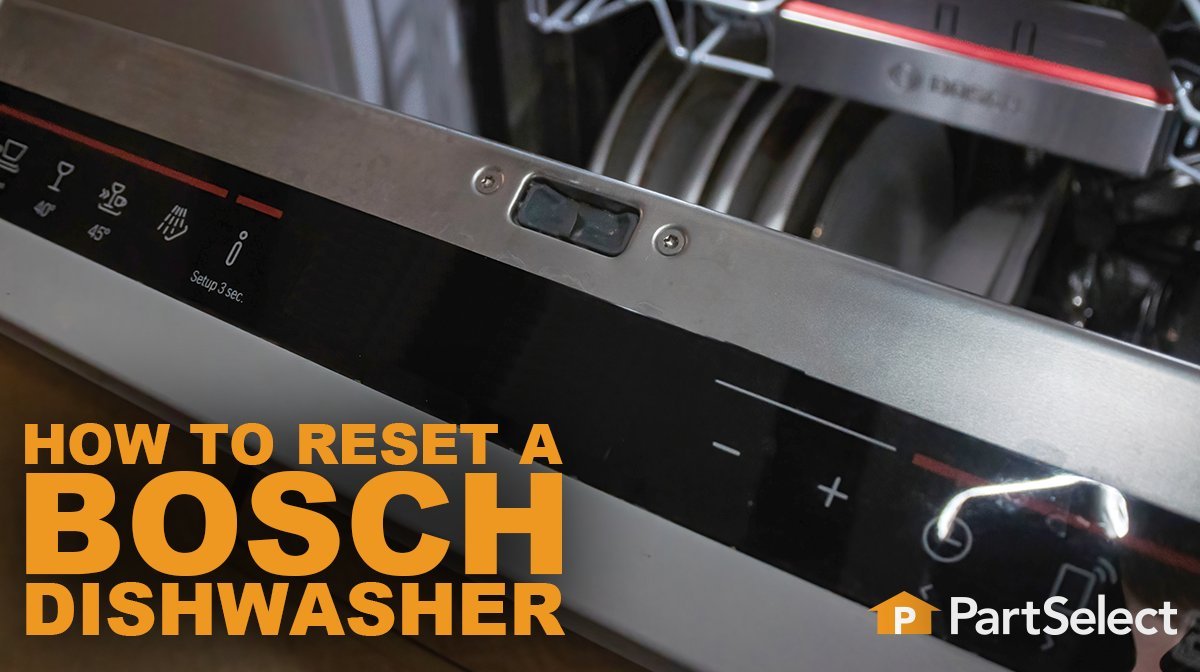
- Locate the Start button, which often includes a small label reading “Reset 3 Sec” directly underneath it.
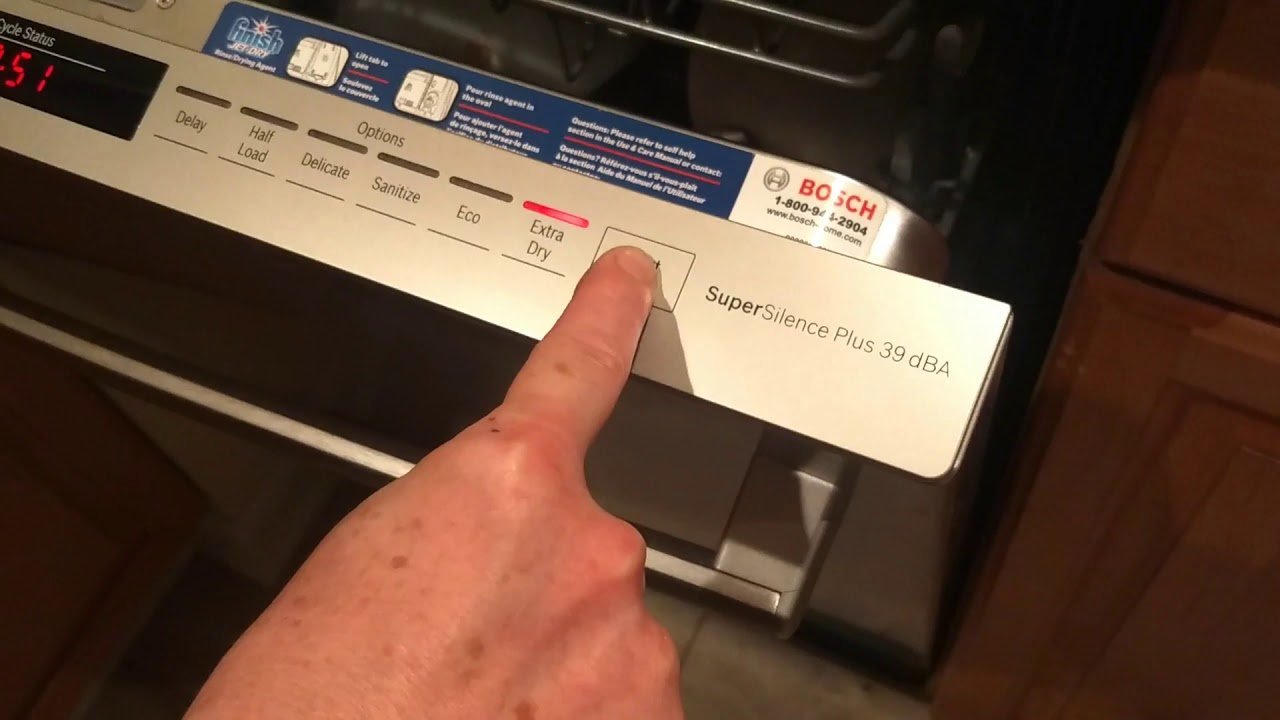
- Press and hold this Start button firmly for 3 to 5 seconds until the display clock changes to 0:01 or the active wash LED turns off.
- Close the door completely so the internal drain pump turns on and clears the basin water. Careful: Don’t pull the door open during this 60-second pump sequence, or water may stay trapped inside the base pan.
- Wait 60 seconds until you hear the humming pump stop and the display shows 0:00 or “Clean”.
- Open the door again and switch the main power button to the Off position.
- Choose your desired cycle and press Start once to begin your new wash cycle normally. Tip: If your model has front buttons instead of top-edge buttons, keep the door shut while pressing the Start button for the full 3 seconds.
- If the screen remains frozen, shut off the appliance circuit breaker at the electrical wall panel for 5 full minutes before turning it back on. Never unscrew the machine housing or touch the internal capacitor, as mains components hold dangerous electrical charges that only licensed appliance technicians should service.
Reset Methods Across Models
Different home setups and machine designs need slightly different reset times and steps.
| Model Design or Issue | Reset Time Required | What Is Different | What to Watch During Reset |
|---|---|---|---|
| Top-edge control panel | About 1 minute | Buttons stay hidden inside door frame | Display must read 0:01 before closing door |
| Front-facing control panel | About 1 minute | Screen stays visible while running | “Clean” light illuminates when water finishes draining |
| Older dial-knob model | 1 to 2 minutes | Turn knob to Cancel/Drain mark | Pump hums until tub empties completely |
| Tripped error screen | 5 to 10 minutes | Requires turning off breaker panel switch | Code disappears when power switch flips back on |
It’s safer to run a quick 3-second button reset first than to cut whole-house electrical power right away.
How to Tell You Did It Right
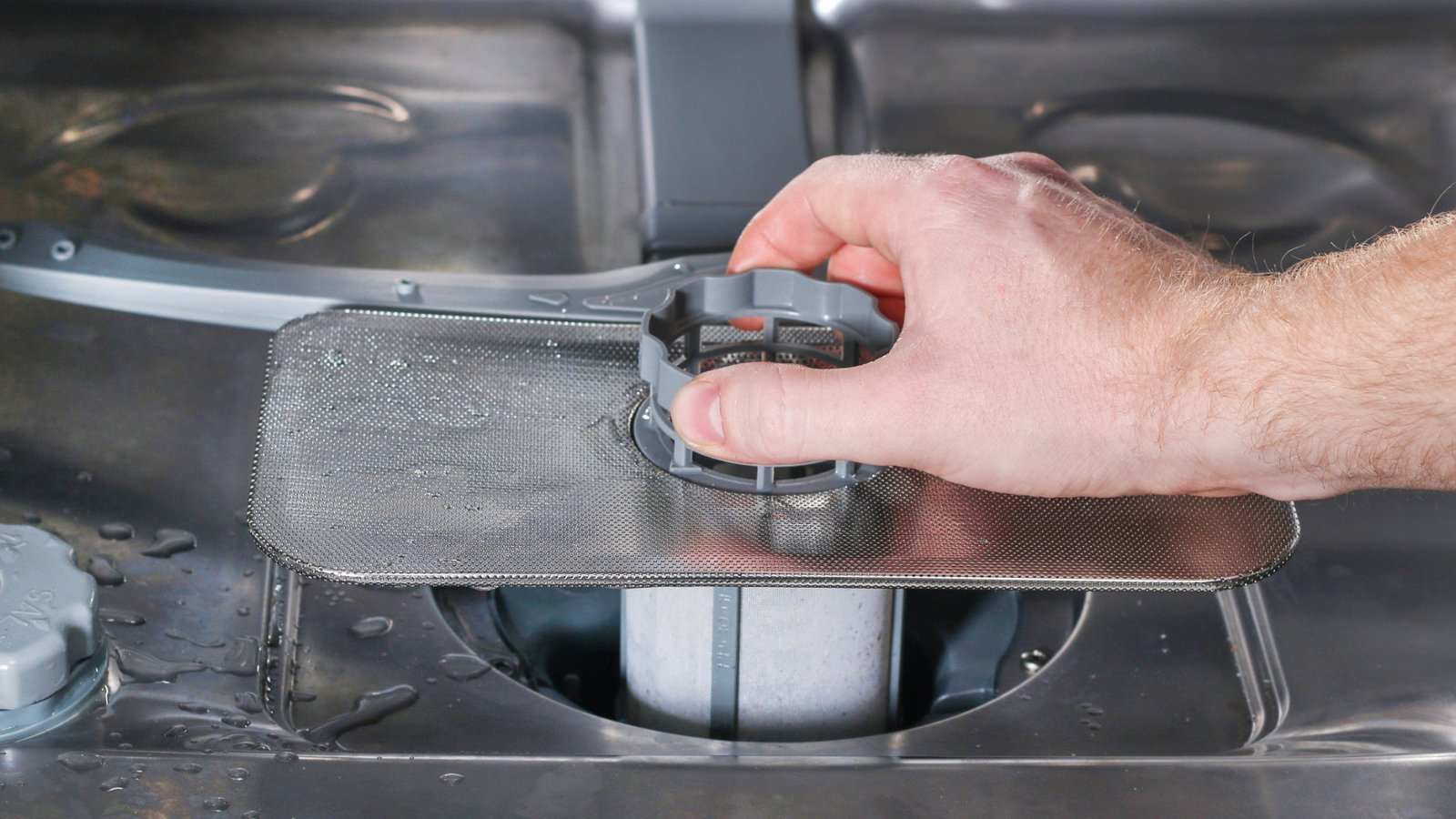
A good result shows a cleared control display, no glowing error lights, and an empty tub with zero standing water above the floor filter screen. A poor result leaves standing cloudy water across the tub basin floor, keeps the old error code on screen, or beeps continuously. This lingering issue often happens because food waste blocks the pump impeller blades below the coarse filter assembly.
To keep this from happening, remove large food scraps from plates before loading, lift out the cylinder filter regularly to wash away grease, and verify that the household drain hose stays free of sharp kinks behind the machine base.
Clearing Codes and Factory Guidelines
Under Bosch Home Appliances operating guidelines, running a standard control reset clears temporary software stalls but won’t bypass unresolved mechanical problems. After the cycle clears, wipe down the rubber door gasket, latch the door shut, and write down any recurring alphanumeric codes in your appliance records.
A standard button reset remains effective until the next system issue or user cancel command occurs. If your machine shows a continuous E15 flood alert, that means internal water leaked into the lower safety basin; fixing internal leaks requires specialized tools and diagnostic training, so disconnect the breaker and schedule a certified appliance repair professional.
Alternative Reset Methods
Power Receptacle Unplugging
Pull the wall plug from the under-sink outlet and leave it unplugged for 5 minutes. This completely cuts electricity without opening service panels, clearing persistent electronic bugs in models installed with accessible plugs.
Breaker Panel Power Cut
Switch off the dedicated dishwasher circuit breaker in your household breaker box for 5 to 10 minutes. This method resets hardwired appliances cleanly, though you must reset household clocks if you shut off an entire shared circuit line by accident.
Key Combination Reset
On select older units lacking a single cancel button, press the Scrub Wash and Delicate buttons together for 3 seconds. The indicators flash, draining water within 60 seconds without cutting off electrical current at the wall.
Frequently Asked Questions
Can I Reset My Dishwasher While It’s Running?
Yes. Open the door slightly to pause the active spray arms, hold the Start button for 3 seconds until the display updates, and close the door so the pump can safely discharge dirty water out of the appliance basin.
Why Is My Machine Beeping After a Reset?
The door latch didn’t catch fully or the drain pump detected pooled water. Make sure the racks are pushed back completely, shut the door until it clicks, and check if any dishes block the closure.
How Long Should I Leave the Power Off for a Hard Reset?
Leave the power off for 5 full minutes. This simple waiting window lets the internal circuit board capacitors discharge their stored electrical charge, clearing false memory errors safely before you switch the power back on.
Is It Safe to Reset an E15 Error Code?
No. An E15 code signals that water leaked into the lower metal safety tray and lifted a safety float switch. The machine will keep running the drain pump until an authorized technician dries the base and fixes the leak.
What Happens If the Start Button Doesn’t Clear the Display?
The control child lock might be active. Hold the button marked with a key symbol or the “Delicate” button down for 4 seconds to turn off the lock feature before trying your regular button reset again.


