
To reset Beats Studio Pro, hold down the system button and the volume down button together for 15 seconds. Release both buttons when the fuel gauge LED lights flash red and white. This clears saved Bluetooth connections and restores your factory settings immediately without erasing current firmware updates.
A successful reset depends entirely on keeping the buttons pressed until the light pattern changes. Letting go too early just puts the unit into regular pairing mode.
A dead battery stops this process from working at all. You’ll waste time pressing unresponsive buttons if the battery doesn’t have enough charge to power the internal memory wipe.
Restoring Factory Settings
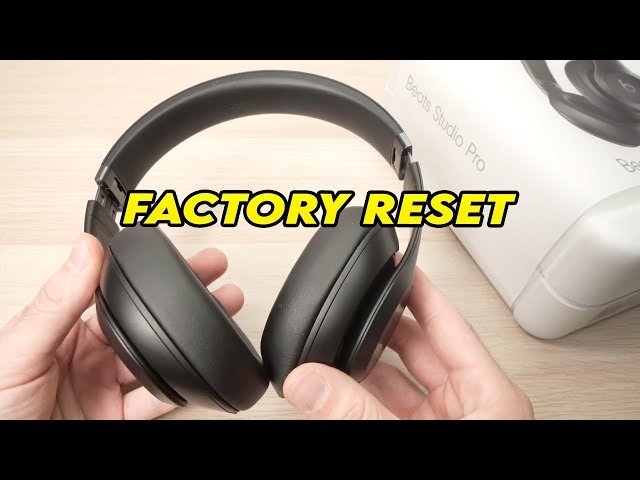
Follow these steps to clear your headphones and set them up again.
- Unplug the USB-C cable and the 3.5 mm audio cord completely from both earcups.
- Locate the circular system button under the right earcup and the volume down button on the left earcup.
- Press and hold the system button and volume down button together for exactly 15 seconds.
- Tip: Press both buttons at the exact same split-second so the headphones don’t register an accidental single tap for volume or power.
- Watch the five Fuel Gauge LEDs next to the power button until they flash red three times, then pulse white.
- Release both buttons immediately once the flashing lights show.
- Open Bluetooth settings on your phone or computer, locate your old headphone entry, and select “Forget This Device” to remove the old connection record.
- Tip: If you skip deleting the old Bluetooth profile, your phone might reject the newly reset headphones during the next setup attempt.
- Tap the power button for 1 second to enter pairing mode and reconnect your device.
If you run into issues, consult the official Apple Support Beats reset guide for your exact model.
How Long It Takes
A factory reset takes under half a minute from start to finish.
| Situation | How long | What changes it | What to watch for |
|---|---|---|---|
| Standard factory reset | 15 seconds | Holding both buttons without slipping | Red and white flashing LEDs |
| Bluetooth re-pairing | 5 to 10 seconds | Distance to your phone or laptop | Pop-up card on screen |
| Charge check before reset | 10 to 20 minutes | Wall charger wattage and cable quality | At least one solid LED light |
If the LED lights stay dark after 20 seconds of continuous pressing, connect the charging cable and verify the battery has power.
How to Tell When It’s Done
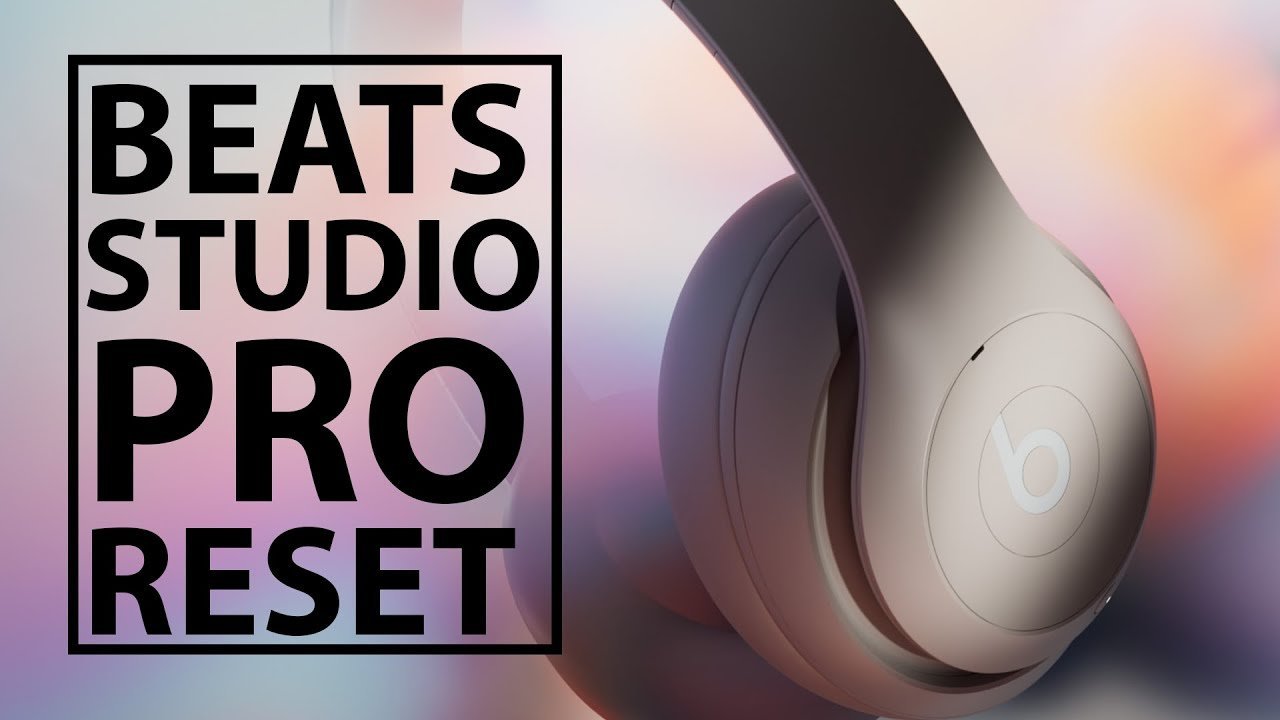
You can confirm the reset worked through visible light signals and audio prompts. The Fuel Gauge LEDs flash red three times and change to flashing white. If you put the headphones over your ears, you’ll hear a chiming tone that signals ready-to-pair mode.
The final confirmation test is simple: check your phone’s nearby Bluetooth list. If the headphones show up as an unknown, unpaired accessory, the internal memory cleared. If your device reconnects automatically without pairing again, the old settings stayed intact and you must repeat the button sequence.
Mistakes That Ruin It
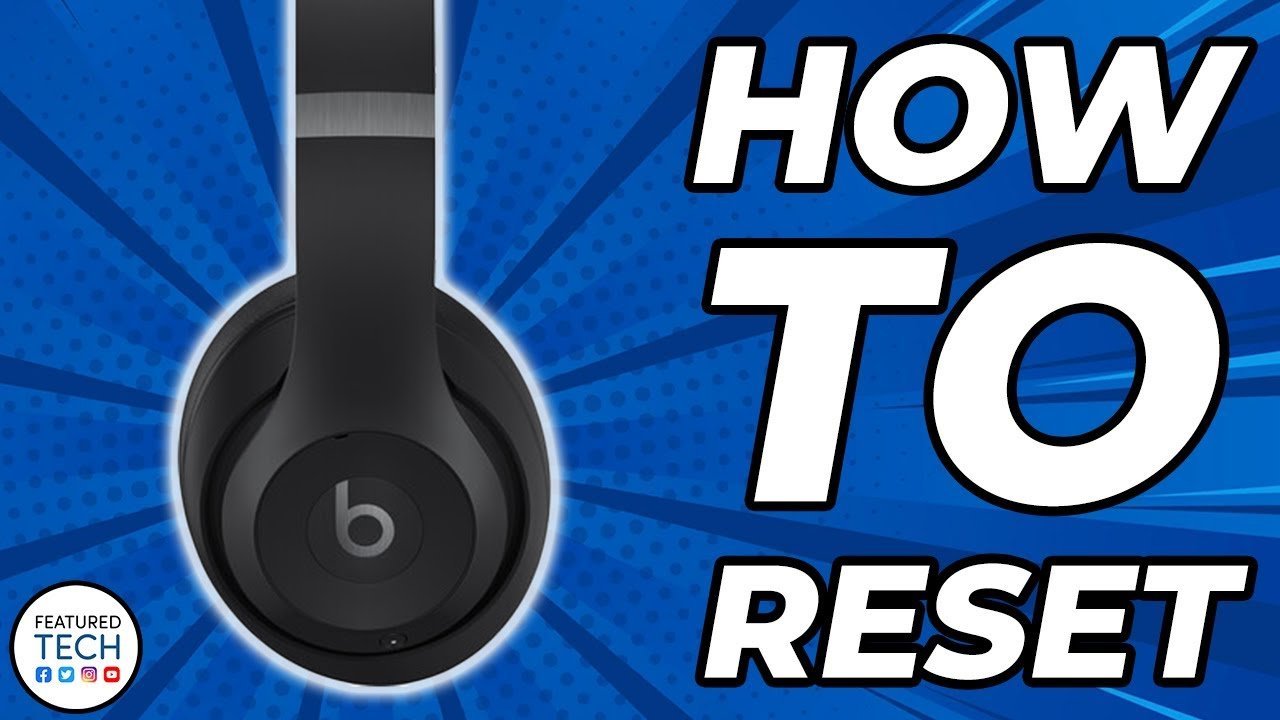
- Holding the volume up button instead: The hardware won’t enter diagnostic mode because you chose the wrong key. Press the lower half of the left “b” button to hit volume down.
- Resetting with an empty battery: The reset sequence can’t finish writing changes when the unit lacks basic operational power. Connect the USB-C cable for 15 minutes before you try the buttons again.
- Keeping the old Bluetooth profile: Your phone will attempt to authenticate with cleared pairing keys and fail. Remove the device entry from your phone’s Bluetooth menu before reconnecting.
- Releasing the buttons too early: The headphones will interpret this as a simple command to power off. Keep firm pressure on both controls for the full 15 seconds.
Frequently Asked Questions
Will Resetting Beats Studio Pro Delete My Firmware Updates?
No, a factory reset preserves your installed firmware. It only removes paired hardware links, custom listening profiles, and noise cancellation presets. The headphone software always remains at the newest version you previously downloaded through iOS or the Beats companion app for Android.
Can You Reset Beats Studio Pro While They’re Charging?
No, the headphones disable hardware reset triggers while an active USB-C charge cable is delivering power. Always disconnect the charging cable and the 3.5 mm auxiliary wire from both earcups first, or the reset command won’t trigger.
Why Won’t My Beats Studio Pro Flash Red and White?
Your battery might be completely flat, or you aren’t holding the volume down button down fully. If battery power is sufficient, do a full reset; if power is zero, charge for 15 minutes. Check the label inside the headband for model details if buttons differ.
Does a Factory Reset Fix Audio Crackling and Distortion?
Yes, clearing corrupted internal Bluetooth cache resolves most software audio bugs. The reset process ends wireless conflicts and unstable data transfers. However, if physical water entered the driver enclosure or the speaker paper tore, resetting won’t repair that mechanical hardware damage.
Can I Reset Beats Studio Pro Without an Iphone?
Yes, the hardware buttons handle the entire wipe locally on the headset. You don’t need any phone, tablet, or companion software nearby to trigger the command. The button combination works on its own whether paired to Windows, Mac, or Android.
Who Is This Reset Process Not Meant For?
This process isn’t for owners of the older Beats Studio 3 Wireless. Those older models require holding down only the system power button for 10 seconds, not the volume controls. Using Studio Pro instructions on older Studio models will simply power the headset down.
What Is the Trade-Off of Doing a Factory Reset?
You trade all your personalized settings and multi-device iCloud sync for a clean software slate. You must spend extra time reconnecting your devices individually and setting up your preferred noise cancellation defaults again.



2 thoughts on “How to Reset Beats Studio Pro”