
Resetting LED lights usually takes 10 to 15 seconds by cutting power or holding the control box power button until the strip flashes red, yellow, or white. This basic reset clears stuck software loops and restores factory pairing. It suits anyone whose light strip won’t respond to remote presses, shows the wrong colors, or dropped off the local Wi-Fi network.
What You’ll Need
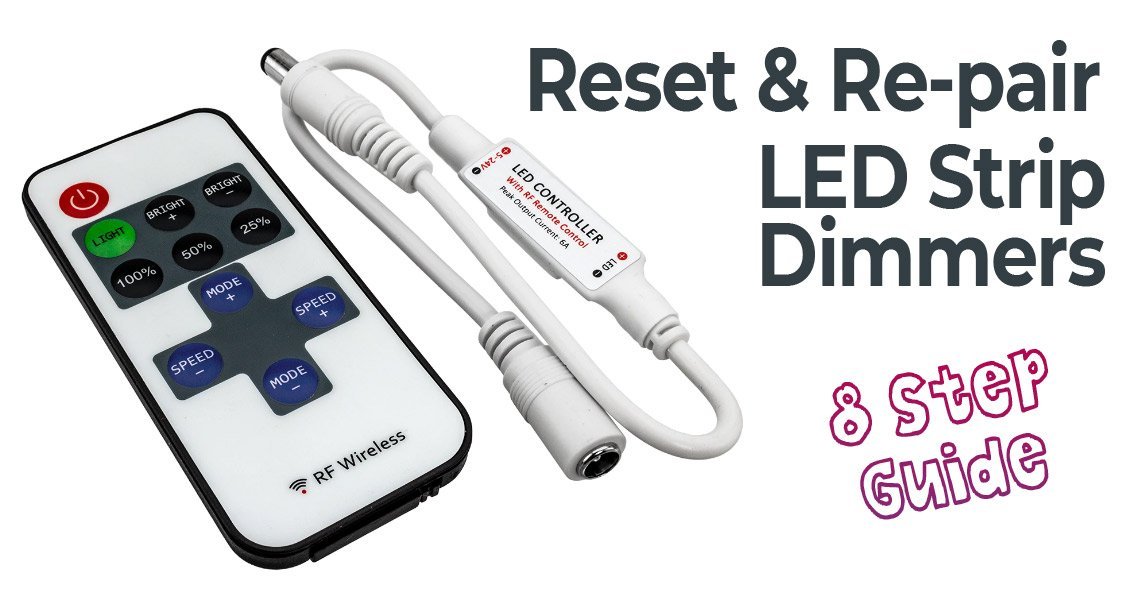
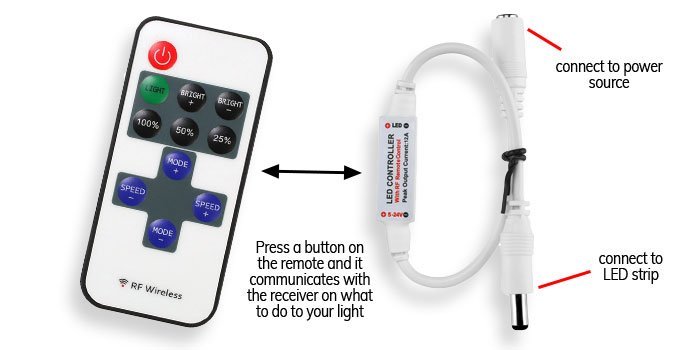
- The original physical remote control (ensure it has a fresh CR2025 or CR2032 coin battery).
- The inline controller box attached between the wall plug and the LED light strip.
- A standard wall outlet or power strip with an accessible on/off toggle switch.
- Your smartphone with your light brand’s companion app installed (such as Smart Life, Govee Home, or Tuya).
- A clean pin or paperclip (only if your specific control box features a recessed pinhole reset port).
Using an inline toggle switch works well as a substitute for pulling the wall plug directly. Using a wall dimmer switch doesn’t work and can damage the controller. If your LED lights are hardwired into a household electrical junction box, don’t probe the wiring yourself; hire a licensed electrician to inspect the circuit safely.
Step-by-Step
- Unplug the power adapter from the wall outlet for 10 seconds to drain residual electricity from the internal capacitors.
- Plug the adapter back into the wall outlet firmly.
- Press and hold the power button on the inline controller box for 5 to 10 seconds until the entire strip flashes three times.
- Release the button immediately once the lights begin to flash.
- Cycle the wall power switch off and on 5 consecutive times, pausing for 2 seconds between each flip, if your unit lacks an inline button.
- Check your strip: if it flashes rapidly, open your smartphone app to pair it; if it stays solid red, press the remote’s power button once to complete local pairing.
Tip: Count the 2-second pauses carefully during the power cycle method. Switching the power too fast prevents the internal microchip from registering the reset command.
Careful: Don’t tug on the thin ribbon cable while reaching for the controller buttons, as pulling tears the delicate copper solder joints.
If your LED strip is cut and spliced into home mains voltage, contact a certified electrician instead of troubleshooting live connections.
Adjusting for Different Strip Models
Different hardware designs require distinct reset steps, so check what equipment you have before starting.
| Hardware setup | Reset time | Key operational difference | What to watch for |
|---|---|---|---|
| Smart Wi-Fi strip | 10 to 15 seconds | Requires app re-pairing after reset | Rapid blinking indicates ready status |
| Standard IR remote strip | 5 seconds | Reset happens purely through button holds | Strip flashes white once to confirm |
| Inline 3-button controller | 10 seconds | Uses the middle or power key directly | Color shift to solid red |
| Hardwired smart fixture | 30 to 45 seconds | Relies on wall switch power cycling | Steady pulse before returning to warm white |
Starting with a short 5-second power disconnect is safer than repeatedly toggling power circuits, which risks tripping sensitive surge protectors.
How to Tell You Did It Right
A successful reset produces a distinct visual cue: the entire LED strip flashes three times in rapid succession, or shifts to a solid default color like bright red or soft white. The strip then responds instantly to the physical remote or appears immediately on your phone’s Bluetooth scanning screen. A failed reset leaves the lights frozen on their previous state, completely dark, or stuck in an endless erratic strobe. This method isn’t for strips with physically snapped ribbons or water-damaged power bricks. The trade-off of resetting is convenience: you fix unresponsive software bugs, but you lose all customized lighting schedules and custom color scenes.
Electrical Safety Standards and Teardown
When working with plugged-in drivers, keep your setup dry and away from metal edges. The Underwriters Laboratories consumer safety standards require certified low-voltage LED power supplies to isolate high-voltage mains from user-accessible ribbons to minimize shock risks. Once the reset is complete, route any excess ribbon away from foot traffic, tape down loose wires, and secure the controller box against a clean, flat surface using adhesive foam pads. A standard controller reset lasts indefinitely until a severe voltage spike or router change disrupts the stored memory profile. This varies by model — check the label on your specific driver brick for voltage limits before reconnecting accessories. If your power brick emits a high-pitched buzzing noise or smells like burnt plastic, shut off the breaker and hire a licensed professional to inspect the circuit.
Alternative Reset Methods
The App Removal Method
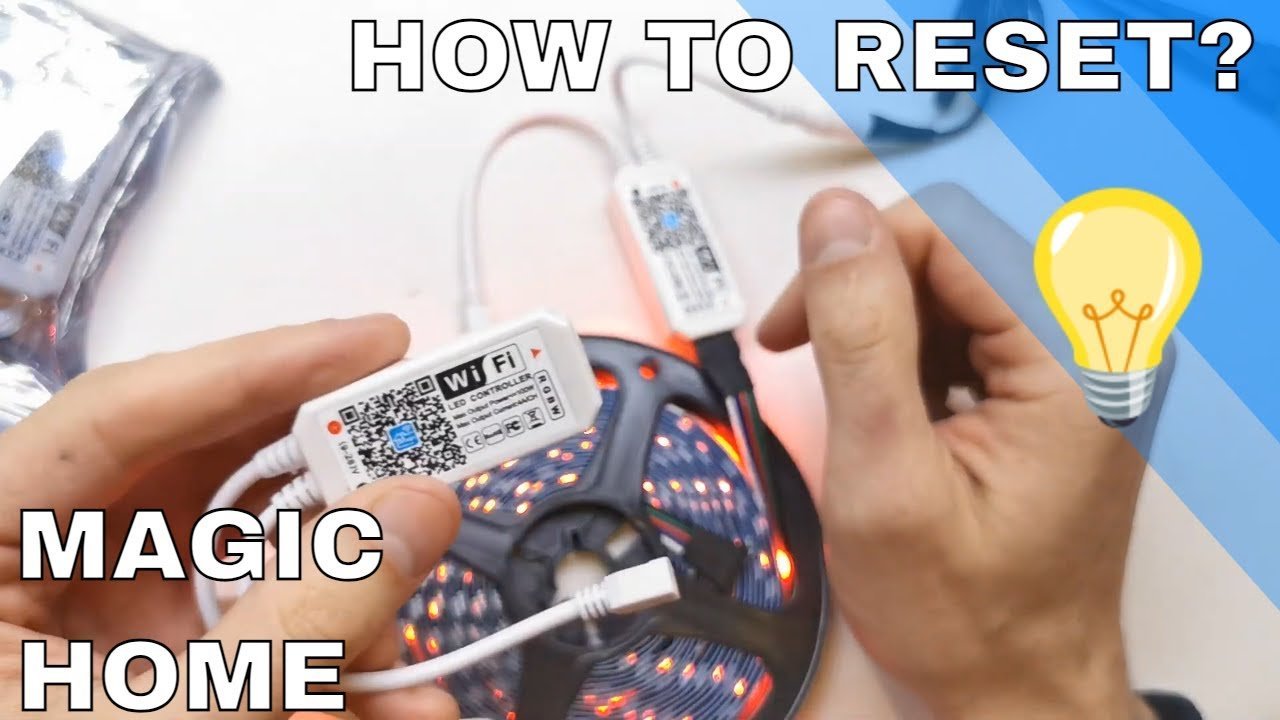
Delete the lights directly from your smart home companion app while the strip is powered on. The app sends a wipe command over the local network, forcing the device back to factory settings in roughly 5 seconds without manual button presses.
The Remote Combination Sequence
Hold down the power button and the brightness-up button simultaneously on the infrared remote for 3 seconds. This bypasses the inline box entirely, saving time when controllers are tucked behind heavy furniture, though it requires a line of sight.
The Dc Barrel Jack Pull
Disconnect the round barrel connector between the power brick and the inline box 4 times consecutively. This costs zero dollars and resets dumb LED strips quickly, though excessive force can loosen the internal metal sleeve pins over time.
Frequently Asked Questions
Can I Reset LED Lights Without a Remote?
Yes. You can reset them by holding the power button on the inline control box for 10 seconds, or by unplugging the power adapter from the wall 5 times in a row until the strip flashes.
Why Do My LED Lights Keep Blinking After a Reset?
Your lights are in automatic pairing mode. The controller blinks rapidly to signal that it’s searching for a local Wi-Fi or Bluetooth connection, and it will stop once you re-add the lights inside your phone’s app.
How Long Should I Leave LED Lights Unplugged to Clear Memory?
Leave them unplugged for at least 10 seconds. This brief pause allows the capacitors inside the power supply to fully discharge, ensuring the microcontroller fully powers down for a clean reboot.
Is It Safe to Reset LED Lights While They’re Turned On?
Yes, it’s completely safe. The inline controllers and strip ribbons operate on low-voltage 12V or 24V direct current, so toggling the settings while the power runs won’t cause electrical shocks or blow household fuses.
What Happens If My LED Strip Shows the Wrong Colors After Resetting?
The RGB wire pin sequence is mismatched in the controller memory. Press the power button on the remote, then press the smooth or fade button at the bottom right to cycle through and correct the pin calibration modes.
Will Resetting LED Lights Delete My Custom Timer Schedules?
Yes. A factory reset wipes the onboard chip memory clean, which permanently erases your saved color presets, automated wake-up routines, and network credentials, requiring you to rebuild your custom schedules inside the mobile app.


