Resetting a Philips TV remote takes under two minutes: take out both batteries, press every button once, and put fresh batteries back in. This simple electrical drain clears stuck commands and restores standard infrared signals. It suits anyone whose remote suddenly stops controlling volume, power, or channels on their standard screen.
What You’ll Need
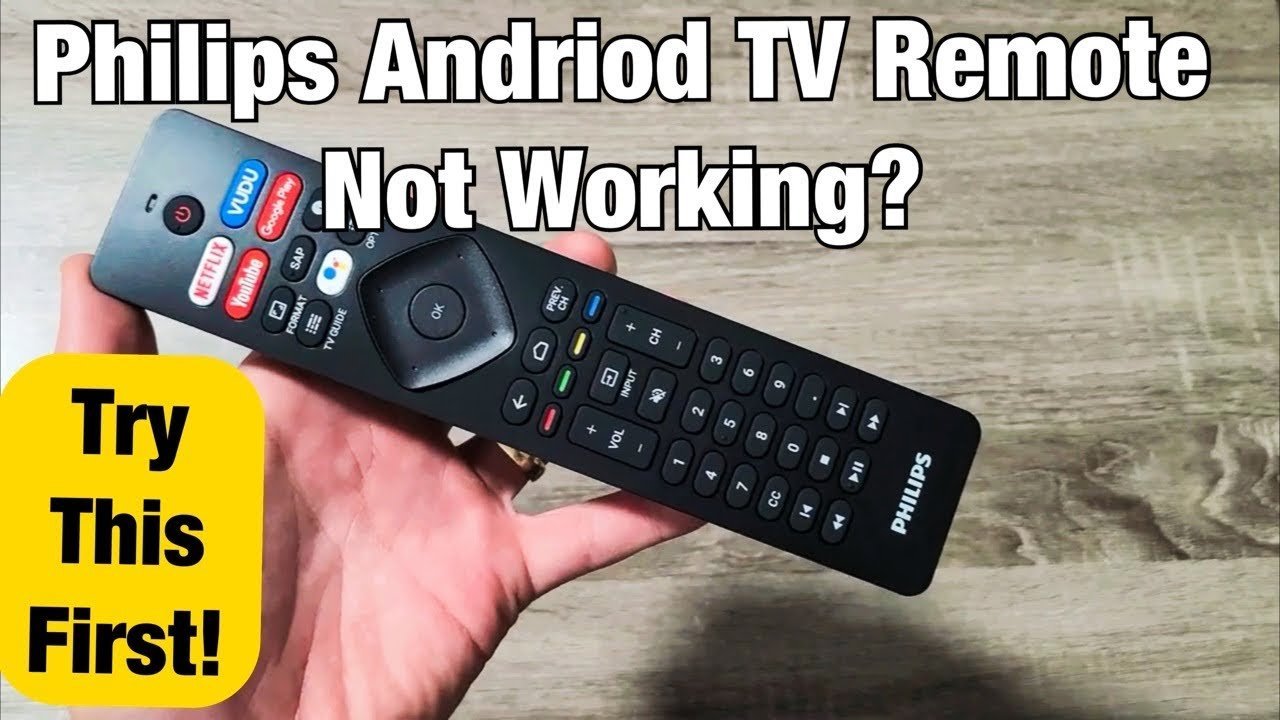
- Two brand-new AAA alkaline batteries (or AA, depending on your remote model).
- A clean microfiber cloth to wipe dirt off the top infrared sensor.
- A small Phillips-head screwdriver, only if your remote has a secured battery compartment door.
- Your television’s physical power button located on the back or bottom frame.
Standard alkaline batteries work reliably, but cheap heavy-duty carbon-zinc batteries don’t provide stable power. If the battery bay shows signs of blue or white chemical leakage, don’t handle it with bare hands; recycle the remote safely and check with a licensed electronics repair shop for a replacement.
Step-by-Step
- Slide the back cover off the remote and take out both batteries completely.
- Hold down the Power button for thirty full seconds to drain any residual charge stored inside the internal capacitor.
- Press every single button on the keypad one time firmly to free up any keys that are physically stuck beneath the rubber membrane. Careful: Don’t use sharp metal tools or knives to pry buttons loose, because you’ll tear the rubber seal beneath them.
- Wipe the clear plastic sensor at the top edge of the remote using your dry cloth.
- Put two fresh batteries into the tray, matching the plus and minus markings on the plastic. Tip: If you see any white battery residue powder, clean the metal springs with a dry cotton swab before inserting the new cells.
- Point the handset directly at the bottom-right corner of your TV screen from roughly five feet away.
- Press the Power button once to verify that the television turns on immediately.
If the television fails to respond after these steps, the internal circuit board may have failed; at that point, you’ll need to contact Philips customer support or an authorized technician rather than opening the plastic casing yourself.
Remote Reset by TV Type
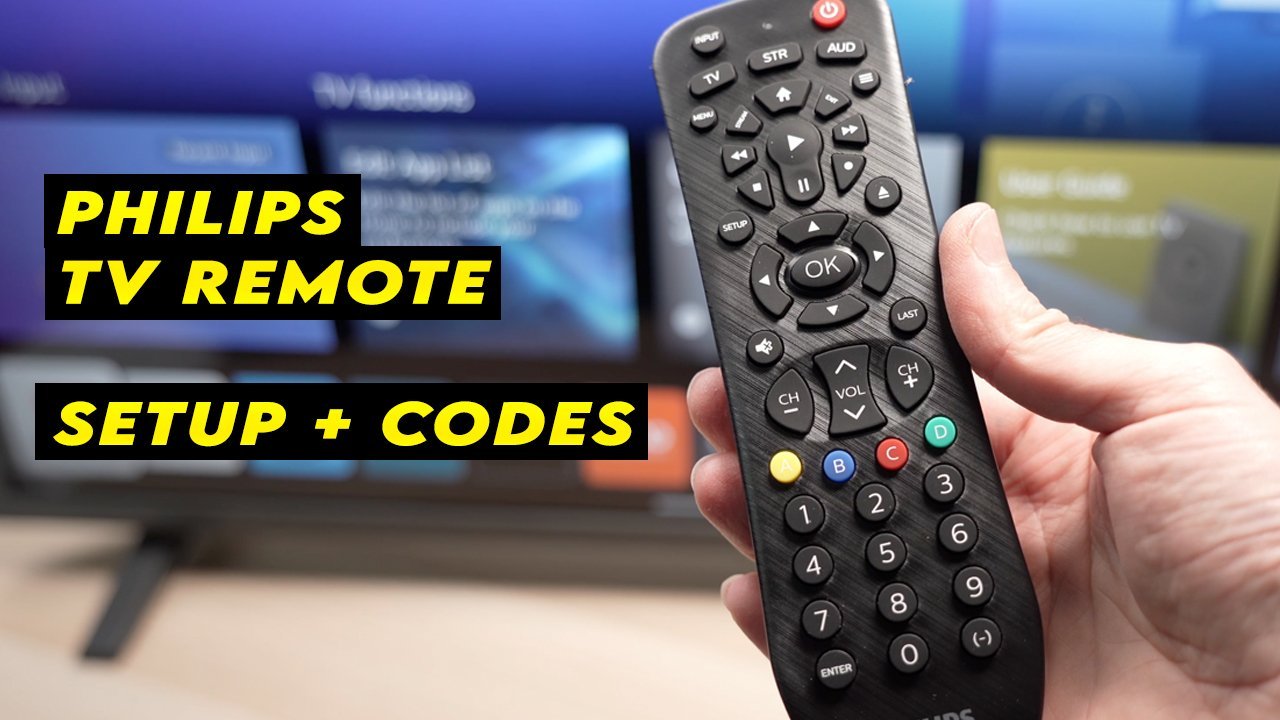
Different television models respond to different reset steps, which changes how much effort you’ll spend.
| Television Setup | Time Required | Key Difference | What to Watch For |
|---|---|---|---|
| Standard Infrared (Basic LED) | 2 minutes | Only requires battery drain | Steady red light on the remote tip |
| Android TV (Smart Remote) | 4 minutes | Needs Bluetooth re-pairing | On-screen “Pairing Remote” message |
| Roku TV Edition | 3 minutes | Uses a dedicated pairing button | Small flashing light under battery lid |
| Remote with QWERTY Keyboard | 3 minutes | Features dual transmitters | Both front and rear sides functioning |
It’s safer to start with the basic thirty-second power drain before attempting full factory software resets on the TV itself.
How to Tell You Did It Right
A successful reset produces an immediate response from your television set. The screen should react the instant you press a key, without hesitation or skipped menus. A poor result looks like a sluggish volume bar, delayed clicks, or a blinking red standby light on the TV that doesn’t turn blue or white. You can prevent this issue by using fresh matching pairs of batteries, keeping pet hair away from the buttons, and pointing the handset directly at the television’s front sensor.
Hardware Standards and Safe Disposal
Once you complete the reset, snap the battery door shut, clean your tabletop, and store spare batteries away from metal coins or keys to prevent short circuits. A standard battery reset typically keeps the handset working steadily for six to twelve months before regular battery depletion requires another replacement. This varies by model — check the label inside the battery slot for your exact remote version.
Alternative Control Options
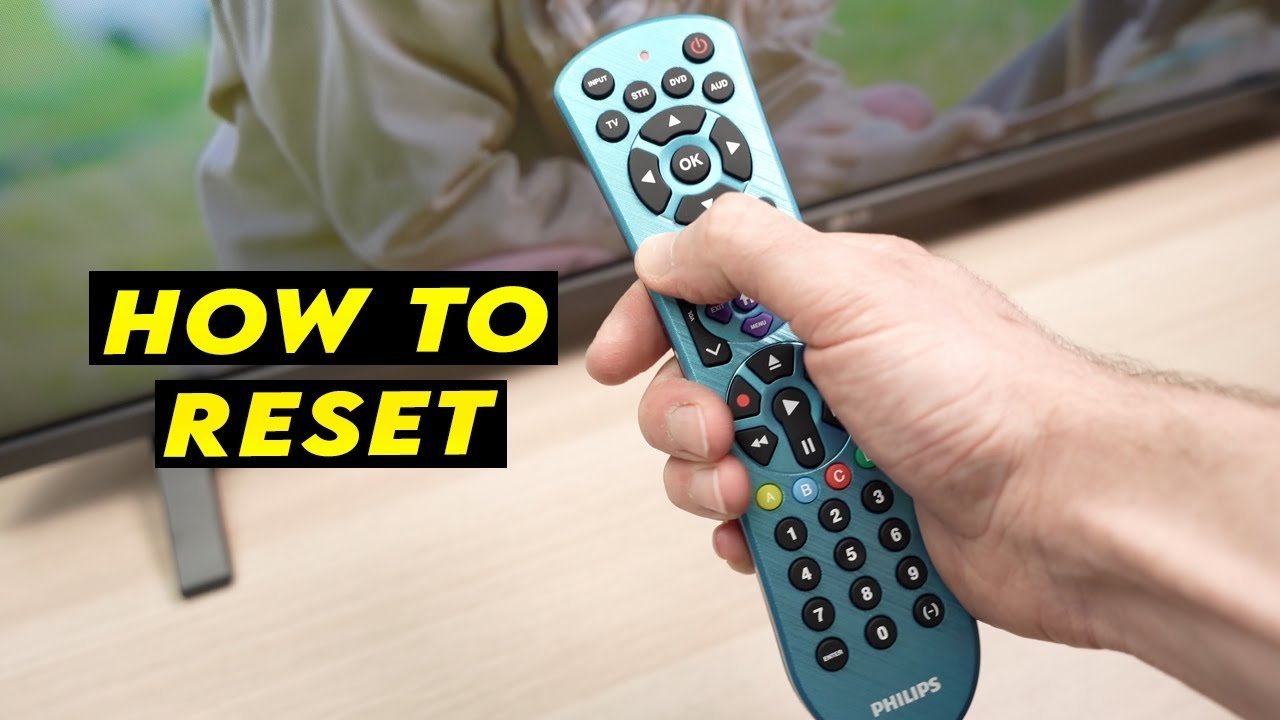
Smartphone App Setup
You can use the official Philips Smart TV app over your home Wi-Fi network. This gives you instant screen controls for free, but it won’t work if the television loses its internet connection.
Universal Remote Replacement
A basic multi-brand universal remote handles daily TV power and volume controls. It costs a modest amount and requires entering a four-digit programming code, which takes around ten minutes to complete.
Physical TV Buttons
Most Philips screens feature a physical button panel or joystick on the frame or rear chassis. This gives you zero-cost access to volume and input menus, but you must walk up to the television set.
Frequently Asked Questions
Can Dirty Buttons Stop a Philips Remote from Working?
Yes. Dust, liquid spills, and skin oils can easily slip under the flexible silicone keypad. This stickiness keeps an internal electrical contact permanently closed, which blocks all your other button presses until you clean the pad.
Why Is the Red Light on My Philips Remote Blinking?
The remote batteries are running low on voltage. If you notice a flashing red LED when pressing keys, the handset lacks the electrical power to send a clear infrared command to the television sensor.
How Long Does a Philips Remote Reset Take?
About two minutes from start to finish. Draining the internal power takes thirty seconds, while testing the buttons and putting in fresh batteries takes only another minute or two.
What Happens If the Reset Doesn’t Fix the Issue?
Your television’s main board might need a hard restart. If X fails, do A: unplug the television from the wall outlet for sixty seconds; if Y occurs and the screen still ignores the remote, do B: purchase a cheap universal remote.
Who Is This Basic Reset Method Not For?
This method isn’t for owners of broken remotes with cracked plastic casings, snapped circuit boards, or heavy water damage inside the battery compartment.
What Is the Trade-Off of Using a Phone App Instead?
You get fast control without buying new batteries, but you lose the tactile feel of physical buttons and the app fails completely if your local home Wi-Fi drops out.
What Common Mistake Do People Make During a Reset?
People frequently mix one old battery with one new battery to save money. This mistake ruins the remote’s operating voltage, causes erratic menu jumping, and leads to battery leaks inside the unit.