
To perform how to reset sirius radio in car systems, press and hold the stereo power button for 10 to 15 seconds until the screen turns black, or trigger an over-the-air signal refresh through the official portal. This reboot clears frozen software, reconnects dropped channels, and restores your active audio package immediately.
Satellite radios rely on a steady line of sight to orbiting satellites. If a tall building blocks the sky, the receiver drops the data stream and locks up.
Most drivers make the mistake of restarting the radio inside a covered garage. Doing that starves the receiver of data and leaves your channels unlinked before you even drive away.
Resetting the Satellite Receiver
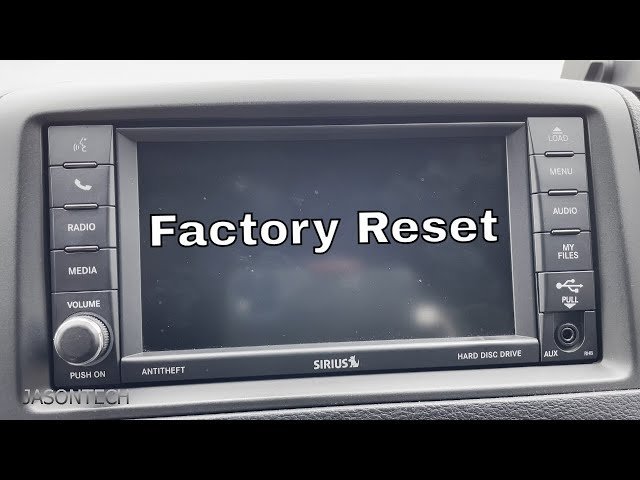
- Park your vehicle in an open outdoor lot away from trees, parking structures, and metal overhangs, leaving the ignition turned to the accessory position.
- Hold down the physical power button and volume knob together for 10 seconds until the infotainment display shuts down completely. Tip: If your car lacks physical stereo buttons, cycle the vehicle engine off, open the driver door for 3 minutes to cut accessory power, and restart.
- Switch your radio source selector to satellite mode and tune directly to channel 0 to locate your 8-character Radio ID.
- Request an over-the-air satellite update by visiting the SiriusXM activation portal on your smartphone browser.
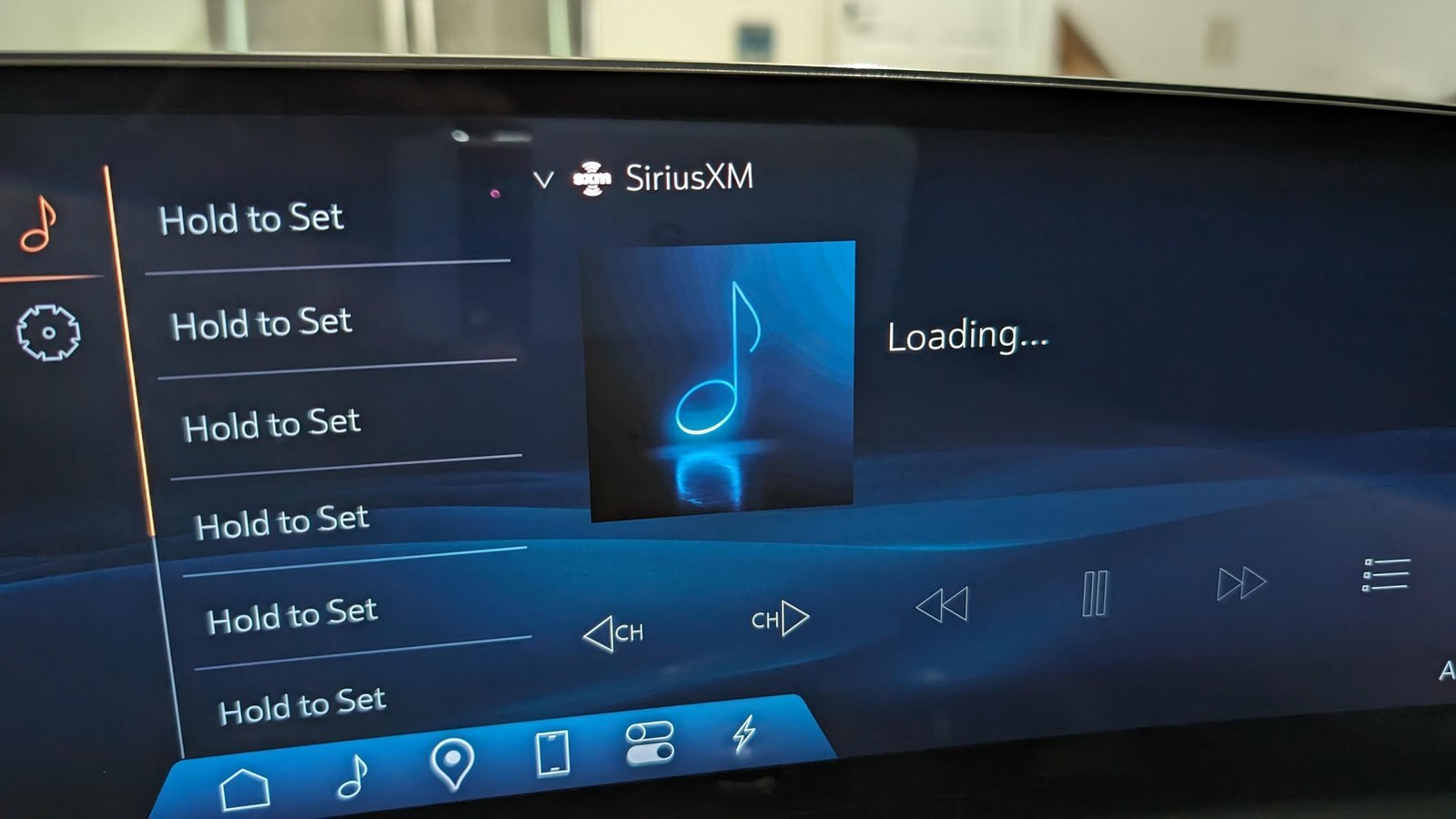
- Keep the radio powered on and tuned to preview channel 184 (or channel 1 on newer receivers) for 15 minutes while the data stream downloads. Tip: Don’t change the station or drive into a tunnel during this data transfer window.
This process covers factory and plug-in dash units. However, this isn’t for aftermarket stereos with loose antenna wiring, which require checking physical hardware behind the dashboard.
How Long It Takes
A reset takes between two and twenty minutes depending on how you reboot the hardware.
| Situation | How long | What changes it | What to watch for |
|---|---|---|---|
| Soft button reset | 1 to 2 minutes | Dash system processor speed | Blank screen before maker logo appears |
| Signal refresh request | 5 to 15 minutes | Cloud cover and open sky visibility | “Acquiring Signal” banner on screen |
| Full 12V battery disconnect | 15 to 20 minutes | Vehicle computer drain time | Clock resetting to 12:00 |
If the system takes longer than 20 minutes, drive to an open location with an unobstructed view of the southern sky.
How to Tell When It’s Done
A successful reset restores full station metadata on your display. You’ll see the exact song title, artist name, and album artwork load instantly when you change channels. If the screen displays channel 1 preview audio clearly, switch to your usual paid stations. When audio cuts out or reads “Check Tuner”, the antenna failed to capture the refresh packet. In that case, the channel lineup remains locked, meaning you must trigger another signal command through your online account.
Mistakes That Ruin It
- Refreshing inside a garage: The concrete ceiling blocks the satellite antenna from receiving the refresh command. Park outdoors under an open sky before submitting the request.
- Changing channels mid-cycle: Spinning the tuner interrupts the decryption key download. Leave the stereo locked on channel 184 until all audio returns.
- Ignoring the software reboot trade-off: A complete 12V terminal reset restores satellite audio, but it wipes your stored equalizer settings, saved navigation routes, and Bluetooth pairings. Check whether a simple button reset works first.
- Pulling dashboard fuses randomly: Pulling an active circuit can throw error codes on your main vehicle control module. Check your owner’s manual fuse diagram to find the exact stereo slot.
Here is your basic decision rule: if the screen is frozen, do a hard button reboot; if the screen works but channels say “Unsubscribed”, request an over-the-air signal refresh. Keep in mind that exact button combinations vary by car model—check your vehicle owner’s manual for specific system shortcuts.
How Do I Reset Siriusxm Without an Internet Connection?
Turn your vehicle off, open the driver door, and wait five minutes for the body computer to sleep. Turn the vehicle back on outside. Tune to channel 0 to read the ID, then call 1-800-852-9696 to trigger the automated system.
Can Bad Weather Block a Radio Reset?
Yes. Heavy storm clouds, dense wet snow, and dense tree branches weaken the radio frequency. Wait until heavy rain passes or drive away from tall tree canopies before sending an update command to your vehicle’s tuner.
Why Does My Radio Say Acquiring Signal After a Reset?
The antenna can’t see the satellites. Move your car away from tall buildings, concrete parking structures, or bridges. If the message stays in a flat parking lot, the antenna cord behind your dashboard has loosened.
What Happens If I Disconnect the Car Battery?
Disconnecting the negative battery terminal for 10 minutes drains the radio capacitors and forces a full system reset. You’ll restore the radio tuner, but you’ll lose saved navigation points and personal equalizer presets.
Will Resetting My Radio Cancel My Paid Subscription?
No. Your subscription connects to your receiver’s unique Radio ID on the company’s billing servers. Resetting the hardware only clears temporary cache memory and downloads fresh station keys without touching your monthly account plan.


