
How to reset bose headphones takes under two minutes: turn off the headset, connect the charging cable to a wall outlet, wait 30 seconds, and disconnect it. This basic reboot fixes minor bugs without wiping your saved settings. It suits owners experiencing frozen buttons or sudden audio drops best.
What You’ll Need
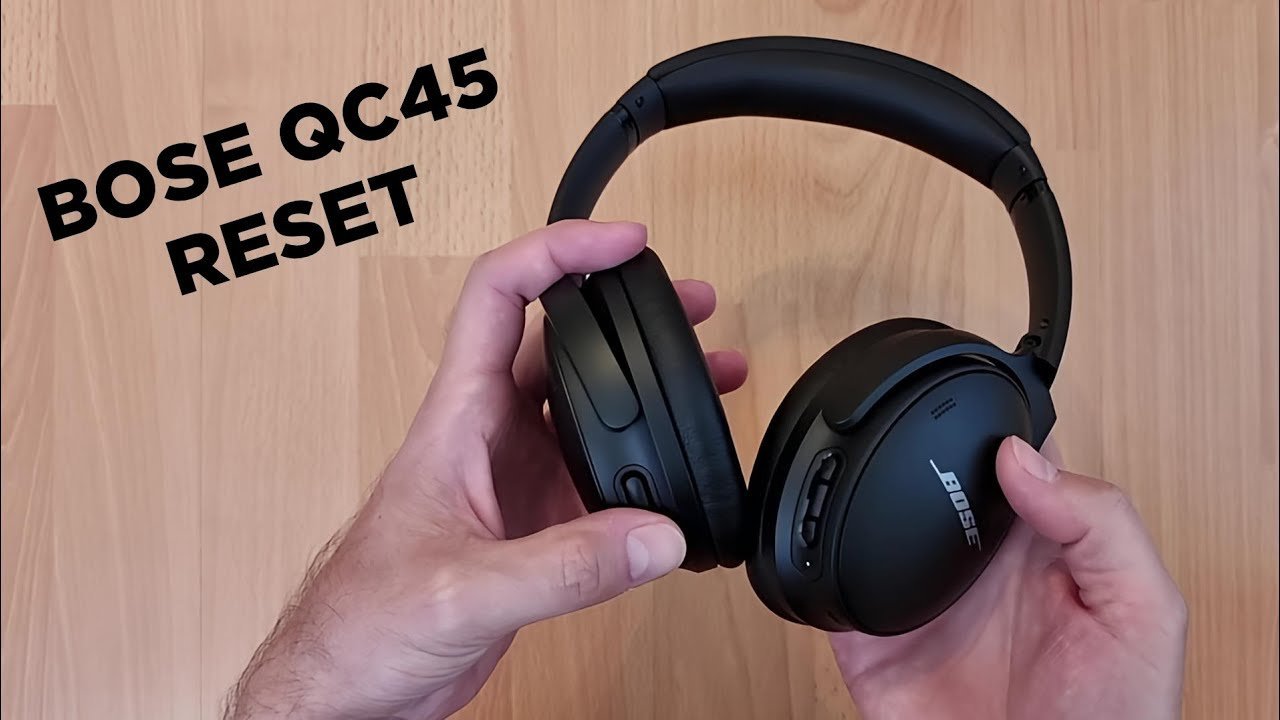
- Your Bose headphones, powered off before starting.
- A certified USB-C or Micro-USB charging cable, depending on which port your headset uses.
- A working USB wall charger verified by a technician; unpowered computer hubs won’t supply steady power.
- A power outlet close to your workspace.
- Your paired phone or tablet with its Bluetooth menu open.
A standard phone wall plug works fine instead of a computer port, but cheap car chargers often cause power spikes and shouldn’t be used. If the internal battery has physically expanded or smells sweet, don’t charge it; contact Bose support or an authorized electronics repair shop immediately.
Step-by-Step
- Disconnect all cables from the headset and wait 30 seconds for the internal processor to discharge.
- Plug the USB charging cable into a wall charger, but don’t attach the headset yet.
- Slide and hold the Power button on the right ear cup toward the Bluetooth icon for 10 seconds. Careful: Releasing the button early stops the reset cycle before the memory clears.
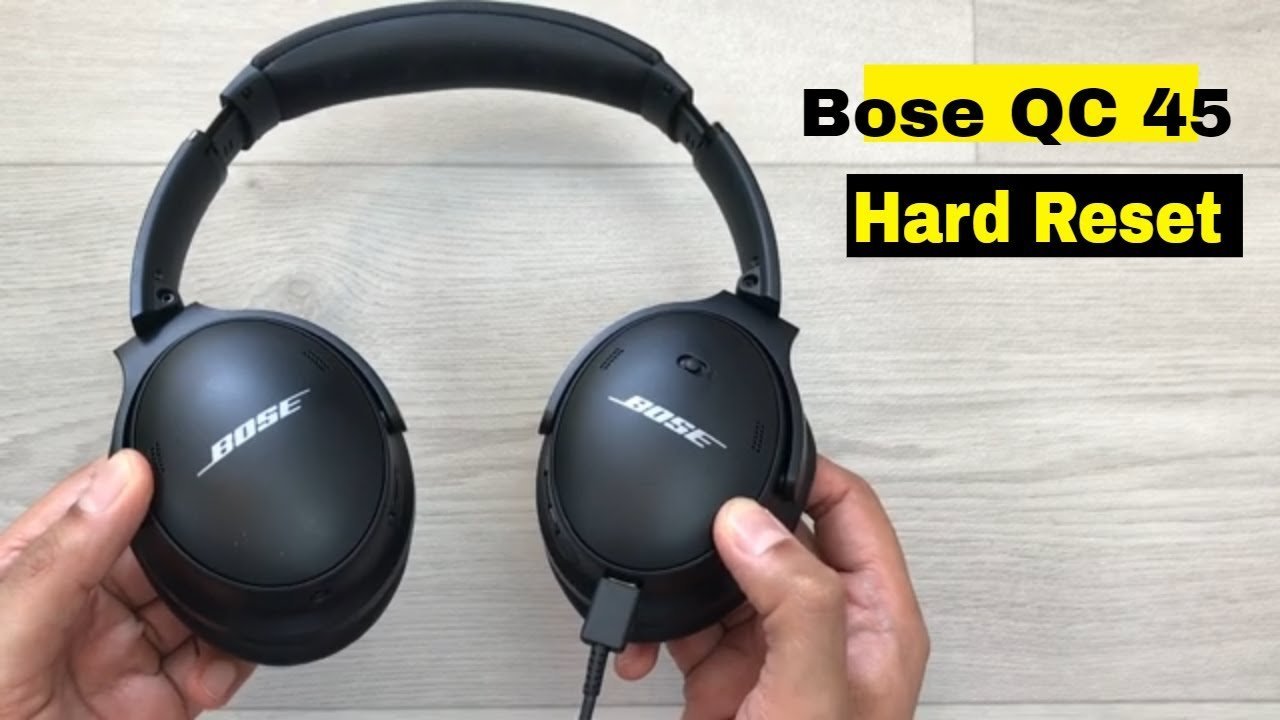
- Keep holding the switch while you plug the USB cable into the right ear cup.
- Watch the battery light blink twice, which takes about two seconds, then release the Power switch. Tip: If the light stays solid instead of blinking, the cable may not be seated all the way.
- Leave the headset plugged into the charger for 60 seconds so the internal software boots cleanly.
- Unplug the cable from the headset; the power will shut off automatically.
- Slide the power switch back to the “on” position to restart normal operations.
- Open your source device’s Bluetooth settings, select your Bose model from the menu, and press “Forget this Device.”
If the device still shows no power after these steps, the battery cells may have failed entirely; stop troubleshooting and take the hardware to a certified battery recycler or electronics technician.
Reset Methods Across Different Models
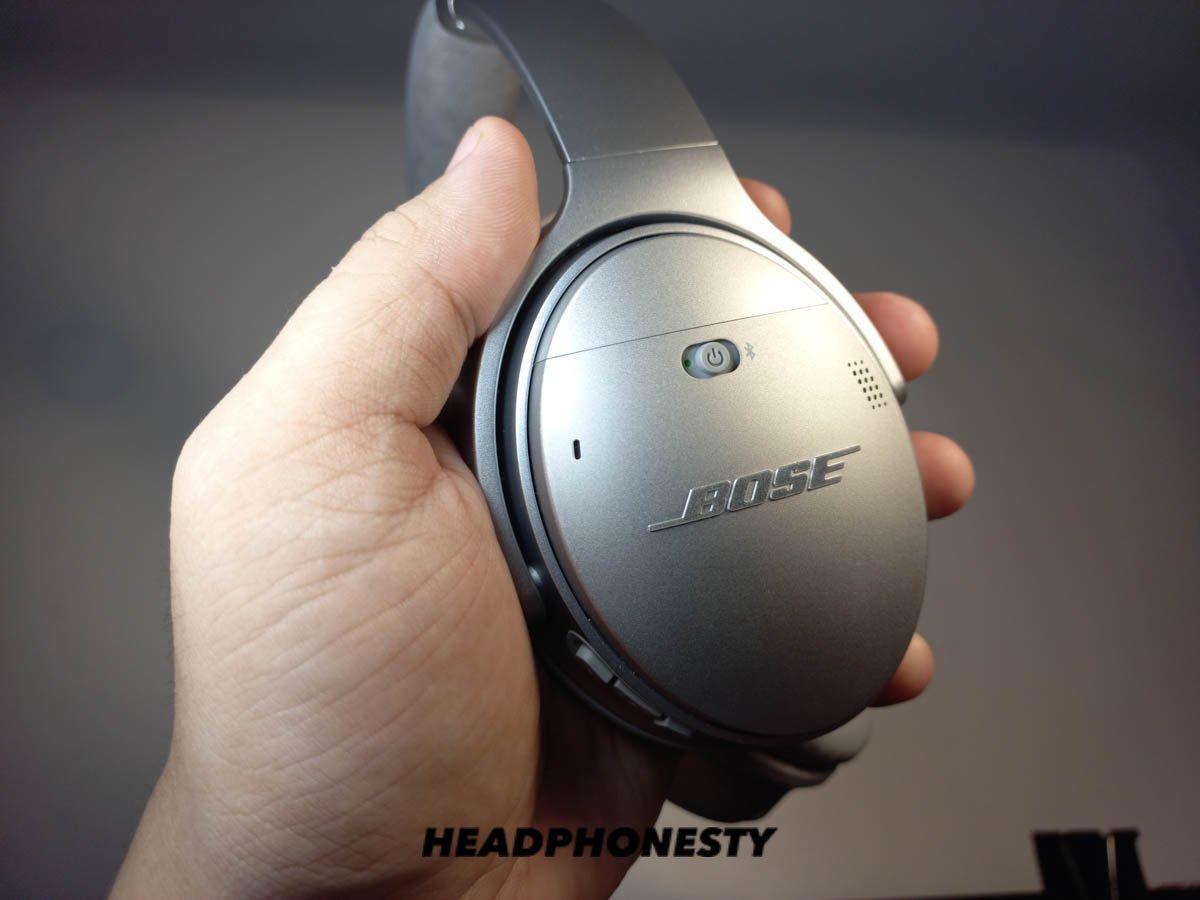
Different models handle reboots through varied buttons, so the time and steps adjust based on your hardware version.
| Headphone Model | Time Needed | What Changes | What to Watch |
|---|---|---|---|
| QuietComfort 35 II | 2 minutes | Uses power slider and USB cable | Power LED double-flash |
| QuietComfort 45 | 30 seconds | Uses button hold only | LED turns white after amber |
| Noise Cancelling 700 | 2 minutes | Needs charging cable inserted during button hold | LED flashes twice after 2 seconds |
| QuietComfort Ultra | 1 minute | Uses Bluetooth button hold without cables | Blinking blue pairing light |
This varies by model — check the label inside the ear cup before you begin. It’s safer to start with a soft reboot and test playback before doing a full factory wipe that erases everything.
How to Tell You Did It Right
A successful reset produces a voice prompt announcing battery percentage, followed by a steady blinking blue light indicating active pairing status. A poor result leaves the LED showing solid red, alternating amber and white flashes, or complete darkness. Connection failure happens when old pairing data conflicts between the phone’s memory and the refreshed headset. You can prevent this failure by deleting the old profile from your phone’s Bluetooth list and rebooting your mobile phone before reconnecting.
Hardware Guidelines and Post-Reset Care
The manufacturer outlines these reboot standards in the official Bose product support documentation, which covers power cycling limits across portable audio devices. Once the lights show regular pairing behavior, unplug the charging cord, store it loosely coiled, and pair the headphones back to your primary phone. A clean reboot lasts until a corrupted cache file or sudden software crash occurs again, which rarely happens under normal daily use. If internal components rattle or emit excessive heat during charging, immediately discontinue use and consult a certified repair professional.
Alternative Troubleshooting Options
Clear the Bluetooth Pairing List
Slide and hold the Power button for 10 seconds until the voice says the device list is cleared. This unlinks all previous phones, tablets, and laptops without altering sound presets or volume settings.
Reinstall the Mobile Control App
Delete the Bose companion app from your phone, restart the phone, and reinstall the application from your app store. This clears corrupted local app data, resolving app-detection errors without touching headset hardware memory.
Push a Firmware Refresh
Connect the headset to an internet-connected computer via USB and visit the Bose updater webpage. Applying new software fixes lingering system bugs, taking about ten minutes while updating internal firmware securely.
Frequently Asked Questions
Will Resetting Erase My Custom Equalizer Settings?
No. A standard power reboot keeps your custom sound profiles, button shortcuts, and firmware updates saved in the hardware memory. It only clears temporary cache files and stops active software freeze bugs across the internal chips.
Can You Reset Headphones Without a Charging Cable?
Yes, newer versions like the QC45 and QC Ultra reset using only onboard physical buttons. For older versions like the QC35, a cable provides the power signal required to reset the mainboard safely.
Why Is the Light Flashing Red and White?
An alternating red and white light means the headset ran into a critical hardware or firmware error. You must clear this by plugging the unit into a wall charger for 15 minutes before attempting another restart.
How Long Does a Factory Reset Take?
The full button sequence takes under 30 seconds to complete from start to finish. You’ll spend roughly two additional minutes afterwards reconnecting the audio hardware to your paired phone, tablet, or home computer.
Who Is This Troubleshooting Guide Not For?
This method won’t help users dealing with cracked audio drivers, water damage, or worn-out ear cushions. Physical component failure requires part replacements from professional repair shops rather than electronic system reboots.
Does a Reboot Fix Low Battery Life?
No. Resetting clears software errors, but it can’t restore worn-down lithium battery chemistry. If your battery drains within an hour after a full charge, the physical cells require service replacement.
Related guides


