To reset an iPod Classic when the screen freezes, toggle the Hold switch firmly to orange and back, then press and hold the Menu and Center buttons together for 6 to 10 seconds until the Apple logo appears. This soft reboot restarts your device immediately without erasing your music library.
A clean restart depends entirely on constant button pressure until the drive cuts power. If the battery is completely drained, the click wheel won’t register your fingers at all.
This method works for the standard 6th and 7th generation models (80GB, 120GB, and 160GB), but this isn’t for iPod Touch owners who need a power-key sequence instead. The most common error is pressing the buttons while the lock switch is still active, which blocks every command.
Restarting Your Frozen Device
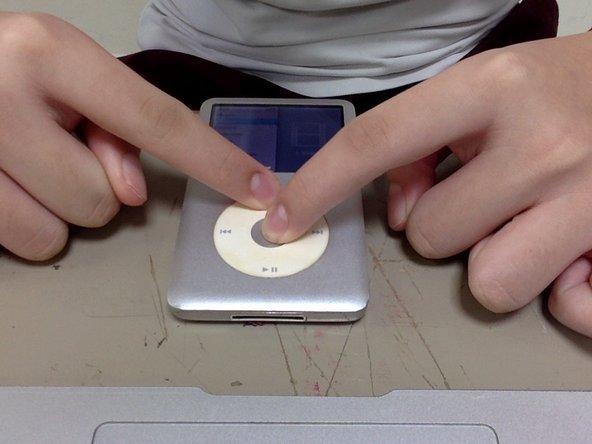
- Slide the Hold switch on top of the casing to the orange position, then slide it back to hide the orange mark.
- Place the iPod flat on a desk or hold it securely with both hands.
- Press and hold down the Menu button and the Center (Select) button at the same exact time. Tip: Use two thumbs rather than one hand so you don’t slip off the click wheel before the reset triggers.
- Keep holding both buttons down steadily for 6 to 10 seconds without lifting your fingers.
- Release both buttons the moment the screen goes dark and the Apple logo shows up. Tip: If the screen stays dark after 12 seconds, plug the device into a wall charger for 30 minutes before trying again.
- Wait 15 to 30 seconds while the internal hard drive spins up and the main menu loads.
If you hear loud clicking or grinding noises from the internal hard drive, the hardware itself is damaged; stop pressing buttons and take it to a qualified electronics repair shop for drive replacement.
How Long It Takes
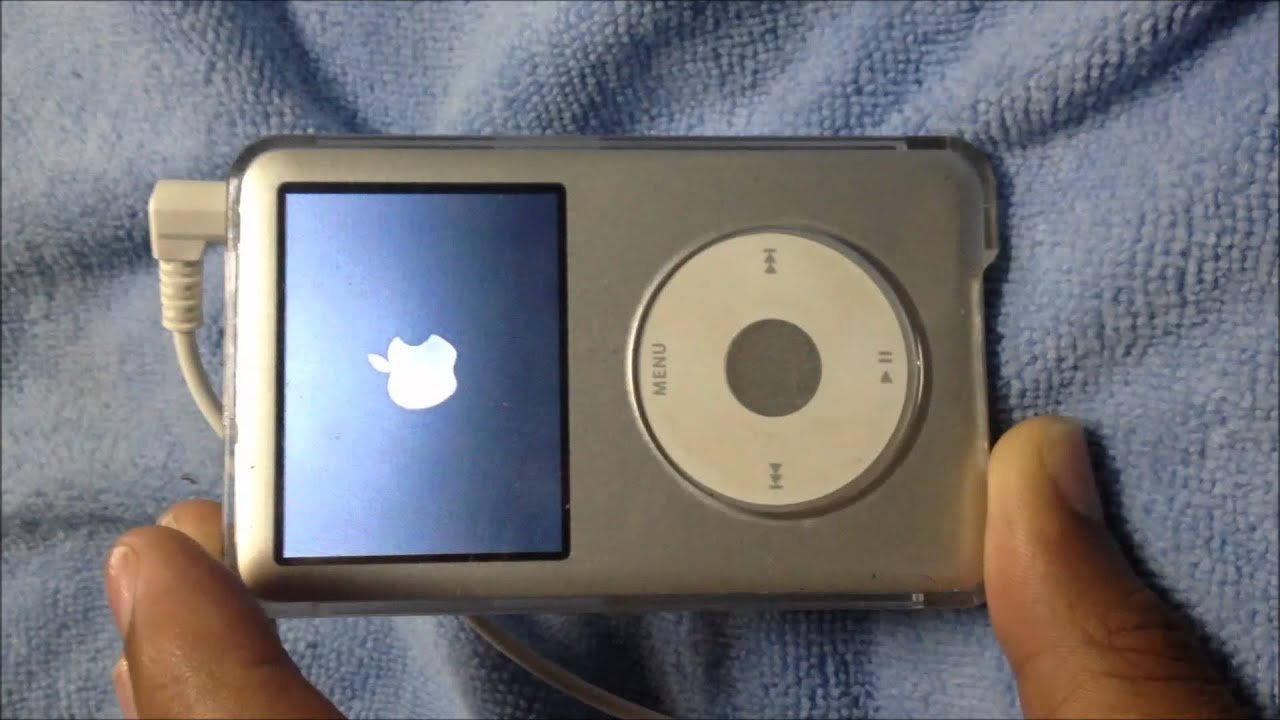
A standard hardware restart takes under a minute, but external conditions change the timing.
| Situation | How long | What changes it | What to watch for |
|---|---|---|---|
| Standard soft reset | 6 to 10 seconds | Finger pressure | Screen goes black instantly |
| Cold reboot from empty battery | 20 to 30 minutes | Charger output wattage | Low-battery icon on screen |
| Full factory restore via computer | 5 to 15 minutes | Music library size | Progress bar inside iTunes or Finder |
| Resetting into Disk Mode | 8 to 12 seconds | Timing of the Center + Play buttons | Large “Disk Mode” checkmark |
If the reset cycle takes longer than two minutes without showing the Apple logo, the internal mechanical hard drive may have seized.
How to Tell When It’s Done
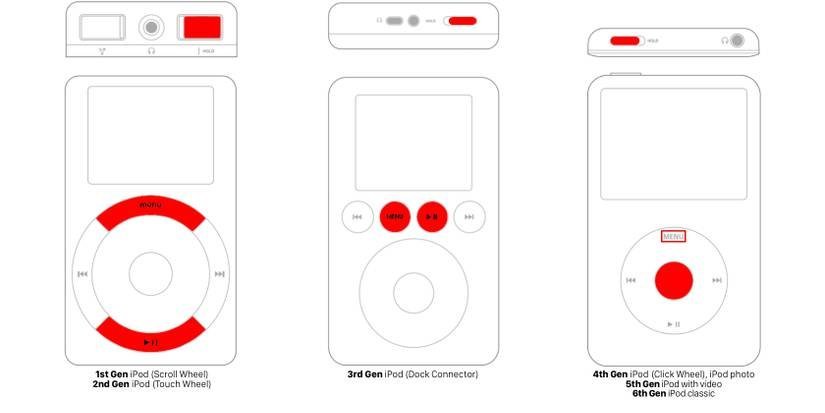
A successful reset gives you three clear signals you can monitor. First, the display shuts off completely, cutting the backlight. Within two seconds, the pale Apple logo appears in the center of the monochrome or color screen. You’ll also feel a faint, single vibration as the mechanical platter spins up inside the metal case. The process finishes when the standard list menu (Music, Videos, Settings) returns. If your screen remains blank, check the published Apple Support iPod troubleshooting guide to verify whether your specific generation requires alternate button combinations.
Mistakes That Ruin It
- Leaving the Hold switch active: The buttons can’t send signals while locked, so flick the top switch back and forth once to ensure it’s off.
- Letting go of the buttons too early: Releasing your grip at five seconds interrupts the power cycle and keeps the player frozen, so hold firmly until the Apple logo is visible.
- Resetting on an empty battery: An uncharged unit lacks the power to reboot the hard drive; connect it to a wall brick instead of a low-power USB keyboard port.
- Confusing a soft reset with a factory restore: A button restart preserves your files, but choosing to restore inside iTunes wipes your drive completely, which costs you hours of syncing time if you lack a local backup.
Can I Reset My Ipod Without Losing My Songs?
Yes, a button reset only reboots the operating system. It works just like restarting a computer, so your playlists, ratings, and audio tracks stay intact on the disk.
Why Won’t My Ipod Restart When Holding the Buttons?
The Hold switch is often engaged, or your battery lacks the power to reboot. Slide the switch to clear the lock, plug the player into wall power, and hold the buttons again.
How Do I Factory Reset an Ipod Classic?
Plug your device into a computer using a 30-pin cable, open Finder or iTunes, and click the Restore button. This erases all data and reinstalls the original factory software.
Is It Safe to Reset While Connected to a Computer?
If the device is actively transferring files, don’t reset it; if it’s idle, doing so is safe. Resetting during an active data sync can corrupt your music database.
What Happens If the Screen Shows a Red X?
The red icon means the operating system can’t communicate with the hard drive. Try a standard button reset first, but persistent errors usually mean the mechanical drive has failed permanently.
If your player still won’t turn on, plug it into a wall charger and let it sit for a while. Sometimes an old battery just needs extra power before it wakes up. Once it’s charged, connect it to your computer to check for any software updates.
Related guides