
Resetting the maintenance light on a Toyota Camry takes under two minutes using the odometer stem or steering wheel arrows. You’ll turn the ignition to the on position without starting the engine, set the trip counter, and hold the reset button until the display clears. This procedure works best for Camry owners performing their own regular oil changes.
Items to Reset Your Toyota Maintenance Light
- Your Toyota Camry key or push-to-start smart key fob
- The vehicle parked on level ground with the transmission locked in Park
- Clear access to the instrument cluster trip stem or the steering wheel directional keypad
- A completed oil and filter service before clearing the reminder
A mechanical key works for keyed ignitions, while the engine start button handles smart key models; a generic scan tool won’t be necessary for this basic cluster task. If your instrument cluster screen fails to respond or shows electrical warning errors, an auto repair shop with certified technicians can run a diagnostic check.
Step-by-Step
- Sit inside the driver’s seat and close all passenger doors firmly.
- Switch the ignition to the “ON” position without cranking the engine by turning your key two clicks or pressing the “Engine Start” button twice without touching the brake pedal.
- Press the trip meter reset stem until the display shows “Trip A” on older generations, or use the steering wheel arrows to find the “Settings” gear icon on modern models. Tip: If your car has a multi-information screen, scroll sideways past audio and safety warnings until you locate the gear icon.
- Turn the ignition switch completely off.
- Press and hold down the odometer trip stem, or hold down the “OK” button on your steering wheel controls.
- Switch the ignition back to the “ON” position while keeping that button pinned down. Careful: Keep your foot off the brake pedal, because starting the engine during this sequence interrupts the cluster’s reset cycle.
- Hold the button for about five seconds until the cluster displays flashing dashes, a progress bar, or a message confirming “Resetting Maintenance Data.”
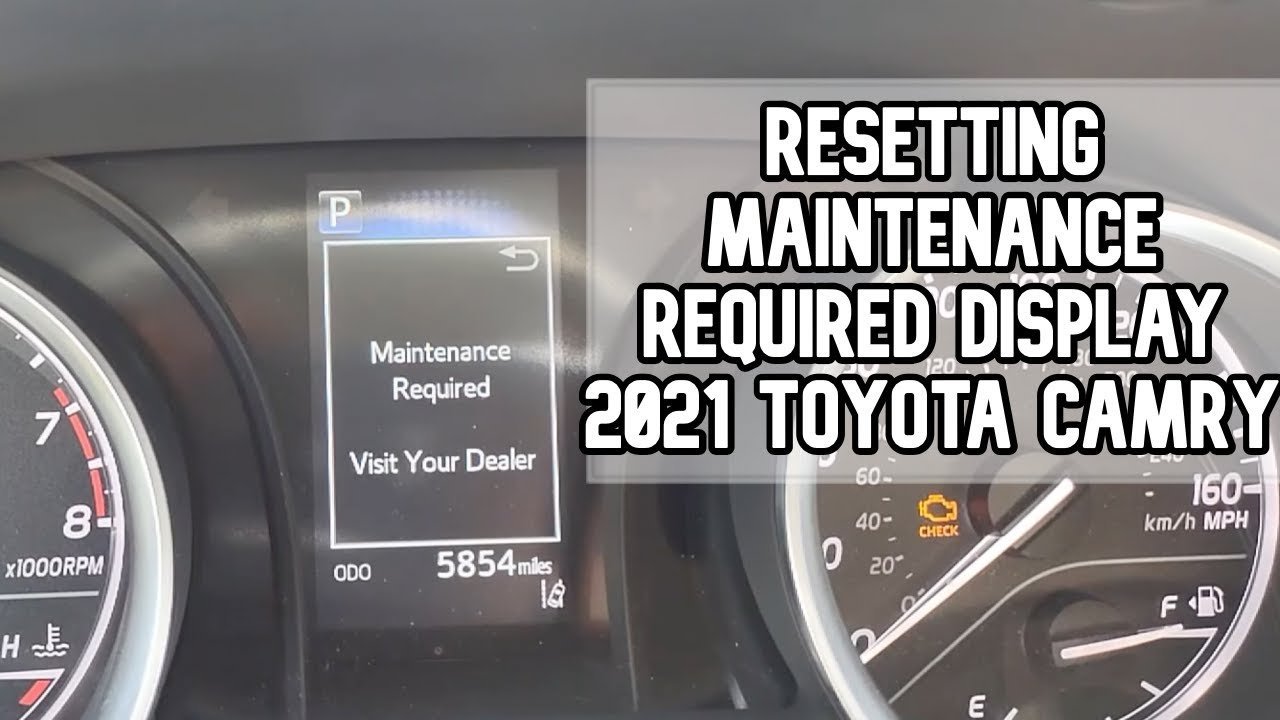
- Release the button once the odometer reads all zeros or shows the message “Maintenance Reset Complete.”
Dash Variations Across Generations

Different model years use different dash hardware, which changes the steps slightly.
| Model Year | Time Needed | Cluster Interface | Watch During Reset |
|---|---|---|---|
| 2002–2006 (Gen 5) | 1 to 2 minutes | Odometer push pin | Flashing MAINT REQD light |
| 2007–2011 (Gen 6) | 1 to 2 minutes | Odometer push pin | Five blinking indicator dashes |
| 2012–2017 (Gen 7) | 1 to 2 minutes | Cluster stem or basic menu | Progress dots counting down |
| 2018–2024 (Gen 8) | 2 to 3 minutes | Steering wheel screen controls | Digital progress bar |
It’s safer to read your cluster slowly than to cycle the ignition back and forth rapidly if the screen doesn’t update on your first attempt.
How to Tell You Did It Right
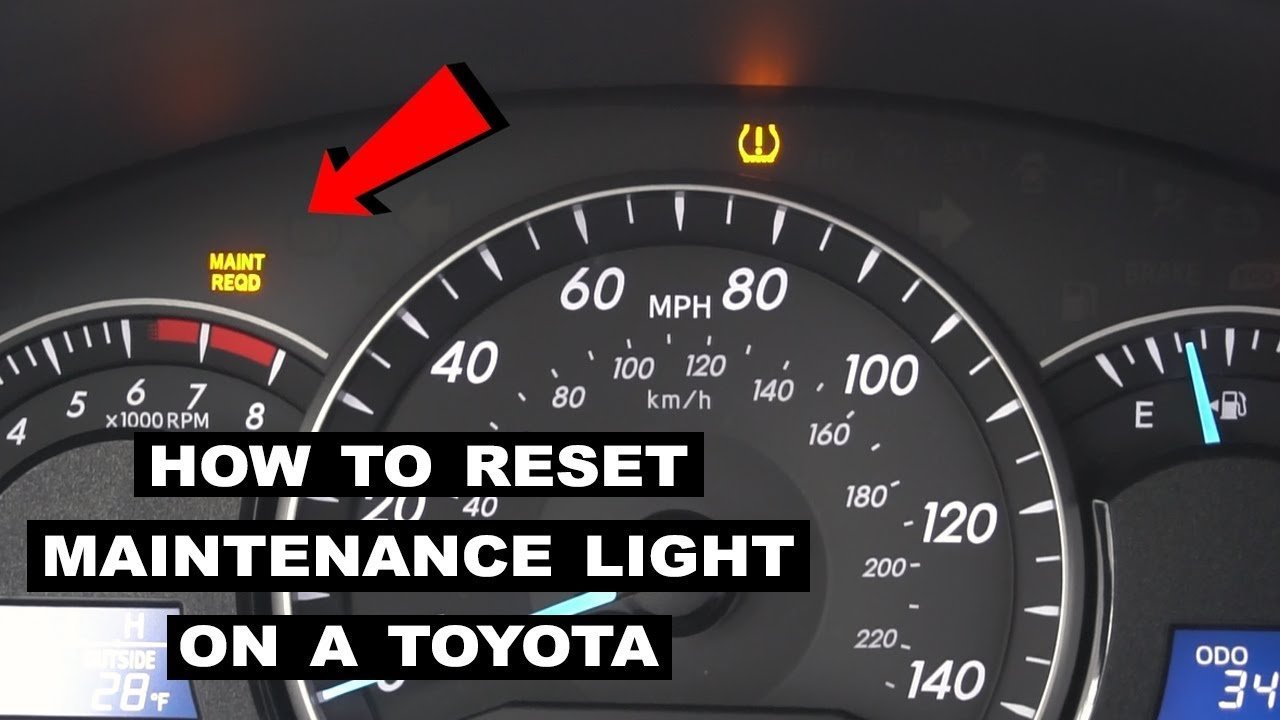
A successful reset shows a normal cluster display when you start the engine, with no reminder light staying lit. An incomplete reset leaves the “MAINT REQD” lamp or digital pop-up message on the display after the initial startup sequence finishes. This happens when the trip button is released too quickly before the onboard computer writes the cleared status to its memory. To prevent it, hold the button firmly until the screen displays all zeros, keep your foot off the brake so the starter motor stays off, and ensure the vehicle battery holds steady voltage during the procedure.
Service Intervals and Records
The maintenance light turns on based on mileage tracked by the vehicle’s engine computer. Toyota financial services maintenance guidelines recommend servicing the car every 5,000 miles for basic tire rotations and every 10,000 miles for full synthetic oil changes. This varies by model — check the label on your driver doorjamb and review your owner’s manual for severe driving conditions. Once you reset the system, write down the current mileage and date in your service logbook. The warning light is a blind mileage counter, not an oil quality sensor; resetting the light without changing your oil risks severe engine wear that can void your warranty and cause costly internal damage.
Alternative Reset Methods
Touchscreen Multimedia Screen
Certain premium trim packages allow you to clear reminders through the center infotainment display. You tap Menu, select Setup, choose Vehicle, and tap Maintenance to update individual service dates. This method takes slightly longer but tracks tire rotations, brake pads, and oil changes separately.
Diagnostic Scan Tool
An OBD-II handheld scanner plugged into the port beneath the driver’s dash clears cluster reminders on modern cars. This route costs more if you need to buy a scanner, but it resets the reminder quickly while checking for pending trouble codes.
Dealership or Quick-Lube Service
Professional lube shops reset the cluster counter as part of their paid oil change package. This option costs standard maintenance labor fees, but technicians handle the service and the instrument cluster simultaneously without you pressing anything.
Frequently Asked Questions
Will the Light Turn Off on Its Own?
No. The light stays lit until someone manually clears the data counter. It will remain on the instrument cluster every time you drive until you perform the reset steps.
Why Is the Light Still on After an Oil Change?
Lube technicians sometimes forget to manually reset the internal mileage counter before returning the keys. You can follow the standard button steps to turn off the reminder yourself at home.
Can I Reset the Light While Driving?
No. The vehicle computer locks out cluster programming functions unless the car is fully stopped with the transmission selector placed in Park.
Is the Maintenance Light the Same as a Check Engine Light?
No. The maintenance light is simply an oil change reminder triggered by a set mileage interval, while a check engine light indicates an active fault code within the engine or emissions system.
What Happens If I Ignore the Maintenance Reminder?
The light remains illuminated, blocking other trip data on modern screens, while overdue motor oil degrades and causes premature engine wear.


