
Resetting your debit card PIN takes less than 5 minutes through your bank’s mobile app or at a nearby ATM. If you remember your old 4-digit code, an ATM update works instantly. This method suits anyone who needs cash immediately and holds an active checking account with a major US bank.
What You’ll Need
- Your physical debit card with the 16-digit card number and 3-digit CVV visible.
- Your registered smartphone that receives one-time bank verification codes via text message.
- Your bank app login credentials, including your username and password.
- Your Social Security Number (SSN) or Tax ID to confirm your identity over the phone.
- A new 4-digit combination ready in your head that doesn’t use repeated numbers (like 1111) or simple sequences (like 1234).
Entering your account number from a paper check works if you don’t have your physical card, but an expired driver’s license won’t pass identity checks at a branch. If your bank locks your entire profile, you can’t fix it online; you’ll need to visit a branch manager who handles fraud holds.
Step-by-Step
- Open your bank’s mobile application on your phone and sign in using your password or biometric face scan.
- Tap the “Manage Cards” or “Account Services” tab, usually found under your checking account balance or profile menu.
- Select the specific debit card you want to update from your list of active cards.
- Choose the option labeled “Change PIN” or “Reset PIN” from the card security settings. Careful: If you type the wrong account login password 3 times here, the app will lock your profile for 24 hours.
- Type your new 4-digit PIN using the secure on-screen keypad.
- Re-enter the exact same 4-digit PIN to confirm your choice. Tip: Avoid using your birth year or address numbers, as automated security filters often reject obvious dates.
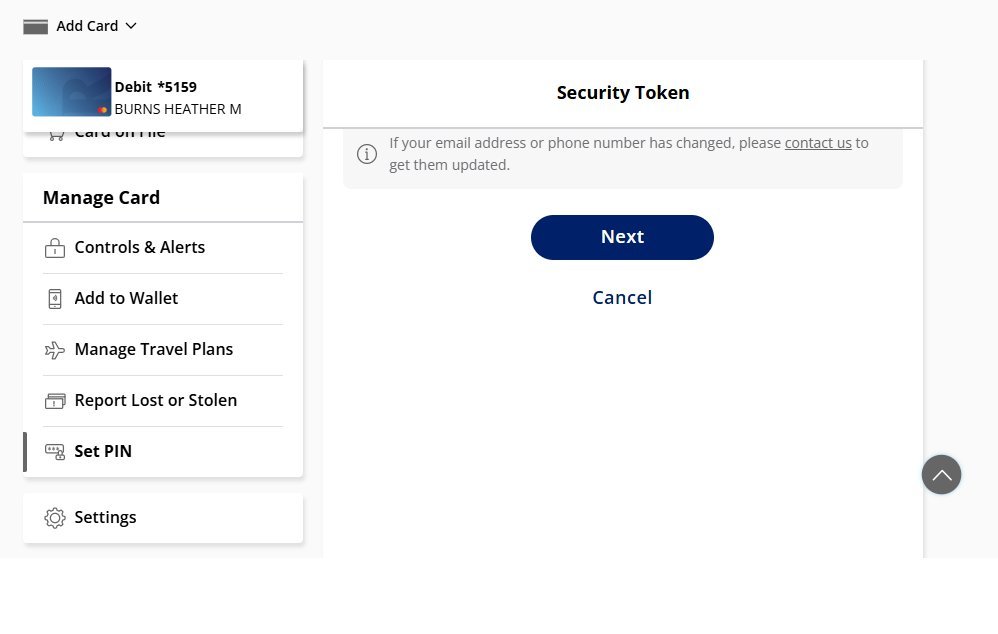
- Select “Send Code” to get a 6-digit text message on your registered mobile phone.
- Type the 6-digit verification code into the prompt within 60 seconds before it expires.
- Press “Submit” and wait for the green confirmation screen stating your PIN is updated.
If your card was stolen or used by someone else, don’t just change the code; call your bank’s fraud department immediately so they can cancel the card and issue a fresh number.
Comparing Card Reset Channels
Debit updates run at different speeds depending on the channel you choose to use.
| Reset Method | Average Time Needed | What Makes It Different | What to Watch For |
|---|---|---|---|
| Mobile Banking App | 2 to 3 minutes | Needs no physical card present | Text code delays on weak cell service |
| Bank Brand ATM | 1 to 2 minutes | Requires your current PIN to start | People standing behind you in line |
| Phone Customer Service | 8 to 15 minutes | Uses automated voice prompts or agents | Long hold times during peak lunch hours |
| Local Branch Visit | 15 to 30 minutes | Requires physical government photo ID | Branch lobby hours and holiday closures |
It’s safer to test your new PIN on a small $20 ATM cash withdrawal first than to attempt a large grocery checkout where an error could decline your card.
How to Tell You Did It Right
A successful reset shows an instant “PIN Updated” screen in your app, followed by an automated confirmation email or text alert within 2 minutes. A failed update triggers an error message like “Information Does Not Match” or leaves your card declined at the register. The most common issue is an out-of-sync card chip, which happens when the bank’s central network updates but the physical card chip still stores the old code. You can easily prevent this by inserting the card into your bank’s ATM and checking your balance once, which rewrites the chip memory immediately.
Card Security Standards and Follow-Up
Federal rules protect your funds when debit security fails. Under Consumer Financial Protection Bureau rules, your loss limit is $50 if you notify your bank within 2 business days of learning about unauthorized use. Once you finish resetting your code, log out of your banking app and shred any temporary paper slips with written numbers. A debit PIN never expires on its own, but updating it once every 12 months helps keep your money safe. If you suspect an ATM skimmer stole your data, contact bank customer support to replace the card.
Alternative Pin Update Channels

Automated Phone Support
Call the customer service number on the back of your card. Follow the voice system prompts for card services and enter your card number, CVV, and full Social Security Number. The automated system updates the number immediately without needing a live person.
Bank Atm Terminal
Insert your card at your own bank’s ATM machine and type your current PIN. Select “More Options,” then choose “Change PIN” from the menu. Type your new 4-digit code twice, which updates the card chip on the spot at zero cost.
In-Person Branch Teller
Walk into a local branch office and hand your card and driver’s license to a teller. The teller will swipe the card through a counter terminal and ask you to type your new PIN on a private keypad.
Frequently Asked Questions
Can I Reset My Debit Card Pin Without Knowing the Old One?
Yes, you can reset it through your bank’s mobile app or online portal without the old code. You only need the old PIN if you use an ATM.
What Happens If I Enter the Wrong Pin 3 Times?
Your bank automatically locks your debit card for 24 hours to protect your funds from theft. You must wait until the lock expires or call customer service to clear it early.
Is My New Debit Card Pin Active Immediately?
Yes, mobile app and ATM changes activate your new 4-digit code instantly. You can buy items in stores or withdraw cash right away.
Why Did the Bank Reject My New Pin Choice?
Banks block weak combinations like 0000, 1234, or numbers matching your birthday. Pick a random 4-digit sequence without repeating numbers to pass the system filter.
How Much Does It Cost to Change a Debit Pin?
Zero dollars. Banks provide PIN updates for free through their official apps, ATMs, phone lines, and physical branch locations.
Related guides


