Resetting the oil life on Jeep Cherokee models takes less than two minutes using the steering wheel directional pad or the gas pedal. You switch the ignition to RUN without starting the engine, navigate to the Vehicle Info screen, and hold OK for three seconds. This task suits any owner who handles basic driveway oil changes at home.
What You Need to Reset Your Jeep Cherokee
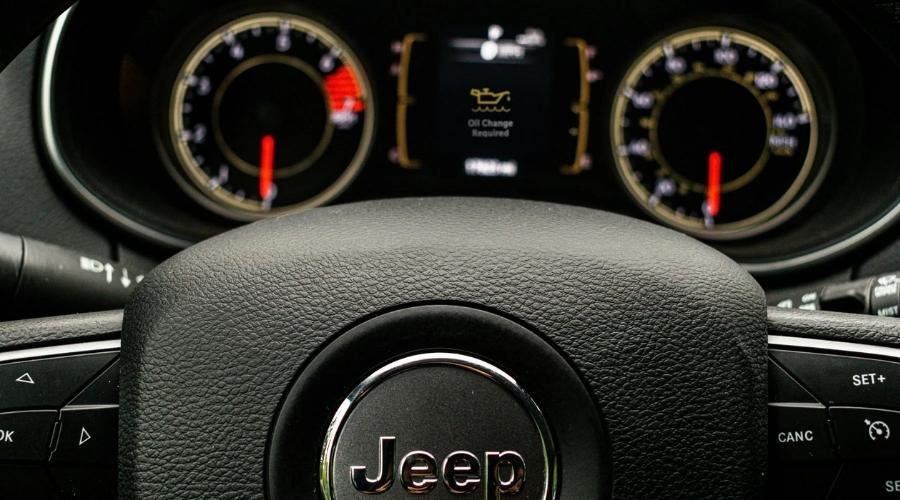
- Your Jeep key fob (or physical key if equipped with a traditional ignition switch).
- The steering wheel controls on the left side of the steering wheel.
- Fresh engine oil and a new filter already installed in the vehicle.
- A working foot brake to keep the vehicle steady.
Using the steering wheel directional arrows works across modern trims, while the gas pedal tap method serves as a reliable mechanical backup. This procedure doesn’t require an expensive scan tool from an auto parts retailer or dealership.
Step-by-Step
- Park your Jeep on level ground, shift into PARK, and keep your foot off the brake pedal.
- Press the ENGINE START/STOP button twice to set the ignition to the RUN position (don’t crank the engine).
Careful: If your foot touches the brake pedal while pressing the button, the engine will start; the reset menu won’t respond properly while the motor runs. 3. Press the DOWN arrow on the left side of your steering wheel until you reach screen 2, marked as Vehicle Info. 4. Press the RIGHT arrow on the steering wheel pad until the Oil Life percentage display appears on the screen. 5. Press and hold the OK button on the steering wheel for roughly three seconds until the number changes to 100%.
- Turn the ignition completely to OFF to save the new value into the computer.
- Start the vehicle normally with your foot on the brake to ensure the warning message stays gone.
Cluster Variations and Method Differences
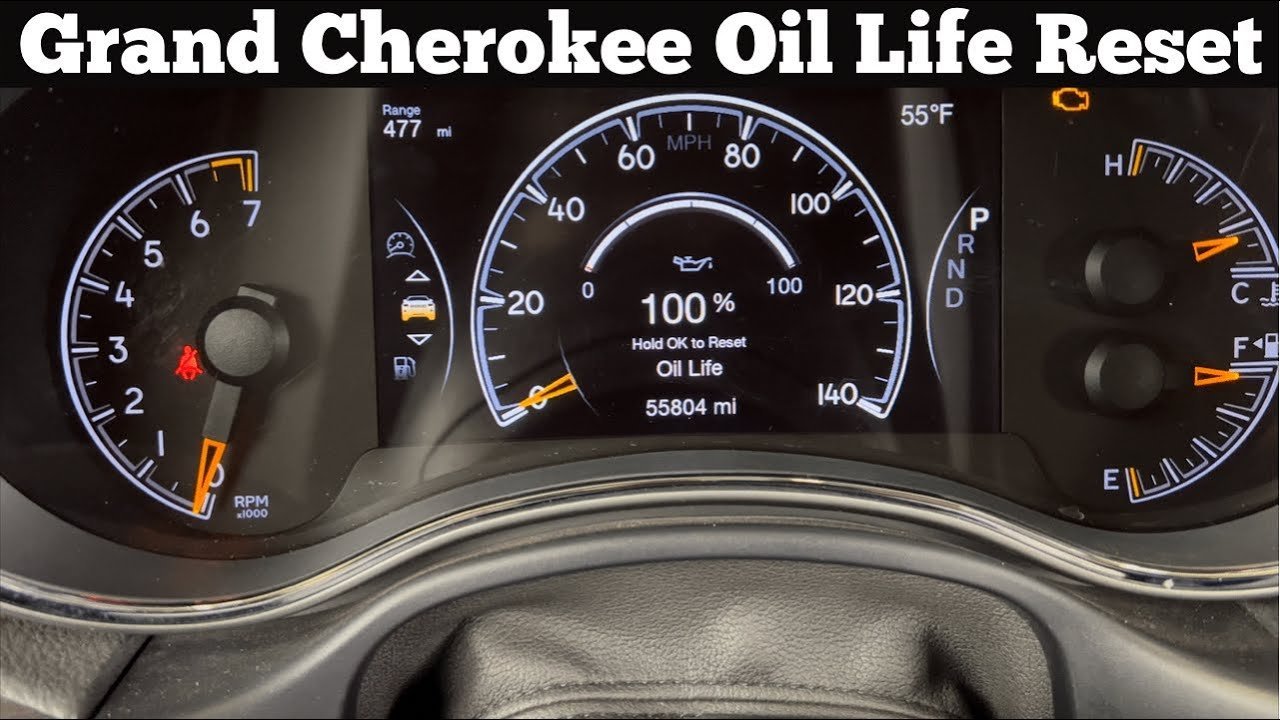
Different model years and trim packages handle the reset prompt with slight differences in screen menus and button responses.
| Trim or Model Year | Time Required | Key Difference | Watch While Running |
|---|---|---|---|
| Standard 3.5-inch cluster (2014–2022) | 1 to 2 minutes | Black-and-white center screen uses text prompts | Hold OK until the text reads 100% |
| Premium 7-inch cluster (2014–2022) | 1 minute | Full-color graphic gauge shows an animated dial | Watch for the blue bar to fill completely |
| Traditional key ignition models | 2 minutes | Key turns to position II instead of push-button | Ensure ignition doesn’t slip back to ACC |
| Gas pedal override method | 30 seconds | Works without using dashboard menus at all | Check that the dashboard light clears on start |
It’s safer to read the dashboard screen slowly before pressing buttons rather than rushing through menu levels and clearing the wrong trip data.
How to Tell You Did It Right
A correct reset immediately shows “100%” or an empty bar graph under the Oil Life screen. A failed attempt leaves the old percentage visible, or the “Oil Change Required” chime sounds again the next time you fire up the engine. This issue happens when the ignition sits in the ACCESSORY position instead of RUN, which leaves the computer module asleep. To prevent this, confirm your gauge needles sweep across the dials before touching the arrow pads, and hold the OK button past the first chime.
Service Guidelines and Maintenance Tracking
The factory maintenance schedule published by Mopar vehicle care requires fresh engine oil and a filter change before resetting your monitor. This indicator runs on an algorithm that tracks cold starts, ambient temperatures, engine run time, and towing strain to estimate lubricant wear. It doesn’t actually test oil quality inside the pan. Clear your cluster screen, shut the driver door, and write down your current mileage on a door jamb sticker. The system tracks up to one full service cycle or 12 months, but this varies by model — check the label inside your manual for exact engine tolerances.
Alternative Dashboard Reset Options
The Accelerator Pedal Sequence
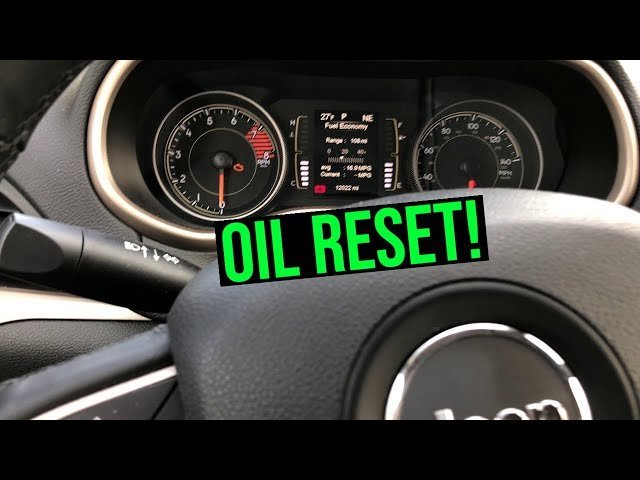
Turn your ignition switch to RUN without touching the brake. Press the accelerator pedal completely down to the floor three times within ten seconds, then turn the ignition OFF. This bypasses dashboard menus entirely and works well on stuck screens.
Uconnect Center Touchscreen Screen Reset
This gives an easy visual prompt but adds a slight menu navigation delay.
Diagnostic Hand Scanner Tool
Plug an entry-level OBD-II handheld scanner into the diagnostic port under the driver-side dashboard. Open the service function menu, select Oil Reset, and send the clear command. This saves time if you’re already clearing diagnostic trouble codes during an inspection.
Frequently Asked Questions
Can I Reset the Monitor Before Changing the Oil?
No. Clearing the computer without installing clean oil leaves degraded fluid inside your engine while the car assumes the oil is brand new. That mistake leads to internal engine sludge, accelerated bearing wear, and costly mechanical repairs down the road.
Why Won’t My Oil Life Reset to 100%?
The ignition switch is likely sitting in ACC instead of RUN. The computer requires full accessory bus power to overwrite stored memory values. Turn the vehicle completely off, tap the start button twice without touching the brake, and try holding the button again.
What Happens If I Forget to Reset the Oil Light?
The engine runs normally, but the “Oil Change Required” message will pop up every time you crank the vehicle. You’ll lose accurate tracking of your maintenance window, making it hard to know when your next service is due.
How Long Does the Oil Life Monitor Take to Drop?
The percentage usually decreases over 5,000 to 10,000 miles, depending entirely on driving conditions. Stop-and-go city traffic, heavy trailer towing, and cold winter idling run the percentage down much faster than steady highway cruising.
Is It Safe to Drive with the Oil Change Light On?
Yes, you can safely drive for a short time if the physical dipstick shows a safe oil level. The reminder serves as a scheduled warning, not an emergency stop indicator like a red oil pressure light.